BookmarkSOS – MCP-Powered Bookmark Manager for X
Save X bookmarks with one click, organize with folders and tags, and query them from Claude Code via a built-in MCP server.
TL;DR
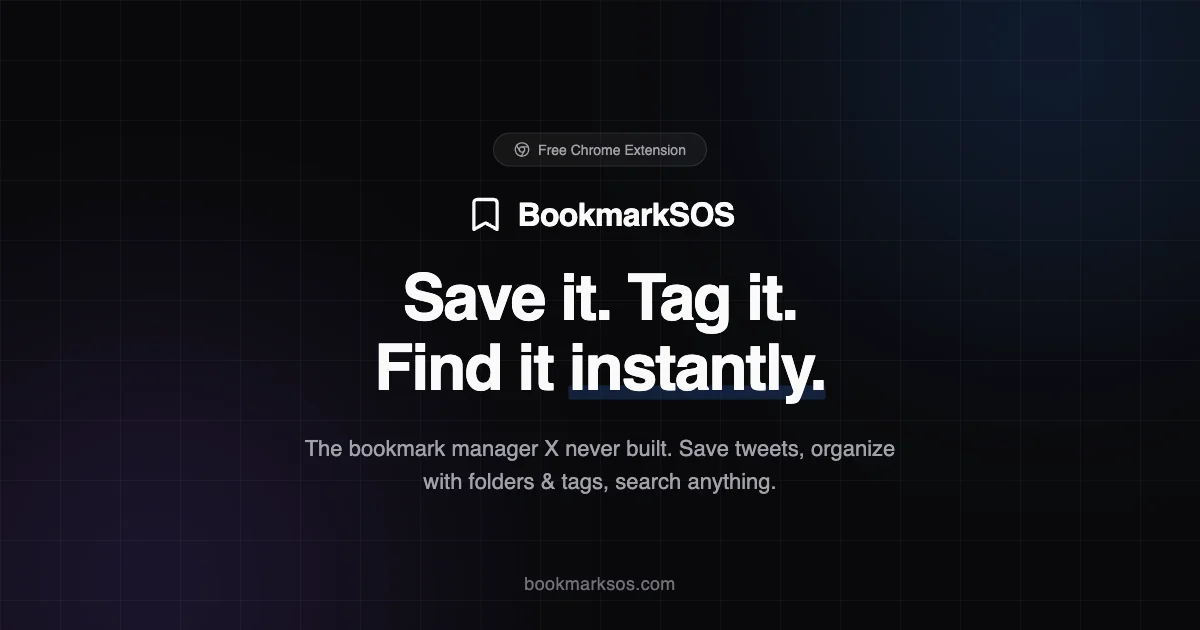
TL;DR: BookmarkSOS is a web app with a Chrome extension that saves X (Twitter) bookmarks with one click and ships with an MCP server so you can query them from Claude Code.
Source and Accuracy Notes
- Project page: bookmarksos.com
- Source repository: No public repo found — this is a closed-source SaaS product
- HN launch thread: news.ycombinator.com/item?id=47384765
- Product features verified from bookmarksos.com and the HN post
What Is BookmarkSOS?
BookmarkSOS solves a specific problem: X (Twitter) is a “write-only database” for bookmarks. You save 20–30 tweets a day — threads, tools, launch posts, design references — but X gives you a reverse-chronological list with no search, no folders, no tags.
BookmarkSOS adds a save button to every tweet. One click captures text, images, videos, author, and timestamps into a dashboard with:
- Folders — organize by topic
- Color-coded tags — quick visual filtering
- Full-text search — find anything instantly
The killer feature: it ships with an MCP server. You install it via the command line, connect it to Claude Code, and your AI can search and reference every tweet you’ve ever saved. Ask “Find that thread about programmatic SEO I bookmarked last week” and it just works.
Stack
According to the HN launch post, BookmarkSOS is built with:
- Next.js — frontend framework
- Convex — reactive backend
- Better Auth — authentication with Google OAuth
- Manifest V3 Chrome extension — the save button overlay
Setup Workflow
Step 1: Install the Chrome Extension
Visit bookmarksos.com and install the Chrome extension from the header. The extension is required to surface the save button on tweets.
Step 2: Create an Account
Sign up at bookmarksos.com using Google OAuth. No email/password required.
Step 3: Save Bookmarks
Navigate to any tweet on X. Click the BookmarkSOS save button that appears in the tweet’s menu. The extension captures:
- Tweet text
- Embedded images and videos
- Author handle and display name
- Timestamp
All saved to your BookmarkSOS dashboard.
Step 4: Organize
Use folders and color-coded tags to categorize saved tweets. The dashboard supports full-text search across all saved content.
Step 5: Connect via MCP
Open your terminal and install the BookmarkSOS MCP server:
npx @bookmarksos/mcp-server
```bash

Connect it to Claude Code (or any MCP-compatible AI client). Once connected, you can query your bookmarks in natural language:

```bash
Find that thread about programmatic SEO I bookmarked last week
The MCP server searches your saved tweets and returns the matching results.
Deeper Analysis
Why This Matters
X bookmarks are notoriously hard to revisit. The platform has no native organization — just a reverse-chronological list. If you bookmark actively (20–30/day for a developer following the indie tool scene), your bookmark list becomes noise within days.
BookmarkSOS turns passive bookmarking into an active knowledge base. The MCP integration is the key unlock: your bookmarks become part of your AI dev workflow instead of sitting in a digital graveyard.
Limitations
- X-dependent — if X changes its DOM or API, the Chrome extension could break
- Closed-source — no self-hostable option, no public repo to audit
- No public pricing page — the HN post mentions a free tier; full pricing requires signing up
- Single platform — only supports X/Twitter, not Mastodon or Bluesky
Practical Evaluation Checklist
- Chrome extension installs without issues
- Save button appears on tweets consistently
- Dashboard search returns relevant results
- MCP server connects to Claude Code without config friction
- Tagging and foldering feel intuitive
Security Notes
- Uses Google OAuth for authentication (via Better Auth)
- No public security audit or source code available
- Convex handles the reactive backend data layer
FAQ
Q: Can I self-host BookmarkSOS? A: No. BookmarkSOS is a closed-source SaaS product with no self-hosting option.
Q: Does it work with Bluesky or Mastodon? A: No. BookmarkSOS is X (Twitter)-only at this time.
Q: Is there a free tier? A: The HN launch mentions a free tier. Specific limits are not publicly documented — sign up at bookmarksos.com to see current plans.
Q: What happens if X changes its site and breaks the extension? A: The extension may need updates to match X’s DOM changes. No public maintenance commitment is documented.
Conclusion
BookmarkSOS is a focused, opinionated tool for a specific problem: making X bookmarks actually useful again. The MCP server integration is the standout feature — turning your bookmark graveyard into a queryable knowledge base that AI can actually use. If you’re an indie developer or AI enthusiast who lives on X, this is worth trying.
Try it: bookmarksos.com
Related Posts
ai-setup
Recall – Persistent Memory for Claude Code via MCP Hooks
Recall gives Claude Code a permanent memory store that survives session restarts and context compaction. Four hooks capture and restore context automatically — with cloud SaaS or self-hosted options.
2/28/2026
dev-tools
AgentMesh – Define AI Agent Teams in YAML
Define multi-agent AI workflows in YAML and run them locally with one command. AgentMesh brings Docker Compose patterns to AI agent orchestration.
5/28/2026
ai-setup
Sentrial – Catch AI Agent Failures Before Your Users Do
YC W26-backed AI agent observability platform. Trace sessions, detect silent regressions, and A/B test prompts in production before failures reach users.
5/28/2026