BookmarkOS MCP – X Bookmarks With Server-First Search
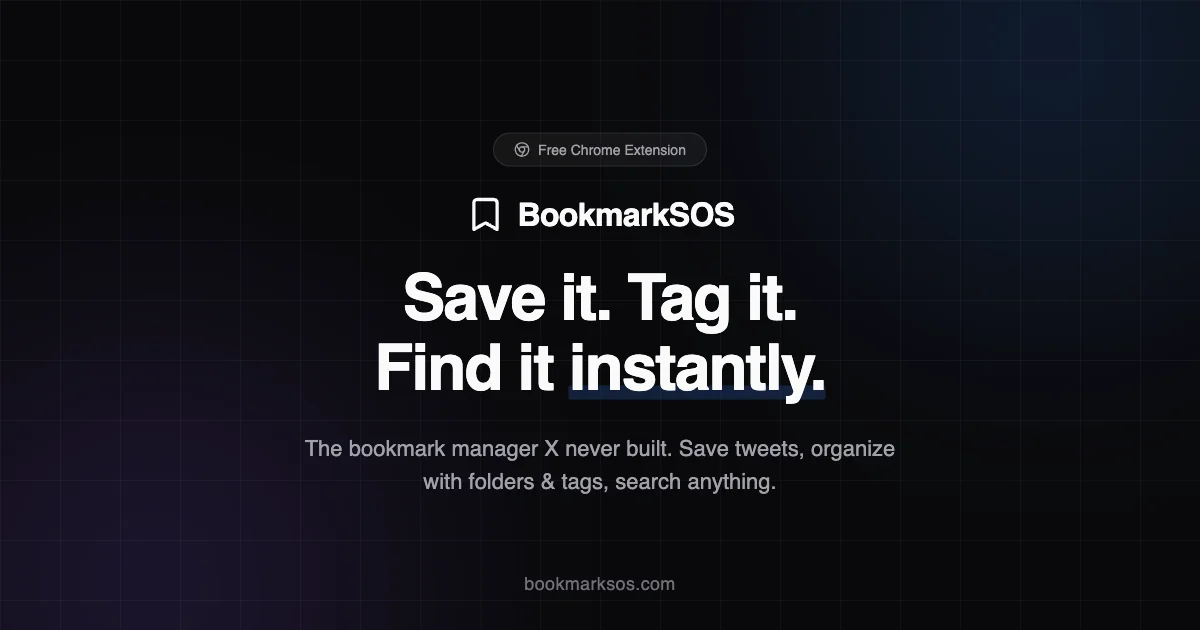
BookmarkOS adds an MCP server to your bookmarks, letting AI tools search and retrieve your X bookmarks by folder, tag, or keyword in real time.
TL;DR
TL;DR: BookmarkOS MCP turns your X bookmarks into a searchable tool-use database your AI agents can query directly — no more lost links.
Source and Accuracy Notes
- Official site: https://www.bookmarksos.com
- HN Show HN: https://www.bookmarksos.com (11 points)
- MCP server architecture described on product page
What Is BookmarkOS MCP?
BookmarkOS is an online desktop for bookmark management. The MCP integration connects your bookmark database to AI coding assistants and agents that can use tools.
Twitter/X bookmarks are notoriously hard to search. BookmarkOS addresses this by:
- Importing your X bookmarks into a local web desktop environment
- Tagging and folder organization
- Full-text search across all saved links
- MCP server exposing bookmarks as a tool to AI agents
The MCP server exposes bookmarks as tools, letting assistants like Cursor, Copilot, or any MCP-compatible agent retrieve relevant links mid-task.
Setup Workflow
Step 1: Create a BookmarkOS Account
Visit https://www.bookmarksos.com and sign up. Free tier includes limited bookmark imports.
Step 2: Import Your X Bookmarks
BookmarkOS provides a browser extension or direct import. Connect your X account and pull in your existing bookmark archive.
Step 3: Install the MCP Server
The MCP server runs locally and communicates with your AI tools:
# Check if npx is available
npx --yes @bookmarkos/mcp-server --help
```bash

Configure your AI assistant to use the MCP server by adding to your MCP config:

```json
{
  "mcpServers": {
    "bookmarkos": {
      "command": "npx",
      "args": ["--yes", "@bookmarkos/mcp-server"]
    }
  }
}
```bash

### Step 4: Query Bookmarks From Your AI Assistant

Once connected, ask your assistant to search your bookmarks:

```text
Search my bookmarks for "Next.js deployment best practices"
The agent calls the BookmarkOS MCP tool and returns matching links with context.
Deeper Analysis
Strengths
- Solves a real pain point: X bookmarks are nearly impossible to search
- MCP integration is tool-agnostic — works with any MCP-compatible assistant
- Folder and tag organization gives structure beyond X’s flat list
- Local-first data ownership
Limitations
- Requires bookmark import (manual step)
- MCP server runs locally — not ideal for cloud-only workflows
- X API rate limits can slow large imports
- HN points (11) suggest early-stage adoption
Comparison
| Feature | BookmarkOS MCP | Raindrop.io | |
|---|---|---|---|
| MCP server | Yes | No | No |
| X bookmark import | Yes | Partial | No |
| Tag/folder search | Yes | Yes | Yes |
| AI agent tool access | Yes | No | No |
Practical Evaluation Checklist
- Does the MCP server start without errors?
- Can you search bookmarks by keyword from your AI assistant?
- Are imported X bookmarks correctly tagged and organized?
- Does the server handle rate limits gracefully?
- Is your bookmark data accessible if BookmarkOS goes offline?
Security Notes
- BookmarkOS stores your bookmarks on their servers — consider sensitivity before importing
- MCP server runs locally; bookmark data stays on your machine
- X OAuth token scope should be read-only for bookmark import
FAQ
Q: Does this work with Claude, Cursor, or Copilot? A: Any AI assistant that supports MCP tools can use the BookmarkOS server. Configuration varies by tool.
Q: Can I self-host the MCP server? A: The server is distributed via npx. Self-hosting requires running the full BookmarkOS stack locally.
Q: How does import handle X rate limits? A: Large imports may take time due to X API restrictions. The import process queues requests to avoid soft bans.
Q: Is my bookmark data encrypted? A: Check BookmarkOS privacy policy for encryption at rest and in transit.
Conclusion
BookmarkOS MCP fills a specific gap: turning X bookmarks into a tool AI agents can actually use. If you rely on X bookmarks for research or tooling, this bridges the gap between saved links and AI-assisted retrieval. It’s early-stage but the MCP integration pattern is sound.
Related Posts
ai-setup
Recall – Persistent Memory for Claude Code via MCP Hooks
Recall gives Claude Code a permanent memory store that survives session restarts and context compaction. Four hooks capture and restore context automatically — with cloud SaaS or self-hosted options.
2/28/2026
dev-tools
AgentMesh – Define AI Agent Teams in YAML
Define multi-agent AI workflows in YAML and run them locally with one command. AgentMesh brings Docker Compose patterns to AI agent orchestration.
5/28/2026
ai-setup
Sentrial – Catch AI Agent Failures Before Your Users Do
YC W26-backed AI agent observability platform. Trace sessions, detect silent regressions, and A/B test prompts in production before failures reach users.
5/28/2026