Bento: the slide deck that is a single HTML file
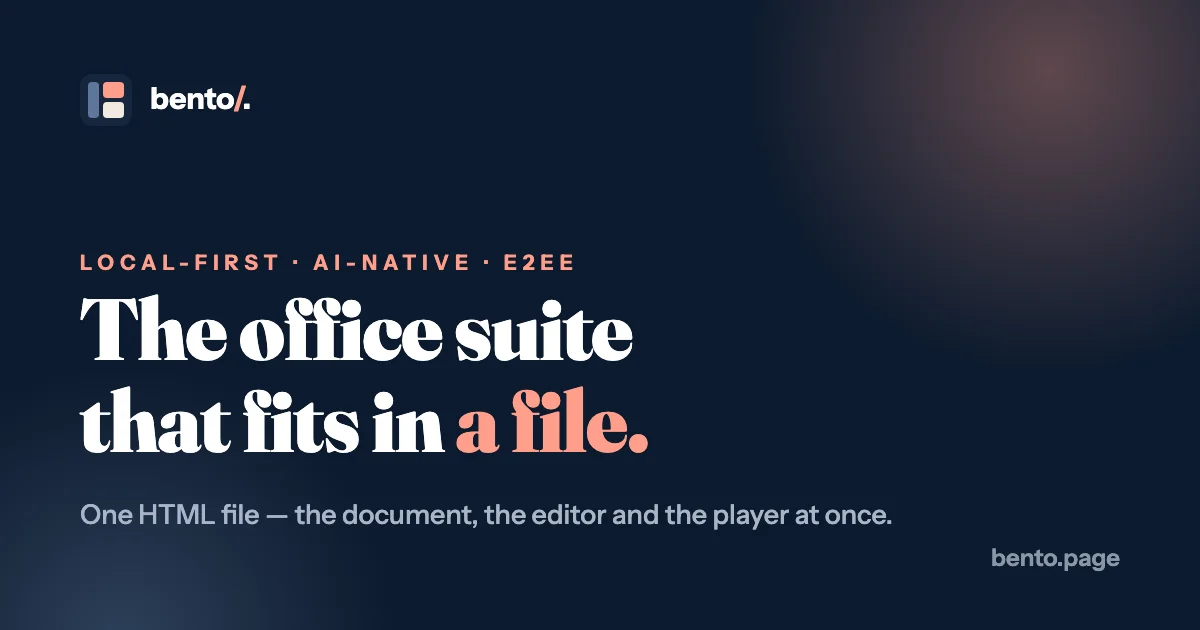
Bento packs a full slide deck editor, viewer and presenter into one self-contained HTML file that AI agents can edit directly.
TL;DR: Bento ships a slide deck as one self-contained HTML file that carries its own editor, viewer and presenter. The deck itself is plain JSON inside that file, so an AI agent can rewrite it directly, and everything still works offline with no account and no cloud.
What it is
Bento is a slide deck application distributed as a single .bento.html file. The file holds the document, the editor, the presenter and the chart engine together, about 560 KB. Open it in any modern browser and it boots straight into the editor. Press F5 and the same file presents fullscreen.
The deck lives in a JSON block with the id bento-doc, and the format string is bento/slides. Fonts, images, short video clips and animation data travel in the same file, so a copy from today still opens on its own in a decade.
The project is MIT licensed, written in TypeScript, and maintained by nyblnet. The repository passed 5,500 stars and 380 forks within three months of the launch thread, and the latest release, v1.2.9, shipped on 2026-10-17.
Why it matters
The .pptx format is the reason deck tooling keeps you inside one ecosystem. The file is a zip archive of binary XML parts, and editing it with a script means fighting that format rather than working with it. Bento takes the opposite approach. The file is an HTML document with a readable JSON payload, so the source of a deck is something a text editor, a diff, or a language model can read without any converter in the way.
That last part is where the interesting workflow sits. Bento publishes an agent guide at bento.page/agents.md and a bento-slides skill for Claude Code. Point a coding agent at a deck on disk and it rewrites the JSON block in place, so there is no export step, no re-import, and no chance of an agent silently flattening a morph transition into a static image.
Getting it running
Download the app shell and open it in a browser. This is the whole installation, no installer and no account:
curl -fsSL https://bento.page/releases/slides/Bento_Slides.bento.html -o "Deck.bento.html"
open "Deck.bento.html"
The downloaded file has an empty #bento-doc block, which is expected. Open it in a browser and it mints a starter deck so you have something to click through.
To let an assistant author decks, install the skill. In Claude Code it comes from the plugin marketplace:
/plugin marketplace add nyblnet/bento
/plugin install bento-slides@bento
Or install it as a plain personal skill with one line:
mkdir -p ~/.claude/skills/bento-slides
curl -fsSL https://bento.page/skills/bento-slides/SKILL.md \
  -o ~/.claude/skills/bento-slides/SKILL.md
The skill downloads the latest app by itself, so asking for a deck takes you from an empty folder to a finished file in one pass. For Claude.ai and Claude Desktop there is a zip to upload under Settings, then Skills. ChatGPT, Codex and Gemini need no install at all, since they only need the guide and the file.
If you would rather build it yourself, the source is a plain single-page build with no backend to stand up:
git clone https://github.com/nyblnet/bento
cd bento/slides
npm install
npm run dev            # dev server on http://localhost:5173
npm run build:single   # -> dist-single/Bento_Slides.bento.html
The format is the API
The document block is the contract, and it is plain enough to edit by hand:
<script type="application/bento+json" id="bento-doc">
{
  "format": "bento/slides",
  "title": "Q4 All-hands",
  "slides": [
    { "id": "s1", "transition": "morph", "elements": [ ] }
  ]
}
</script>
The browser console exposes it too. window.bento.doc reads the current document, and window.bento.loadDoc(json) writes one back, undoably.
Morph transitions are the signature move and they are not a separate animation system. Give an element the same id on two consecutive slides and set the later slide’s transition to Morph, and that element glides between its positions, sizes and colors when you advance. Duplicate a slide and the shared ids come along, so the motion designs itself.
| Feature | How it works |
|---|---|
| Morph presenting | Shared element ids animate position, size, color and gradients between slides |
| Live collaboration | End-to-end encrypted with AES-GCM, keys live inside the file and never reach a server |
| Blind relay | The optional sync worker stores ciphertext only and cannot read the deck |
| Charts | Bar, line, pie and scatter drawn by Bento’s own engine, live during presenting |
| State slides | Hidden variants reached by clicking, skipped by arrow keys |
| Saving | The file rewrites itself through the File System Access API, with a download fallback |
| Offline mode | Hard-blocks updates and collaboration so nothing leaves the machine |
What to watch for
Collaboration undo is snapshot-based, so undoing during a live session can revert a collaborator’s concurrent edit to the same property. The project documents this rather than hiding it, but it is the kind of thing that bites in a shared session.
Editing is desktop-first. Phones view and present a deck well, but the editor is built for a pointer and a keyboard.
Media is a hybrid approach, and that is worth remembering. Small clips embed directly so the deck stays self-contained, while large files stay as hosted links so the file does not balloon. A two-minute recording embedded as data can produce a 100 MB file that is slow to open and slow to save.
Updates are cryptographically signed and releases are cut locally by the maintainer, so the signing key never leaves their machine. It also means the trust story for an update depends on one person, which is worth knowing if the deck matters.
The suite is young. Slides is the only published release so far, Spaces for notes and a wiki is listed as shipping alongside it, and Dash for data and sheets is still in development. The agent guide is versioned to match the shell, currently 1.2.9, and it tells agents to check the format field before editing so they do not guess at a format they have no guide for.
Source and Accuracy Notes
- Project page: https://bento.page/ and https://bento.page/slides/ — verified via direct visit
- Source repository: nyblnet/bento (TypeScript, MIT, 5,539 stars and 382 forks at the time of writing)
- License: MIT, from the LICENSE file in the repository root
- Latest release: v1.2.9, published 2026-10-17, shipping
Bento_Slides.bento.html - HN launch thread: https://news.ycombinator.com/item?id=49008211 with 1,033 points and 239 comments on 2026-07-22
- Document format spec:
docs/format.mdin the repository, and the agent guide at https://bento.page/agents.md
Related Posts
ai-setup
Recall – Persistent Memory for Claude Code via MCP Hooks
Recall gives Claude Code a permanent memory store that survives session restarts and context compaction. Four hooks capture and restore context automatically — with cloud SaaS or self-hosted options.
2/28/2026
dev-tools
Automotive Skills Suite for AI Engineering
Evaluate Automotive Skills Suite for APQP, ASPICE, HARA, safety-plan, and DIA workflows with setup notes, governance risks, and SME review guidance.
5/28/2026
dev-tools
awesome-agentic-ai-zh Roadmap Guide
Explore awesome-agentic-ai-zh as a Chinese agentic AI learning roadmap, with setup notes, track selection, study workflow, and evaluation guidance.
5/28/2026