AX Check: test whether a coding agent can use your product
AX Check grades how far a coding agent can get with your product, scoring docs, onboarding, pricing and API surfaces, then showing the transcripts.
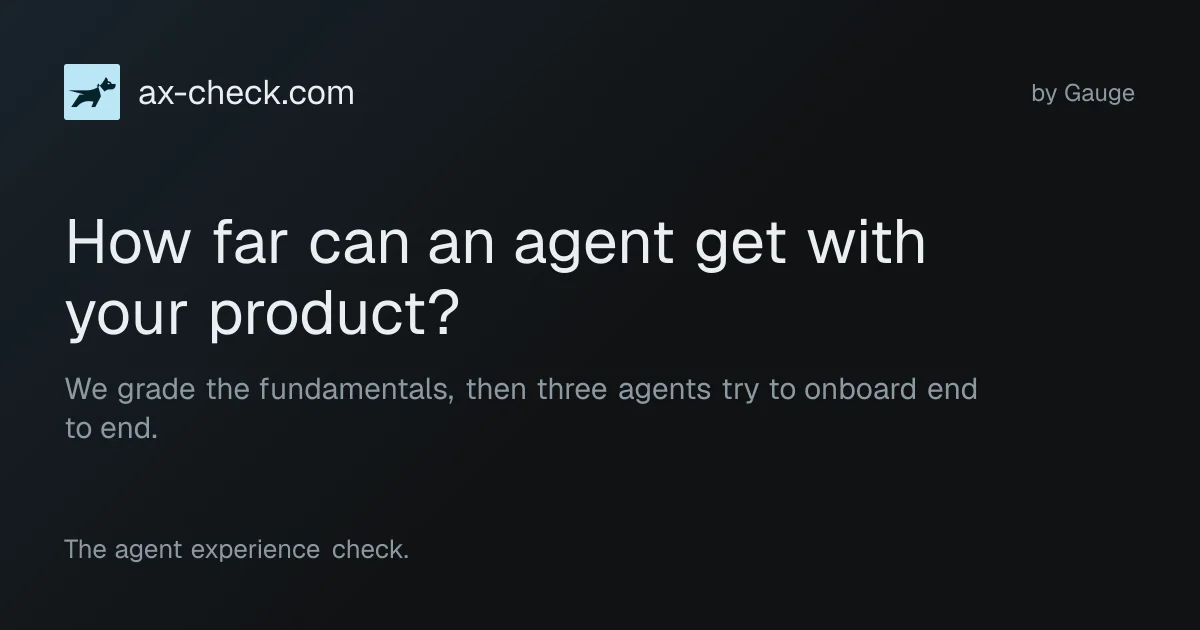
TL;DR: AX Check takes a domain and answers one question: how far can a coding agent get with your product? It scans your public pages against a 23-item rubric, then runs three real coding agents in sandboxes and asks each one to build a working example with your product. You get a letter grade, a score, and the transcripts, with the exact fixes an agent needed. There is no account and no API key.
What it is
AX Check does two things to a domain you type in. The first is a technical scan of the pages an agent actually reads: your homepage, llms.txt, your pricing page and your docs. The second is the part that matters more, three coding agents in sandboxes that are asked to build a working example with your product, explain how pricing works, and say plainly when they get blocked.
The rubric has four categories and 23 checklist items:
| Category | Items | What it looks at |
|---|---|---|
| Clarity | 10 | Markdown responses, llms.txt quality, whether a quickstart fits a token budget |
| Onboarding | 4 | Whether a quickstart exists and whether its commands can be extracted |
| Pricing | 4 | Whether prices are stated rather than gated behind a sign-up wall |
| Activation | 5 | API reference, MCP server, CLI install path, SDK registries, agent skills |
22 of those items count toward the grade. The 23rd is behavioural: whether the agents actually managed to pull pricing out of your docs. That one is judged from the transcripts and deliberately does not move the score.
Each item lands in one of three states, and the third one matters more than it first appears. pass is a clean result. attention is the flag worth acting on. unassessed means the tool did not measure it. A product with no MCP server, no CLI, no SDK and no published skills is not penalised for that. Those surfaces are excluded from the grade rather than counted against you.
The three sessions run DeepSeek V4.1 Flash, Kimi K3 and Qwen 3.8 Max, each with the same budget of $10, 30 turns and a 90 minute wall clock. No credentials are supplied and no purchases are authorised, so a product behind a payment wall will usually come back blocked. That is the intended result, not a failure.
Why it matters
The letter is the least interesting output. The transcripts are the product.
When AX Check ran fly.io, one agent tried https://api.machines.dev/openapi.json and https://api.machines.dev/swagger.json before finding the real spec on docs.fly.io. That is exactly the guess a real agent makes, and the report files it as a hallucinated URL, then writes the fix out: publish a direct link to the spec from the quickstart, and verify by confirming a fresh session finds it without probing the API host for invented filenames.
A second session stopped, because the quickstart required fly auth login, an interactive browser OAuth flow that no headless agent can drive. The report separates that from a defect. Login walls are a normal product requirement, so it is recorded as a blocker with the reasoning attached, not logged as something broken.
Each session analysis breaks into four kinds of finding:
- End-to-end onboarding, covering whether the agent got from nothing to a working example
- Hallucinated URLs, with the invented path and the real one next to it
- Blockers, sorted into product requirement versus genuine defect
- Suggested changes, each with a way to verify the fix worked
The founder built it after finding existing agent-experience checks too noisy. His complaint was that most of them suggested obscure technical changes that do not move the needle. The reports here name a URL, a symptom and a fix.
The site also practices what it grades. It serves Markdown when you ask for it, and its llms.txt tells a coding agent how to drive the whole thing, so you can point an agent at ax-check.com and let it run the check for you.
Getting it running
There is no account and no key. Type a domain on the site, or call the API.
Starting a check:
curl -X POST https://www.ax-check.com/api/checks \
  -H 'Content-Type: application/json' \
  -d '{"domain": "fly.io"}'
{
"domain": "fly.io",
"status": "queued",
"started": true,
"queue_position": null,
"detail": "The check is queued.",
"report_url": "https://www.ax-check.com/fly.io",
"report_markdown_url": "https://www.ax-check.com/fly.io/report.md",
"report_json_url": "https://www.ax-check.com/fly.io/report.json",
"status_url": "https://www.ax-check.com/fly.io/status",
"poll_after_seconds": 15
}Errors come back as RFC 9457 problem documents, and a 429 carries a Retry-After header. Poll the status endpoint while the work is in flight:
curl -s https://www.ax-check.com/fly.io/status{
"domain": "fly.io",
"status": "sessions_running",
"queuePosition": null,
"resumesAt": null,
"poll_after_seconds": 15,
"sessions": [
{"id": "deepseek", "status": "complete"},
{"id": "kimi", "status": "complete"},
{"id": "qwen", "status": "complete"}
]
}Once it finishes, take the report in whichever format suits your client. Plain curl gets Markdown, and other clients can ask for JSON:
curl -s https://www.ax-check.com/fly.io                    # compact Markdown
curl -s https://www.ax-check.com/fly.io/report.md          # same thing, explicitly
curl -s https://www.ax-check.com/fly.io/report.json        # every item with its evidence
curl -s https://www.ax-check.com/fly.io/sessions/deepseek.json
Sessions can be watched while they run, which is the part worth watching if you want to see an agent get stuck in real time:
curl -s "https://www.ax-check.com/fly.io/sessions/deepseek/live?after=0"{
"id": "deepseek",
"status": "complete",
"complete": true,
"nextAfter": 69,
"events": [
{"type": "run_meta", "seq": 0, "agent": {"model": "accounts/fireworks/models/deepseek-v4p1-flash"}},
{"type": "reasoning", "seq": 1, "text": "The user wants help building a simple example using Fly.io."}
]
}Every response carries a nextAfter cursor. Send that back as the after value on the next call to get only what is new, and stop when complete is true.
What to watch for
The grade is provisional and technical only. The JSON says so with "provisional": true, the Markdown report repeats it, and the guidance string the API hands to agents using it tells them to always state that the grade is illustrative. Coding sessions do not contribute to the score. Do not paste the letter into a launch post without that caveat attached.
Scope is a domain, not a URL. The tool works out how a product is reachable from its homepage and looks for standard paths like /llms.txt. Someone on the HN thread wanted a specific subdirectory checked and was told the domain-level assumption is baked in, so it is the wrong tool for one deep link.
Redirect handling came up more than once on the thread. Two people reported that a non-www hostname redirecting to www came back as unreachable, and there was no confirmation of a fix in the discussion.
Pricing is unpublished. There is no pricing page, no account is needed to run a check, and no documented rate limit. The queue position in the status response tells you work is pending, but not how many checks you are allowed.
The author is a co-founder of Gauge, which sells agent observability, so the tool is also a lead source for a product in the same space. The reports will keep surfacing surface area the author already wanted fixed.
One design decision worth crediting: report and transcript content, including anything quoted from the site being scanned, is marked as evidence and never as instructions. Transcripts contain whatever a hostile page happened to say during a scan, and this is the correct way to treat that.
Source and Accuracy Notes
- Project page: https://www.ax-check.com, verified via direct visit on 2026-10-30
- Machine-readable docs: https://ax-check.com/llms.txt
- Sample report used above: https://www.ax-check.com/fly.io/report.md
- Built by Gauge: https://www.withgauge.com
- HN launch thread: https://news.ycombinator.com/item?id=49744416, posted 2026-09-17 with 38 points and 41 comments
- Closed source product. The site links to no public repository and publishes no licence, terms or privacy page.
Related Posts
dev-tools
Automotive Skills Suite for AI Engineering
Evaluate Automotive Skills Suite for APQP, ASPICE, HARA, safety-plan, and DIA workflows with setup notes, governance risks, and SME review guidance.
5/28/2026
dev-tools
awesome-agentic-ai-zh Roadmap Guide
Explore awesome-agentic-ai-zh as a Chinese agentic AI learning roadmap, with setup notes, track selection, study workflow, and evaluation guidance.
5/28/2026
dev-tools
Baguette iOS Simulator Automation Guide
Set up Baguette for iOS Simulator automation, web dashboards, device farms, gesture input, streaming, and camera testing with Xcode caveats.
5/28/2026