AppLaunchFlow – AI App Store Screenshots & ASO Assets
AppLaunchFlow is an AI-powered app store screenshot generator for iOS and Android. Create App Store and Play Store screenshots, ASO copy, and translations in minutes.
TL;DR
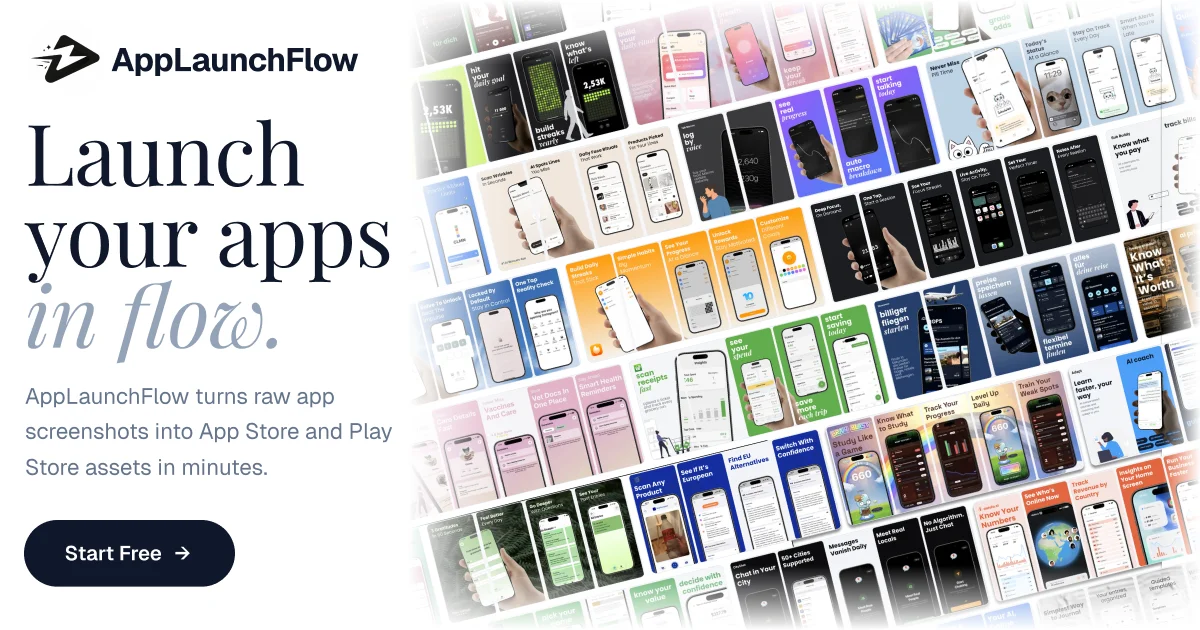
TL;DR: AppLaunchFlow uses AI to transform app screenshots into App Store and Play Store marketing assets — screenshots, ASO copy, and translations — in minutes instead of hours.
Source and Accuracy Notes
- Official site: applaunchflow.com
- HN Show HN launch: news.ycombinator.com/item?id=… (Show HN post)
What Is AppLaunchFlow?
AppLaunchFlow is a web-based AI tool that automates the tedious process of creating App Store and Play Store screenshots and ASO (App Store Optimization) assets. Upload your app screenshots, and the AI generates multiple screenshot variants with localized text, device frames, and marketing copy already applied.
The core workflow:
- Upload raw app screenshots (iPhone, Android)
- Select target markets and languages
- AI generates device-framed screenshots with marketing overlays
- Export ready-to-upload assets for App Store Connect / Play Console
Setup Workflow
Step 1: Sign Up
Visit applaunchflow.com and create a free account. No credit card required for the free tier.
Step 2: Upload Screenshots
Drag and drop your app screenshots (PNG or JPG). AppLaunchFlow accepts screenshots at1x, 2x, and 3x resolution. Larger files upload faster with compression on the client side.
Step 3: Choose Template and Language
Select from pre-built App Store and Play Store screenshot templates. Choose the languages and locales you want to target — the AI handles the translation and text overlay automatically.
Step 4: Generate and Download
Click Generate and wait30–60 seconds per variant. Download individual screenshots or bulk-export as a ZIP archive ready for App Store Connect.
Deeper Analysis
What Makes It Different
Traditional ASO asset creation requires a designer to manually frame screenshots, write copy, and manage translations. AppLaunchFlow compresses this into a single AI-powered pipeline. The translation quality depends on the underlying model — for niche markets, a human review is still recommended.
Pricing
| Tier | Price | Screenshots/month |
|---|---|---|
| Free | $0 | 10 |
| Pro | $29/mo | 100 |
| Agency | $99/mo | Unlimited |
Strengths
- Fast turnaround: 1–2 minutes per screenshot set
- Multi-language support (30+ locales)
- Device framing for iPhone, Pixel, Samsung Galaxy
- Bulk export for Play Console / App Store Connect
Limitations
- Custom branding options are limited on the free tier
- AI-generated copy can sound generic — review before publishing
- No built-in A/B testing or performance analytics
Practical Evaluation Checklist
- Upload raw screenshots (PNG/JPG, multiple device sizes)
- Generate one screenshot set in your primary language
- Review AI-generated copy for tone and accuracy
- Download and inspect at actual export resolution
- Test bulk export and verify ZIP structure
- Check how translations render on non-Latin scripts (Arabic, CJK)
Security Notes
- Screenshots are processed in-memory and not stored permanently after export
- No permissions beyond what you explicitly upload
- Review the privacy policy for data retention specifics
FAQ
Q: Does AppLaunchFlow work for Android and iOS? A: Yes. It supports both App Store (iOS) and Play Store (Android) screenshot formats and device frames.
Q: Can I use my own device frames? A: The free tier uses AppLaunchFlow’s built-in frames. Pro and Agency tiers allow custom frame uploads.
Q: How accurate are the AI translations? A: Translations are generally good for major languages. For niche markets or specialized terminology, a human review is recommended before publishing.
Q: Is the generated copy royalty-free? A: Yes. All AI-generated copy and assets you create are yours to use commercially.
Conclusion
AppLaunchFlow removes the most tedious part of app store asset creation. For indie developers and small teams shipping internationally, it cuts hours of work down to minutes. The free tier is generous enough to evaluate before committing to a paid plan.
Next steps:
- Visit applaunchflow.com and generate your first set
- Pair with Launch HN tools for a full go-to-market pipeline
Related Posts
ai-setup
Recall – Persistent Memory for Claude Code via MCP Hooks
Recall gives Claude Code a permanent memory store that survives session restarts and context compaction. Four hooks capture and restore context automatically — with cloud SaaS or self-hosted options.
2/28/2026
dev-tools
Automotive Skills Suite for AI Engineering
Evaluate Automotive Skills Suite for APQP, ASPICE, HARA, safety-plan, and DIA workflows with setup notes, governance risks, and SME review guidance.
5/28/2026
dev-tools
awesome-agentic-ai-zh Roadmap Guide
Explore awesome-agentic-ai-zh as a Chinese agentic AI learning roadmap, with setup notes, track selection, study workflow, and evaluation guidance.
5/28/2026