AI Engineering Hub: notebooks on LLMs, RAG and agents
AI Engineering Hub is a MIT-licensed notebook collection teaching LLM fundamentals, RAG pipelines and real AI agent applications, with 40,314 GitHub stars.
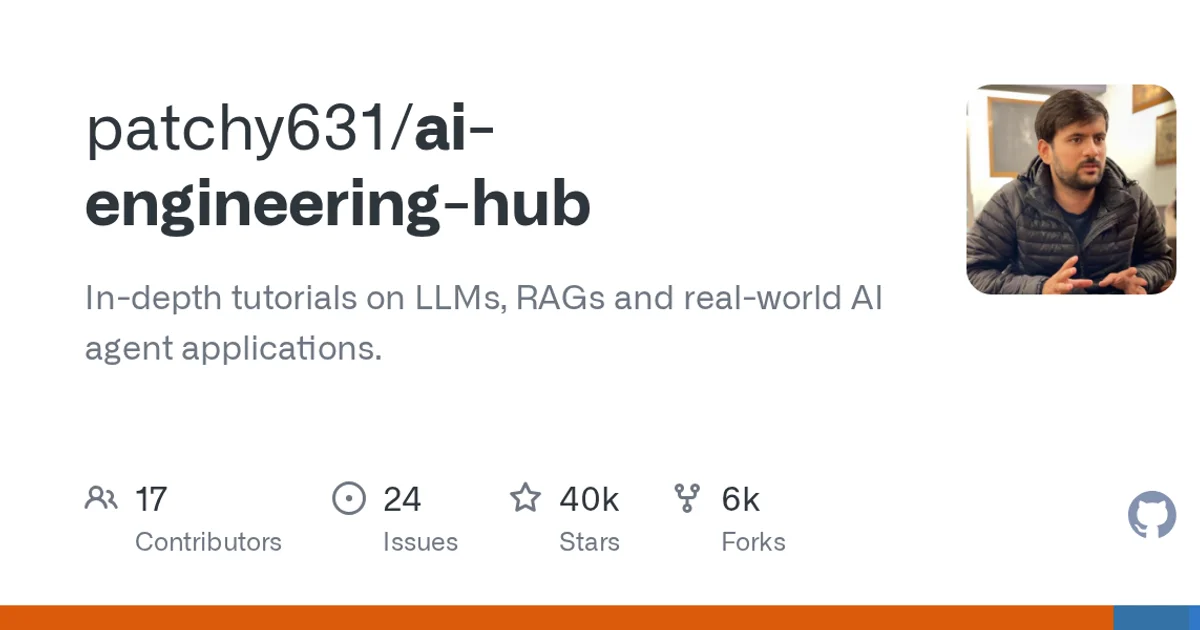
TL;DR: AI Engineering Hub is a MIT-licensed collection of Jupyter notebooks for people who want to build with LLMs rather than just call an API. The repository covers fundamentals, retrieval-augmented generation and agent applications, and its topic list includes
mcpalongsideagents,llmsandmachine-learning. It has passed 40,000 stars and 6,400 forks since October 2024, and it picked up roughly 1,200 new stars in today’s trending window.
What it is
AI Engineering Hub is a collection of notebooks, not a package you install. The GitHub description puts it plainly: “In-depth tutorials on LLMs, RAGs and real-world AI agent applications.” Everything is expected to run inside a notebook, which is why the primary language GitHub reports is Jupyter Notebook rather than Python.
That distinction matters when you decide how to use it. There is no pip package to install and no service to call. You clone the notebooks, open them in Jupyter, and either work through them in order or lift the one that matches the problem in front of you.
The topic list is a decent index of the coverage. Alongside agents, ai, llms and machine-learning, the repository tags mcp, which tells you the material reaches past prompt engineering into tool-using agents wired to external systems.
Who it is for
The fork count is the number worth pausing on: 6,489 forks against 40,314 stars. That ratio points at a lot of people copying individual notebooks out to adapt them, rather than reading the collection cover to cover once. Think of it as a reference library you pull single notebooks from.
MIT licensing matters here too. If you plan to reuse code from these tutorials in commercial work, nothing in the license stops you.
How to try it
Cloning and running it locally looks ordinary:
git clone https://github.com/patchy631/ai-engineering-hub.git
cd ai-engineering-hub
python -m venv .venv
source .venv/bin/activate
pip install jupyter
Then start the notebook server from the repository root and open the file you care about:
jupyter labExpect to install additional libraries as you move between notebooks, since each one targets a different slice of the stack. The homepage listed in the repository metadata points at a Daily Dose of DS signup page, which suggests the collection is maintained as part of that newsletter’s content rather than as a standalone product.
What the metadata says
| Field | Value | What it tells you |
|---|---|---|
| Primary language | Jupyter Notebook | The material is notebooks, not an importable library |
| License | MIT | Reuse in commercial work is permitted |
| Topics | agents, ai, llms, machine-learning, mcp | Coverage spans fundamentals through tool-using agents |
| Created | 2024-10-21 | Roughly two years of accumulated material |
When it is not the right fit
If you want a library to drop into a production service, this is the wrong shape of thing entirely. There is nothing to import.
If you want a single authoritative reference on RAG architecture, a tutorial collection that has grown for two years will have internal seams. Notebooks written at different times tend to assume different library versions and different levels of background. That is the cost of breadth, and for a large collection it is a trade most readers accept.
Source and Accuracy Notes
- Project page: https://github.com/patchy631/ai-engineering-hub
- Source repository: patchy631/ai-engineering-hub (verified via GitHub API
html_url) - License: MIT (verified via GitHub API
license.spdx_id) - Stars at time of writing: 40314
- Homepage listed in repository metadata: https://join.dailydoseofds.com
Related Posts
dev-tools
Automotive Skills Suite for AI Engineering
Evaluate Automotive Skills Suite for APQP, ASPICE, HARA, safety-plan, and DIA workflows with setup notes, governance risks, and SME review guidance.
5/28/2026
dev-tools
awesome-agentic-ai-zh Roadmap Guide
Explore awesome-agentic-ai-zh as a Chinese agentic AI learning roadmap, with setup notes, track selection, study workflow, and evaluation guidance.
5/28/2026
dev-tools
Baguette iOS Simulator Automation Guide
Set up Baguette for iOS Simulator automation, web dashboards, device farms, gesture input, streaming, and camera testing with Xcode caveats.
5/28/2026