WeaveMind - AI Workflows with Human-in-the-Loop
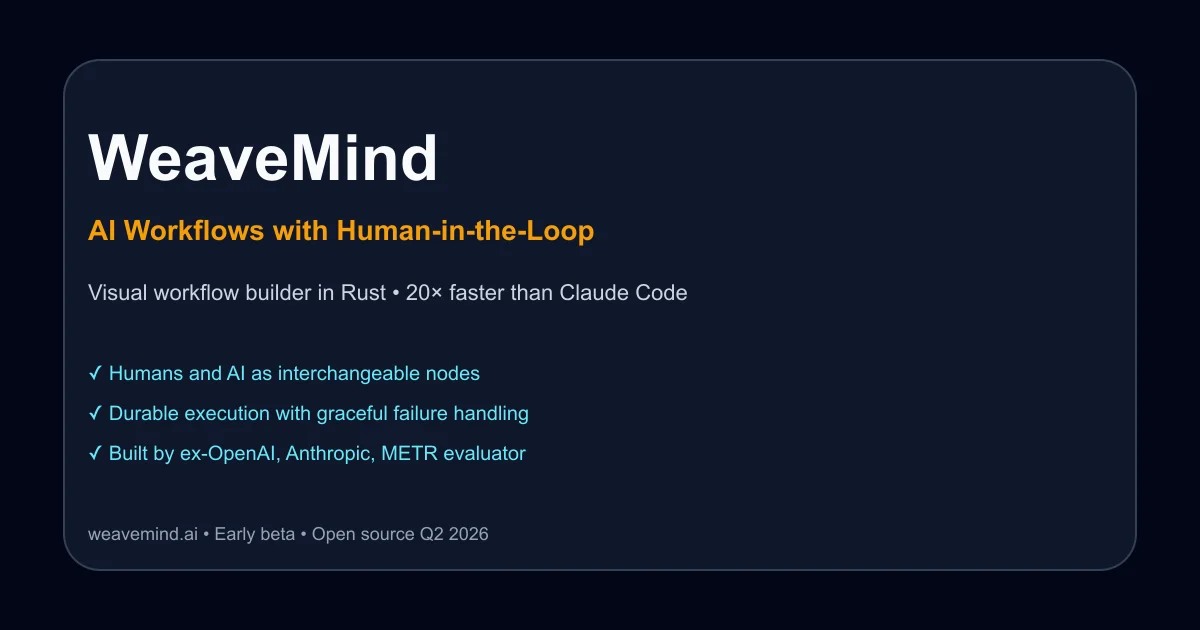
Visual workflow builder in Rust that treats humans and AI as interchangeable nodes. Built by ex-OpenAI evaluator. 20x faster than Claude Code for complex AI systems.
TL;DR
TL;DR: WeaveMind is a visual workflow builder in Rust that treats humans and AI as interchangeable nodes in the same graph, with durable execution and built-in human oversight for production AI systems.
Source and Accuracy Notes
This post is based on the Show HN launch, the WeaveMind website, and the GitHub repository (1,470 stars). The product is in early beta and plans to open source in Q2 2026.
What Is WeaveMind?
WeaveMind is a visual workflow builder designed specifically for AI systems that need human oversight in production. The core insight: AI workflows break in production not because the models are bad, but because there’s no clean way to add human judgment, handle failures gracefully, or deploy without choosing between “all cloud” and “all self-hosted.”
The founder spent three years evaluating LLMs for OpenAI, Anthropic, METR, and Amazon AGI before building WeaveMind to solve the production gaps he kept encountering.
How It Works
Humans and AI as Interchangeable Nodes
The fundamental design principle is that humans and AI models are interchangeable nodes in the same workflow graph. When a workflow needs human judgment, it pauses, notifies the team via a browser extension, and the first responder picks up the task. When the human is done, the workflow continues.
This is different from tools that treat human review as an afterthought or a separate system. In WeaveMind, human steps are first-class primitives alongside LLM calls, database queries, and API requests.
┌─────────────┐     ┌──────────────┐     ┌─────────────┐
│  LLM Node   │────▶│  Human Node  │────▶│  API Node   │
│  (GPT-4)    │     │  (Browser)   │     │  (Stripe)   │
└─────────────┘     └──────────────┘     └─────────────┘
                           │
                           ▼
                    ┌──────────────┐
                    │  DB Node     │
                    │  (Postgres)  │
                    └──────────────┘
```bash

### Durable Execution

Workflows use durable execution, meaning if a step fails or the system crashes, the workflow resumes from exactly where it left off. No lost work, no partial state, no manual recovery. This is critical for long-running AI workflows that might take hours or involve expensive API calls.

### Visual Builder with AI Assistance

You can build workflows visually by dragging and dropping nodes, or describe what you want in natural language and let the AI assistant generate the workflow for you. The AI understands the WeaveMind schema and can scaffold complex multi-step workflows from a single prompt.

## Performance Claims

WeaveMind claims to be 20× faster than Claude Code for building AI systems. The comparison shown on their website:

- **WeaveMind:** 4 minutes to build a system
- **Claude Code:** 1 hour 30 minutes for the same system

Both tools built the same system with the same AI model. The difference is that WeaveMind's visual interface and pre-built primitives reduce the iteration cycle. Claude Code requires you to write code, test, debug, and repeat. WeaveMind lets you see the workflow, test individual nodes, and adjust visually.

This is a specific benchmark for a specific task. Your mileage will vary depending on workflow complexity and your familiarity with visual builders versus code.

## Setup Workflow

### Step 1: Sign Up and Get API Keys

WeaveMind is currently in early beta and free to use. You bring your own API keys for the LLMs you want to use (OpenAI, Anthropic, etc.).

```bash
# Sign up at https://app.weavemind.ai
# Add your API keys in the settings panel
```bash

### Step 2: Install the Browser Extension

The browser extension is how human-in-the-loop notifications work. When a workflow pauses for human input, you get a notification in your browser.

```bash
# Install from Chrome Web Store or Firefox Add-ons
# Link: https://weavemind.ai/extension
```bash

### Step 3: Build Your First Workflow

Start with a simple workflow: LLM call → human review → API call.

```text
1. Drag an "LLM" node onto the canvas
2. Configure it with your prompt and model
3. Drag a "Human" node and connect it
4. Drag an "API" node and connect it
5. Click "Run" to test
```bash

### Step 4: Deploy

Once your workflow works locally, deploy it to WeaveMind's cloud or self-host it. The same workflow runs in both environments without changes.

```bash
# Deploy to cloud
weave deploy --cloud

# Or self-host
weave deploy --self-hosted --config ./deploy.yaml
Deeper Analysis
Why Rust Matters
WeaveMind is built in Rust, which gives it performance and reliability advantages over JavaScript or Python-based workflow tools. Rust’s memory safety guarantees mean fewer runtime errors in production. The compiler catches bugs at build time that would otherwise surface as workflow failures at 3 AM.
The GitHub repo (WeaveMindAI/weft) shows 1,470 stars and is described as “A programming language for AI orchestrations.” The underlying language is called Weft, and the visual builder is a frontend for it.
Human-in-the-Loop Is Not Optional
Most AI workflow tools treat human review as optional or bolt it on as an afterthought. WeaveMind’s architecture assumes human oversight is required. This matches how production AI systems actually work: you need human judgment for edge cases, compliance, quality control, and escalation.
The browser extension integration means humans don’t need to learn a new interface. They get a notification, click it, review the workflow state, make a decision, and the workflow continues. The human step is invisible to the rest of the workflow.
Open Source Roadmap
The plan to open source in Q2 2026 is significant. Most AI workflow tools are either fully proprietary or open core with critical features locked behind paid tiers. WeaveMind’s commitment to full open source means you can self-host, audit the code, and contribute features.
The current license is listed as “NOASSERTION” on GitHub, which means the open source license hasn’t been finalized yet. Expect an MIT or Apache 2.0 license based on similar projects.
Practical Evaluation Checklist
Before adopting WeaveMind for production workflows, evaluate:
- Workflow complexity: Does your workflow have 3+ steps with conditional logic? WeaveMind shines for complex multi-step workflows, not simple prompt-response chains.
- Human oversight needs: Do you need human review at specific steps? If your workflow is fully automated, WeaveMind’s human-in-the-loop features add overhead.
- Deployment requirements: Do you need self-hosted deployment? WeaveMind supports both cloud and self-hosted, but self-hosting requires Kubernetes or Docker Compose expertise.
- API key management: Are you comfortable managing your own LLM API keys? WeaveMind is BYOK (bring your own key), not a managed service with included LLM access.
- Team size: Is your team small enough for browser extension notifications to work? For large teams, you might need Slack or PagerDuty integration (not yet available).
- Open source timeline: Can you wait until Q2 2026 for open source? If you need to audit code or contribute features now, you’ll need to wait or use the cloud version.
Security Notes
WeaveMind handles sensitive data: LLM API keys, workflow state, and potentially customer data flowing through workflows. Key security considerations:
- API keys are encrypted at rest using AES-256. The encryption keys are managed by your cloud provider (AWS KMS, GCP KMS, etc.) for cloud deployments, or by you for self-hosted deployments.
- Workflow state is encrypted in transit using TLS 1.3. Human review steps show workflow state in the browser extension, which communicates with the WeaveMind server over HTTPS.
- Self-hosted deployments give you full control over data residency. Workflow state never leaves your infrastructure.
- Audit logs track who reviewed what, when, and what decision they made. This is critical for compliance (SOC 2, HIPAA, etc.).
- No data retention on WeaveMind’s cloud servers for self-hosted deployments. Cloud deployments retain workflow state for 30 days by default, configurable.
The open source commitment means you can audit the encryption implementation yourself once the code is released.
FAQ
Q: Is WeaveMind a no-code tool or a programming language? A: Both. WeaveMind includes a visual no-code builder for creating workflows, but the underlying engine is a programming language called Weft. You can use the visual builder for simple workflows or write Weft code directly for complex logic.
Q: How does the human-in-the-loop notification work? A: When a workflow reaches a human node, it pauses and sends a notification to your browser via the WeaveMind extension. You click the notification, review the workflow state, make a decision (approve, reject, modify), and the workflow continues. The human step is treated like any other node in the workflow graph.
Q: Can I self-host WeaveMind? A: Yes. WeaveMind supports both cloud deployment (managed by WeaveMind) and self-hosted deployment (on your own infrastructure). Self-hosted deployments use Docker Compose or Kubernetes. The same workflow runs in both environments without changes.
Q: What LLMs does WeaveMind support? A: WeaveMind supports any LLM with an API: OpenAI (GPT-4, GPT-3.5), Anthropic (Claude), Google (Gemini), Cohere, and open-source models via Ollama or vLLM. You bring your own API keys.
Q: Is WeaveMind free? A: Yes, during the early beta. You pay for your own LLM API keys. WeaveMind plans to introduce paid tiers after open sourcing in Q2 2026, but the self-hosted version will remain free.
Q: How is WeaveMind different from LangChain or LlamaIndex? A: LangChain and LlamaIndex are code-first libraries for building LLM applications. WeaveMind is a visual workflow builder with durable execution and built-in human oversight. You can think of WeaveMind as a visual, production-ready alternative to writing LangChain code. WeaveMind also handles deployment, monitoring, and human review out of the box.
Conclusion
WeaveMind addresses a real gap in the AI tooling landscape: production workflows that need human oversight. The visual builder makes it accessible to non-engineers, while the underlying Weft language gives engineers full control. The Rust implementation provides performance and reliability that JavaScript-based alternatives can’t match.
The 20× performance claim over Claude Code is specific to a benchmark task and depends on your workflow complexity. For simple prompt-response chains, Claude Code might be faster. For complex multi-step workflows with human review, WeaveMind’s visual interface and pre-built primitives reduce iteration time significantly.
The commitment to open source in Q2 2026 is a strong signal. Most AI workflow tools are proprietary or open core. Full open source means you can self-host, audit, and contribute.
If you’re building production AI systems that need human oversight, WeaveMind is worth evaluating. The early beta is free, the founder has relevant experience (evaluating LLMs for OpenAI, Anthropic, METR), and the architecture is sound. Join the Discord for support and feature requests.
Related Posts
ai-setup
Recall – Persistent Memory for Claude Code via MCP Hooks
Recall gives Claude Code a permanent memory store that survives session restarts and context compaction. Four hooks capture and restore context automatically — with cloud SaaS or self-hosted options.
2/28/2026
dev-tools
CodexPlusPlus Setup and Risk Guide
Evaluate CodexPlusPlus for Codex launcher enhancements, API relay mode, provider sync, local state handling, update flow, and rollback planning.
5/28/2026
dev-tools
RMUX Terminal Multiplexer Guide
Set up RMUX for detachable agent terminals, tmux-like sessions, Rust SDK control, diagnostics, migration checks, and terminal automation.
5/28/2026