vLLM: high-throughput LLM inference and serving
vLLM is a high-throughput, memory-efficient inference and serving engine for LLMs, built in Python under Apache-2.0. Here is how the project is structured.
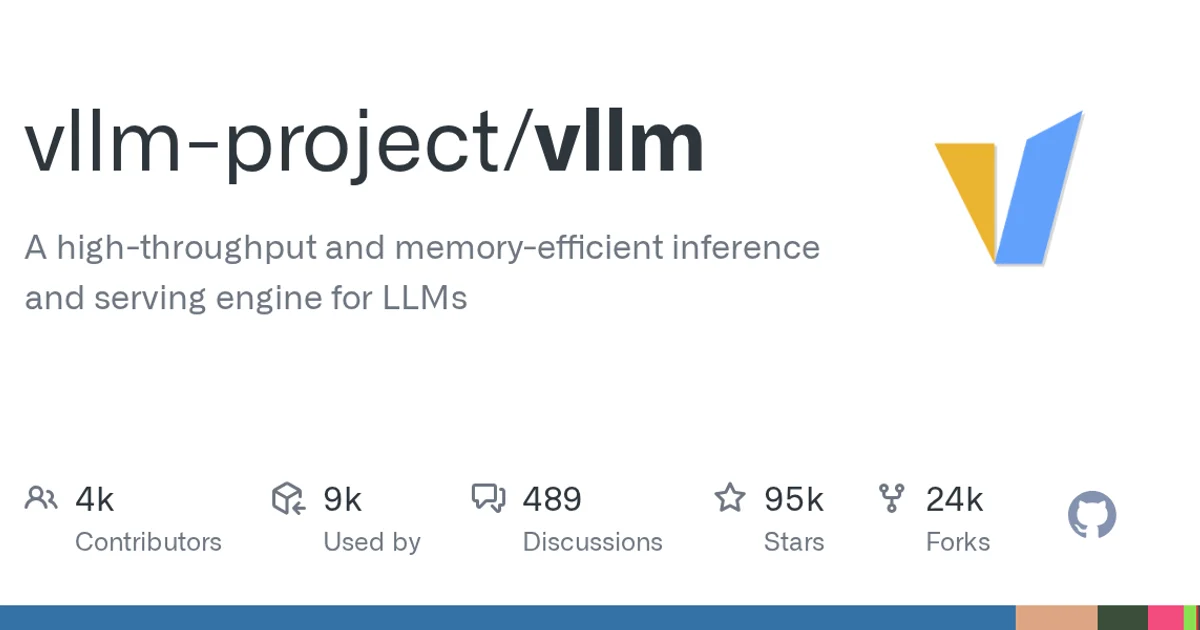
TL;DR: vLLM is a Python inference and serving engine for LLMs, built around throughput and memory efficiency. It exposes an OpenAI-compatible HTTP server, which is why so many self-hosted setups point an existing client at it, and the project has 94,907 stars with 23,750 forks.
What it is
The description is short: a high-throughput and memory-efficient inference and serving engine for LLMs. Two layers in one project. The serving layer is an HTTP server that speaks the OpenAI API shape, and the inference engine behind it is what the efficiency claim refers to.
That API compatibility is the practical reason so many people end up here. If your application already talks to an OpenAI-compatible endpoint, self-hosting an open-weight model on vLLM is mostly a base URL change plus a model identifier.
The repository is Python under Apache-2.0, owned by the vLLM organization, and it was created on 2023-02-09. It has 94,907 stars, 23,750 forks and 9,243 open issues. The last push landed today, and the repository size is around 317 MB, which is a codebase with real depth behind it.
The hardware and model story
The topic list is short and specific: amd, blackwell, cuda, deepseek, deepseek-v3 and gpt. That reads as a project tracking new accelerator generations on both NVIDIA and AMD, alongside the model families that actually move traffic.
| Topic | What it points at |
|---|---|
cuda | NVIDIA GPU backends |
blackwell | Newer NVIDIA architecture support |
amd | Non-NVIDIA accelerator backends |
deepseek-v3 | A model family the project serves well |
gpt | The OpenAI model family |
For an inference engine, hardware support is the product. When a new architecture or a new model family shows up, engine support is usually the gate between running it and not running it.
How to try it
The standard entry point is the package install plus the server command:
pip install vllm
vllm serve <hf-model-id>
Once the server is up, it answers the standard chat completions path:
curl http://localhost:8000/v1/chat/completions \
  -H "Content-Type: application/json" \
  -d '{
    "model": "<hf-model-id>",
    "messages": [{"role": "user", "content": "hello"}]
  }'
When to use it
vLLM earns its complexity when you are serving open-weight models yourself and want more requests per second per GPU than a naive server gives you. It also earns it when you want your existing SDK to keep working, because the OpenAI-compatible surface means little or no client change.
When to skip it
Skip it if you are calling a closed API, since there is nothing to serve. Also skip it if your workload is a single user and you care about the latency of one request, because the engine’s batching and memory machinery buys you throughput you will never use. And be honest about maintenance appetite: 9,243 open issues on a project this size means a moving target, so pin your version.
Source and Accuracy Notes
- Project page: https://github.com/vllm-project/vllm
- Source repository: vllm-project/vllm (verified via GitHub API
html_url) - License: Apache-2.0 (verified via GitHub API
license.spdx_id) - Stars at time of writing: 94907
Related Posts
dev-tools
Automotive Skills Suite for AI Engineering
Evaluate Automotive Skills Suite for APQP, ASPICE, HARA, safety-plan, and DIA workflows with setup notes, governance risks, and SME review guidance.
5/28/2026
dev-tools
awesome-agentic-ai-zh Roadmap Guide
Explore awesome-agentic-ai-zh as a Chinese agentic AI learning roadmap, with setup notes, track selection, study workflow, and evaluation guidance.
5/28/2026
dev-tools
Baguette iOS Simulator Automation Guide
Set up Baguette for iOS Simulator automation, web dashboards, device farms, gesture input, streaming, and camera testing with Xcode caveats.
5/28/2026