TextFrame – Animated Product Tutorials in 3 Lines of Code
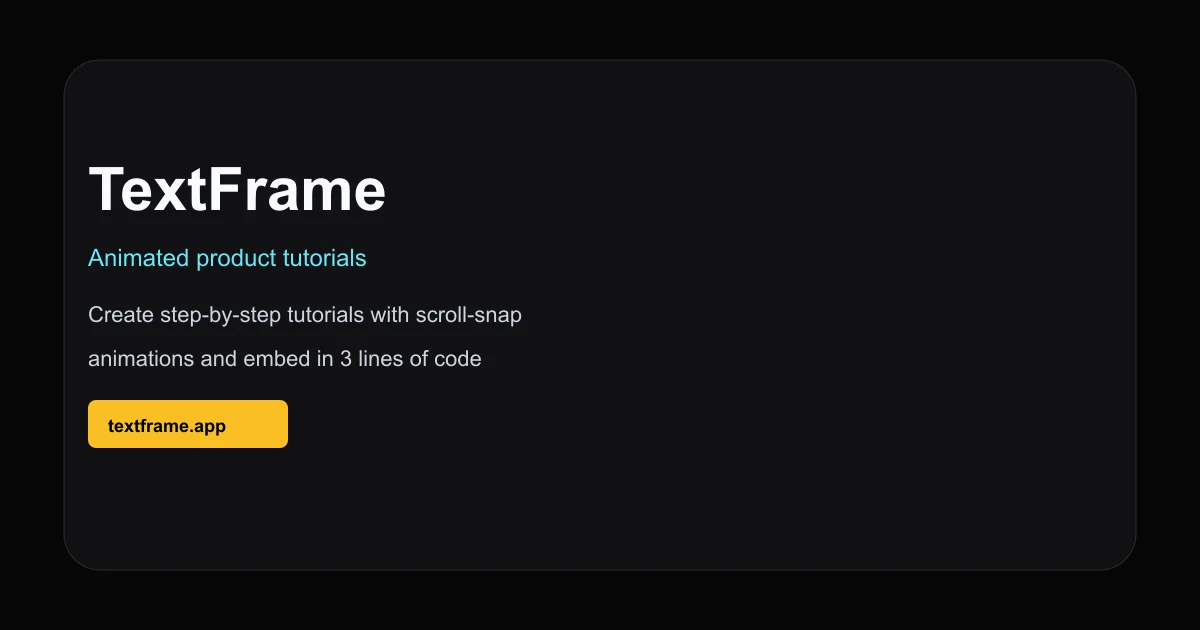
TextFrame converts screen recordings into scroll-driven animated tutorials. Embed them anywhere with minimal code.
TL;DR
TL;DR: TextFrame turns screen recordings into polished, scroll-driven product tutorials that embed on any site with 3 lines of code — no build step required.
Source and Accuracy Notes
- Project page: textframe.app — verified via direct visit
- Example tutorial: textframe.app/rahul/tutorials/127 — verified 200 OK
- HN launch thread: news.ycombinator.com/item?id=30433145
- License: Proprietary (SaaS, no open-source license found)
What Is TextFrame?
TextFrame is a browser-based editor for creating animated, step-by-step product tutorials. Rather than recording a static video, you work with individual steps — each scroll-snap section becomes a focused moment in the tutorial. Visitors scroll through the tutorial in-place on your site, seeing exactly what you recorded without leaving the page.
The product description from the site:
“TextFrame lets you create animated tutorials for your users so they can get the help they need. Use the TextFrame editor to create your animations and embed them in your website with only 3 lines of code.”
Use cases the site calls out: sales demos, help desk tutorials, and corporate training. The editor is invite-only (waitlist-based at time of writing).
Setup Workflow
TextFrame is a hosted editor — there is no self-hosted option or npm install. You request access via the waitlist on the homepage, then use the cloud editor to create and publish tutorials.
Step 1: Request Access
Visit textframe.app and click “Join the waitlist”. The product is in beta; there is no public pricing or SLA at this stage.
Step 2: Create a Tutorial
After receiving access:
- Open the TextFrame editor
- Record your screen or upload an existing video
- TextFrame converts the recording into individual steps with scroll-snap alignment
- Annotate steps with text overlays, highlights, or callouts
- Preview the result in the embedded player
The editor runs entirely in the browser — no desktop app required.
Step 3: Embed on Your Site
Once your tutorial is published, TextFrame provides a three-line embed snippet:
<script src="https://textframe.app/embed.js"></script>
<div id="tf-[TUTORIAL_ID]"></div>
<script>new TextFrame('[TUTORIAL_ID]', '#tf-[TUTORIAL_ID]').mount()</script>
Replace [TUTORIAL_ID] with your tutorial’s ID. The container div goes anywhere in your page markup. The embed renders the tutorial inline, with scroll-snap navigation between steps.
Deeper Analysis
Scroll-Driven Animations
The core differentiator is the scroll-snap tutorial format. Rather than a passive video that plays automatically, TextFrame tutorials are navigated by the visitor’s own scrolling. Each step snaps into view, simulating a live walkthrough without a human guide. This fits naturally alongside documentation or inside a product’s onboarding flow.
No Build Step
The embed is a vanilla JS script with no framework adapter required. It works in any HTML page regardless of what frontend stack powers the rest of the site. The three-line snippet is genuinely three lines — no CLI, no bundler plugin, no secret environment variable.
Current Availability
TextFrame appears to still be in closed beta. The homepage prompts visitors to join a waitlist rather than sign up directly. Public pricing, self-hosting options, and API access were not listed at time of checking. If you need immediate access for evaluation, reaching out via the site’s contact channel is the clearest path.
Practical Evaluation Checklist
- Hosted editor, no self-hosted option available
- Waitlist/beta access required to create tutorials
- Embed works on any HTML page (no framework lock-in)
- Scroll-snap step navigation (visitors control pace)
- No public pricing yet
- No open-source or on-prem version
Security Notes
The embed script loads from textframe.app and executes in your page context. As with any third-party script, consider:
- CSP policy impact (allow
textframe.appas a script source) - Whether visitor interaction data is sent back to TextFrame’s servers
- Scope of the script’s DOM access within your page
Review the embed snippet and TextFrame’s privacy policy before embedding on a privacy-sensitive site.
FAQ
Q: Is there a self-hosted version? A: No. TextFrame is a fully hosted SaaS product. There is no on-premises or open-source edition at this time.
Q: Does it work with React/Vue/Next.js? A: The embed is a vanilla JS script. It runs inside any HTML container, including React/Vue component trees. There is no official framework adapter, but the script itself is framework-agnostic.
Q: How is the tutorial content stored? A: Tutorials are stored on TextFrame’s servers. Your site loads the embed script and renders the tutorial in an iframe-like container. Source recordings and step data do not live in your codebase.
Q: Is there a free tier? A: Pricing was not listed on the site at time of checking. The product appears to be in beta with waitlist access only.
Conclusion
TextFrame solves a specific problem: turning a screen recording into an interactive, embeddable tutorial your visitors can step through at their own pace. The three-line embed is genuinely minimal, and the scroll-snap format is a natural fit for documentation-adjacent placements. The main caveat is availability — it is not yet generally accessible, and there is no self-hosted option for teams that need to keep content in-house.
If you need a tool for this specific niche today, textframe.app is worth watching. Join the waitlist and evaluate it when access opens up.
Related Posts
dev-tools
Automotive Skills Suite for AI Engineering
Evaluate Automotive Skills Suite for APQP, ASPICE, HARA, safety-plan, and DIA workflows with setup notes, governance risks, and SME review guidance.
5/28/2026
dev-tools
awesome-agentic-ai-zh Roadmap Guide
Explore awesome-agentic-ai-zh as a Chinese agentic AI learning roadmap, with setup notes, track selection, study workflow, and evaluation guidance.
5/28/2026
dev-tools
Baguette iOS Simulator Automation Guide
Set up Baguette for iOS Simulator automation, web dashboards, device farms, gesture input, streaming, and camera testing with Xcode caveats.
5/28/2026