SpeechOS - Voice Input SDK for Web Apps
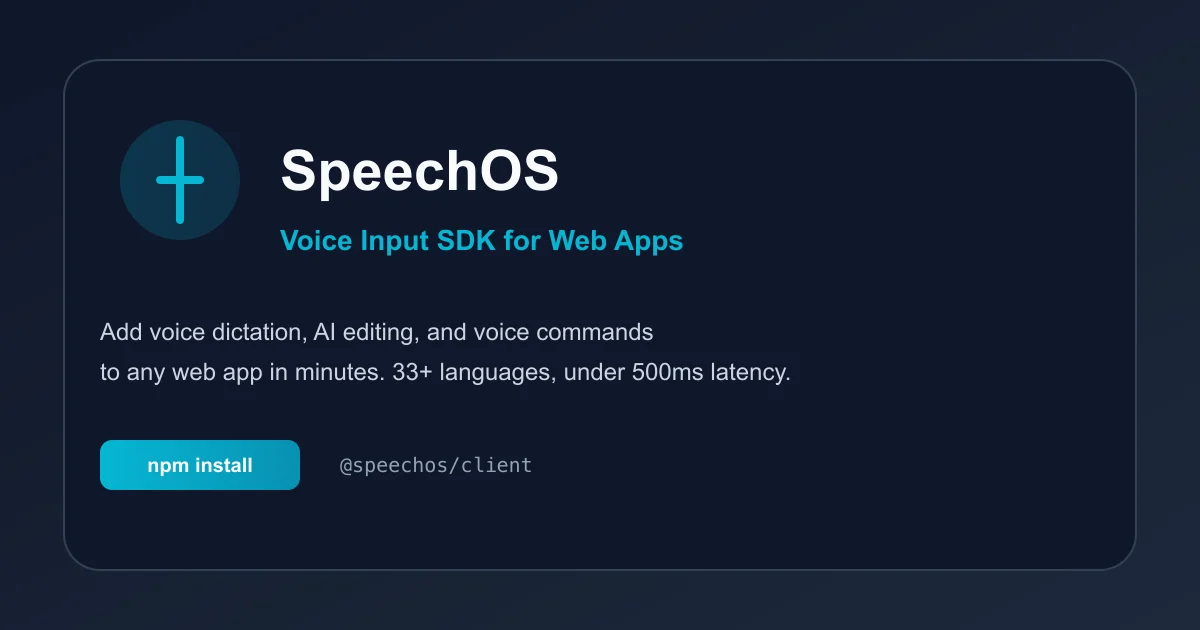
Add voice dictation, AI editing, and voice commands to any web app. Speech-to-text SDK with 33+ languages, under 500ms latency, and smart punctuation.
TL;DR
TL;DR: SpeechOS is an embeddable JavaScript SDK that adds voice dictation, AI text editing, voice commands, and read-aloud to any web application in minutes, with support for 33+ languages and under 500ms latency.
Source and Accuracy Notes
- Project page: speechos.ai
- Source repository: github.com/speechos-org/speechos-client
- License: MIT (verified via npm registry)
- HN launch thread: news.ycombinator.com/item?id=46707409
- npm packages:
@speechos/client(v0.2.12),@speechos/react(v1.0.11)
What Is SpeechOS?
SpeechOS is a voice input SDK designed for CRM, CMS, and web applications. It provides four core modules:
- Dictate — Convert speech to polished text with automatic punctuation, capitalization, and filler word removal
- AI Edit — Modify existing text using voice commands like “make it shorter” or “translate to French”
- Commands — Trigger custom workflows with voice (e.g., “log activity”, “submit form”)
- Read Aloud — Have any selected text spoken back for proofreading or accessibility
The SDK claims 3x faster input speed compared to typing (160+ words per minute vs 40 WPM average typing speed) with under 500ms latency, based on Stanford HCI text entry studies.
Installation
NPM (Recommended)
# Full client with built-in UI widget
npm install @speechos/client

# Or headless core only (no UI)
npm install @speechos/core

# React bindings
npm install @speechos/react
```bash

### CDN (Browser)

```html
<!-- Production (minified) -->
<script src="https://cdn.jsdelivr.net/npm/@speechos/client/dist/index.iife.min.js"></script>

<!-- Development (unminified) -->
<script src="https://cdn.jsdelivr.net/npm/@speechos/client/dist/index.iife.js"></script>
```bash

## Quick Start

### Browser (Two Lines)

Add voice input to any website by pasting this before the closing `</body>` tag:

```html
<script src="https://cdn.jsdelivr.net/npm/@speechos/client/dist/index.iife.min.js"></script>
<script>
  SpeechOS.init({ apiKey: 'YOUR_API_KEY' });
</script>
```bash

The widget automatically appears when users focus on any `input`, `textarea`, or `contenteditable` element.

### ESM / TypeScript

```typescript
import { SpeechOS } from '@speechos/client';

SpeechOS.init({
  apiKey: 'YOUR_API_KEY',
});
```bash

### React

```tsx
import { SpeechOS } from '@speechos/client';
import { useEffect } from 'react';

function App() {
  useEffect(() => {
    SpeechOS.init({ apiKey: 'YOUR_API_KEY' });
  }, []);

  return (
    <form>
      <textarea placeholder="Click here and speak..." />
    </form>
  );
}
```bash

### React Hooks (Advanced)

```tsx
import { useDictation, useEdit, useTTS } from '@speechos/react';

function VoiceEditor() {
  const { isListening, transcript } = useDictation();
  const { edit } = useEdit();
  const { speak } = useTTS();

  return (
    <div>
      <button onClick={() => edit('make it more formal')}>
        Formalize
      </button>
      <button onClick={() => speak(transcript)}>
        Read Aloud
      </button>
    </div>
  );
}
Getting an API Key
- Sign up at app.speechos.ai
- Navigate to team settings
- Create a Client API Key
- Free tier available with paid plans for higher usage
Architecture and Dependencies
The SDK is built on:
- Lit (v3.3.2) — Web components for the UI widget
- Lucide (v0.562.0) — Icon library
- text-field-edit (v4.1.1) — Cross-browser text field manipulation
The React package provides hooks (useDictation, useEdit, useTTS) for programmatic control without the automatic widget.
Privacy and Security
SpeechOS is designed for enterprise use with sensitive data:
- Business use only — Built for organizations, not consumer apps
- Real-time streaming — Audio is processed in real-time, not stored by default
- Customer control — Customer is typically the data controller; SpeechOS acts as processor
- DPA available — Data Processing Addendum available for enterprise customers
Use Cases
CRM Teams
Capture call outcomes, deal notes, and activity tracking immediately after calls. Structured summaries with objections, next steps, and outcomes.
CMS Platforms
Draft pages, descriptions, and release notes by voice. Edit with commands like “make it shorter” or “translate to Spanish.” Custom vocabulary support for consistent terminology.
Support and Ticketing
Let agents dictate replies and internal notes with consistent tone. Custom commands for common workflows.
Accessibility
Voice input for users with motor impairments. Read-aloud for users who prefer audio or have reading difficulties.
Browser Support
SpeechOS uses the Web Speech API for speech recognition. Supported browsers:
- Chrome/Edge (full support)
- Safari (partial support)
- Firefox (requires flag enablement)
The SDK falls back gracefully on unsupported browsers.
Comparison with Alternatives
| Feature | SpeechOS | Web Speech API | Custom Build |
|---|---|---|---|
| Setup time | Minutes | Hours | Months |
| AI editing | Built-in | No | Custom |
| Voice commands | Built-in | No | Custom |
| Read aloud | Built-in | No | Custom |
| Analytics | Dashboard | None | Custom |
| Maintenance | Managed | Self | Self |
Practical Evaluation Checklist
Before integrating SpeechOS, verify:
- API key obtained from dashboard
- Browser compatibility matches your user base
- Privacy requirements align with your data policies
- Pricing tier fits your usage volume
- Custom vocabulary needed for domain-specific terms
- Voice commands mapped to your workflows
- Testing completed on target devices and browsers
Security Notes
- Never expose your API key in client-side code for production apps
- Use environment variables or server-side configuration
- Review the Privacy Policy for data handling details
- Request a DPA for enterprise deployments
- Audio processing is real-time; verify storage policies match your compliance requirements
FAQ
Q: Is SpeechOS free? A: SpeechOS offers a free tier with limited usage. Paid plans are available for higher volume. Check the pricing page for current rates.
Q: Does SpeechOS work offline? A: No. SpeechOS requires an internet connection for real-time speech processing and AI features.
Q: Can I customize the widget appearance?
A: The automatic widget has limited customization. For full control, use the programmatic SDK (@speechos/core) to build your own UI.
Q: What languages are supported? A: SpeechOS supports 33+ languages for dictation. Check the docs for the current list of supported locales.
Q: Is there a self-hosted option? A: SpeechOS is a managed service. Self-hosted deployments are not currently available.
Q: Can I use SpeechOS with Next.js or other frameworks?
A: Yes. The SDK works with any JavaScript framework. React bindings are provided via @speechos/react.
Conclusion
SpeechOS provides a turnkey solution for adding voice input to web applications. The SDK handles the complexity of speech recognition, AI editing, and voice commands, allowing developers to ship voice features in minutes rather than months.
For CRM and CMS teams, the productivity gains from voice dictation (3x faster than typing) can significantly improve data quality and user engagement. The privacy-first design and enterprise features make it suitable for organizations handling sensitive data.
The free tier allows evaluation without commitment. For production deployments, verify browser support, privacy requirements, and pricing before integration.
Related Posts
dev-tools
Automotive Skills Suite for AI Engineering
Evaluate Automotive Skills Suite for APQP, ASPICE, HARA, safety-plan, and DIA workflows with setup notes, governance risks, and SME review guidance.
5/28/2026
dev-tools
awesome-agentic-ai-zh Roadmap Guide
Explore awesome-agentic-ai-zh as a Chinese agentic AI learning roadmap, with setup notes, track selection, study workflow, and evaluation guidance.
5/28/2026
dev-tools
Baguette iOS Simulator Automation Guide
Set up Baguette for iOS Simulator automation, web dashboards, device farms, gesture input, streaming, and camera testing with Xcode caveats.
5/28/2026