Sesame: a local-first password manager you can self-host
Sesame keeps your password vault in one encrypted file on your own disk, with a self-hostable Go server for sync. Open source under AGPL-3.0.
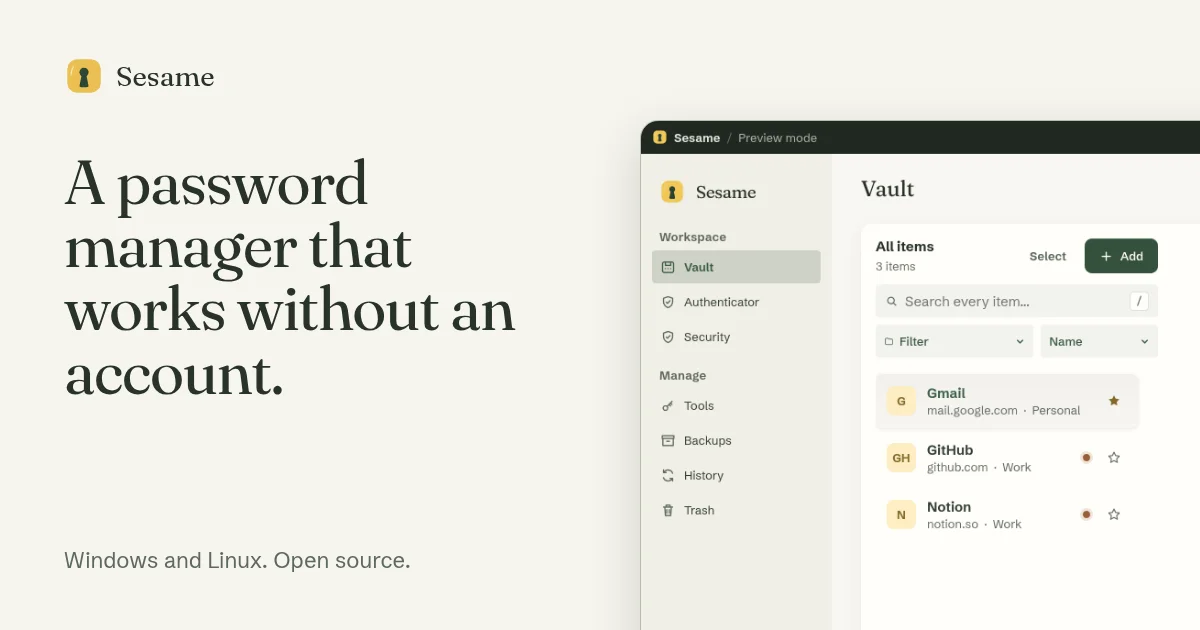
TL;DR: Sesame stores your password vault as one encrypted file on your own disk, and you can create, unlock and import without an account or a network connection. Its optional sync runs through a Go server you can host yourself, and the whole stack is AGPL-3.0. No independent reviewer has audited it yet, so it deserves a trial run with a few accounts before you move anything else.
What it is
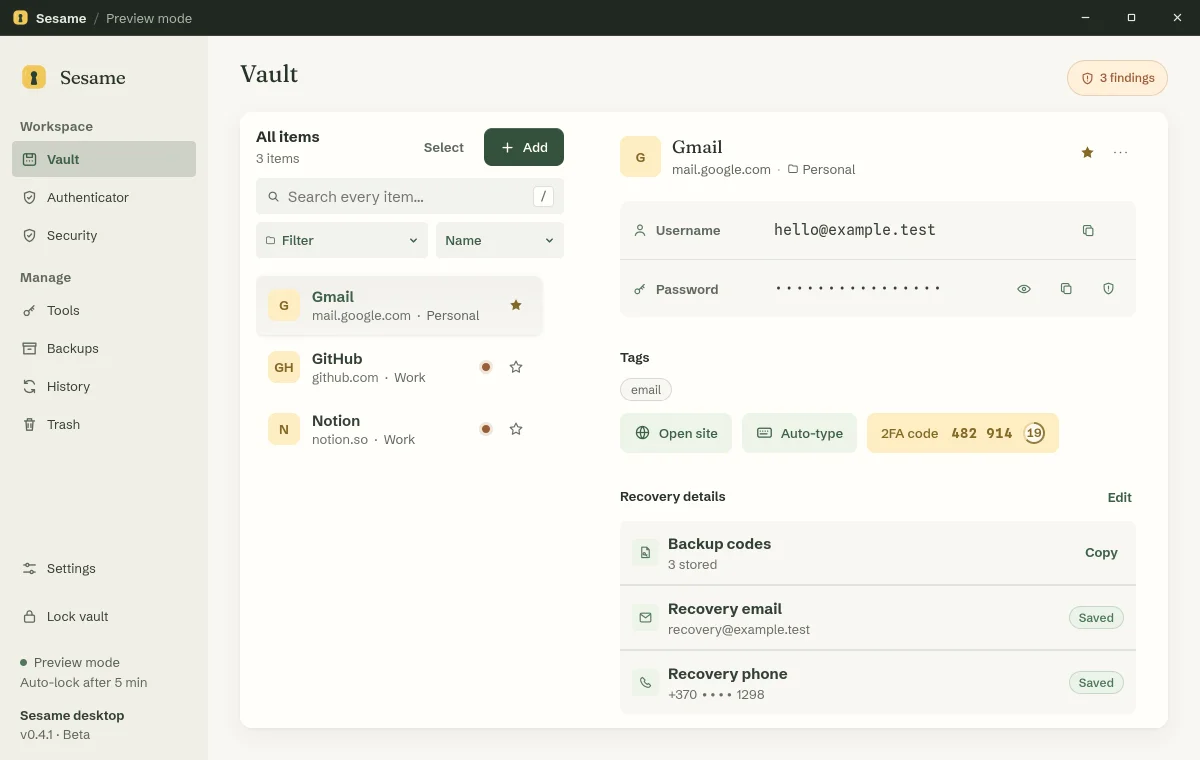
Sesame is a desktop password manager for Windows and Linux built around one decision: your vault is a file you own, not a record in someone else’s database. You set a master password, import from an existing manager, and never have to create an account to get started. The desktop app is the only component that can open that file.
The project is split into three parts that ship and version independently.
        ┌──────────────────────────┐
        │  desktop app (Rust/Tauri) │  holds the vault key
        │  vault file on your disk  │  only this reads it
        └──────┬──────────────┬────┘
               │              │ asks for approval
               │ sync         ▼
               │        ┌──────────────┐
               │        │  extension   │  stores no passwords
               │        └──────────────┘
               ▼
     ┌──────────────────────────┐
     │  your server (Go, SQLite) │  encrypted vault only
     │  cannot read what it holds│
     └──────────────────────────┘
The browser extension holds no credentials of its own. It asks the desktop app to approve each fill, and the app shows you which site is asking. The sync server is described in its own repository as vault-blind: it never accepts a vault password, a TOTP seed, a recovery detail, an import file, an encrypted vault, or an encryption key. Website account passwords are the only thing it ever stores, and those are Argon2id-hashed and unconnected to any vault.
A Sesame account is optional. If you create one, the website holds your email, a password hash, sessions, linked desktops and support requests, none of which can open a vault.
The three repositories
| Repository | Language | What it holds | Stars (2026-10-30) |
|---|---|---|---|
| sesame-desktop | Rust, Tauri, Svelte | the app and the Rust vault core | 21 |
| sesame-server | Go | account service, sync, admin console | 11 |
| sesame-browser-extension | TypeScript | Chrome, Edge and experimental Firefox builds | 0 |
Those star counts are genuinely low, and they are the clearest signal about where this project sits. The site claims its four repositories took 1,083 commits in the 30 days to 26 October 2026, which is a lot of work for a codebase that almost nobody has starred yet. It is early software with a lot of activity behind it, not a stalled side project.
Getting it running
Desktop version 0.5.1 shipped on 26 October 2026 for Windows and Linux. The site links the release assets directly, so you can pull a package straight from GitHub instead of hunting through a download page.
# Linux (deb, rpm and AppImage all published under the same tag)
curl -fLO https://github.com/usesesame/sesame-desktop/releases/download/v0.5.1/Sesame_0.5.1_amd64.deb
sudo apt install ./Sesame_0.5.1_amd64.deb

# Windows
curl -fLO https://github.com/usesesame/sesame-desktop/releases/download/v0.5.1/Sesame_0.5.1_x64-setup.exe
The Chrome extension lives in the Chrome Web Store and needs Sesame 0.4.1 or newer. The Firefox build is still experimental.
Importing is handled locally. You point Sesame at an export from Bitwarden, 1Password, LastPass, Dashlane, KeePass, Keeper, NordPass or Proton Pass, plus CSV and JSON files, browser exports from Chrome, Edge, Brave and Firefox, and 2FA seeds from Aegis, 2FAS or otpauth link lists. The site advertises 15 import formats and nine record types. Sesame shows you what it found before saving anything, and the import file is read on your machine and never uploaded.
Running the sync server yourself
The hosted service is not open yet, but the sync server in the repository is the same code and the same AGPL licence. It is a single static binary with a SQLite database in one data directory, so Docker and Compose are enough.
mkdir sesame && cd sesame
SESAME_IMAGE_TAG=$(curl -fsSL https://api.github.com/repos/usesesame/sesame-server/releases/latest \
  | sed -n 's/.*"tag_name": *"v\([^"]*\)".*/\1/p')
echo "SESAME_IMAGE_TAG=${SESAME_IMAGE_TAG}" > .env
curl -fsSLo compose.yaml \
  "https://raw.githubusercontent.com/usesesame/sesame-server/v${SESAME_IMAGE_TAG}/deploy/selfhost/compose.yaml"

docker compose up -d
curl -fsS --max-time 5 --retry 30 --retry-delay 1 --retry-all-errors \
  --retry-max-time 60 http://localhost:8787/livez
docker compose logs sesame | grep 'setup#token'
The compose file publishes the port on 127.0.0.1 only, and the first run prints a setup link that works once and expires after 24 hours. Open it at http://localhost:8787/setup#token=... using localhost and not 127.0.0.1, because the server only answers sign-in requests at the address in SESAME_PUBLIC_URL. After that you create an owner with a password of at least 12 characters plus an authenticator app, then hand out pairing links from the console. Those links work once and expire after 10 minutes, and a desktop needs a version newer than 0.3.0 to connect to your own server.
What protects the vault
The crypto choices are specific enough to check against the source, which is unusual for a tool this young.
- Vault encryption uses XChaCha20-Poly1305. New vaults and master password changes derive the key with Argon2id at 128 MiB of memory and 3 passes. Older vaults at 64 MiB still open, and files with weaker settings are refused.
- Saves are atomic. Sesame writes a new file, verifies it, then swaps it in, so a failed save leaves the old vault untouched.
- The file is padded before encryption so its size does not reveal how long an edit was.
- The key stays out of the page file on Windows. On Linux the app asks the system to keep it out of swap, crash dumps and child processes, and falls back to ordinary memory with a
key_page_fallbackentry in the diagnostics log. - Wrong master password attempts are throttled, starting at five seconds and growing to five minutes.
- The breach check sends only the first five characters of the password’s SHA-1 hash to Have I Been Pwned.
- Release installers carry a Sigstore record naming the exact source commit, and the app only installs an update when it is signed.
Windows and Linux are not the same product
The desktop README is unusually honest about this, and the differences are bigger than a platform badge.
| Capability | Windows | Linux |
|---|---|---|
| Local vault: create, unlock, search, import, back up, export | Yes | Yes |
| Global quick access shortcut | Yes | X11 sessions only |
| Unlock with PIN | Yes | Secret Service wallet, validation pending |
| Unlock with Windows Hello | Yes | No |
| Auto-type | Yes | No |
| Signed desktop updates | Yes | No |
| Automatic lock on inactivity | Yes | GNOME and KDE only |
Wayland has no global hotkey protocol, so the tray icon is the fallback. The AppImage sets GDK_BACKEND=x11 to run through XWayland, which means other X11 programs can observe that window’s keyboard input and clipboard. The deb and rpm packages do not set it. The AppImage also bundles Ubuntu 24.04 libraries that have open advisories with no fixed version yet, so the project itself recommends the deb or rpm where one exists.
What to watch for
The honest answer first: nobody independent has audited this. The site says so in the download button’s tooltip, the desktop README repeats it, and the security page repeats it again. For a password manager that is a real constraint, and it is why the sensible path is to try it with a handful of accounts and keep an encrypted backup until a review exists.
Beyond that, the gaps are concrete:
- No macOS build, no mobile apps, no passkeys, no sharing and no emergency access. The Chrome extension is the only one in the store, and Firefox is experimental.
- The Windows installer is not Authenticode signed, so SmartScreen warns on first run. Linux packages do not update themselves at all.
- A PIN is a convenience unlock, not a second lock. Software running as your user can try PINs against a copy of the vault file, and every extra digit makes the search ten times larger.
- The AGPL is not a detail. A modified build or a hosted service cannot present itself as official Sesame, and the trademark policy requires renames.
- Hosted sync is planned at 1 euro a month or 10 euros a year. Payments are not open, and registering interest does not start a subscription. Everything else in the app stays free.
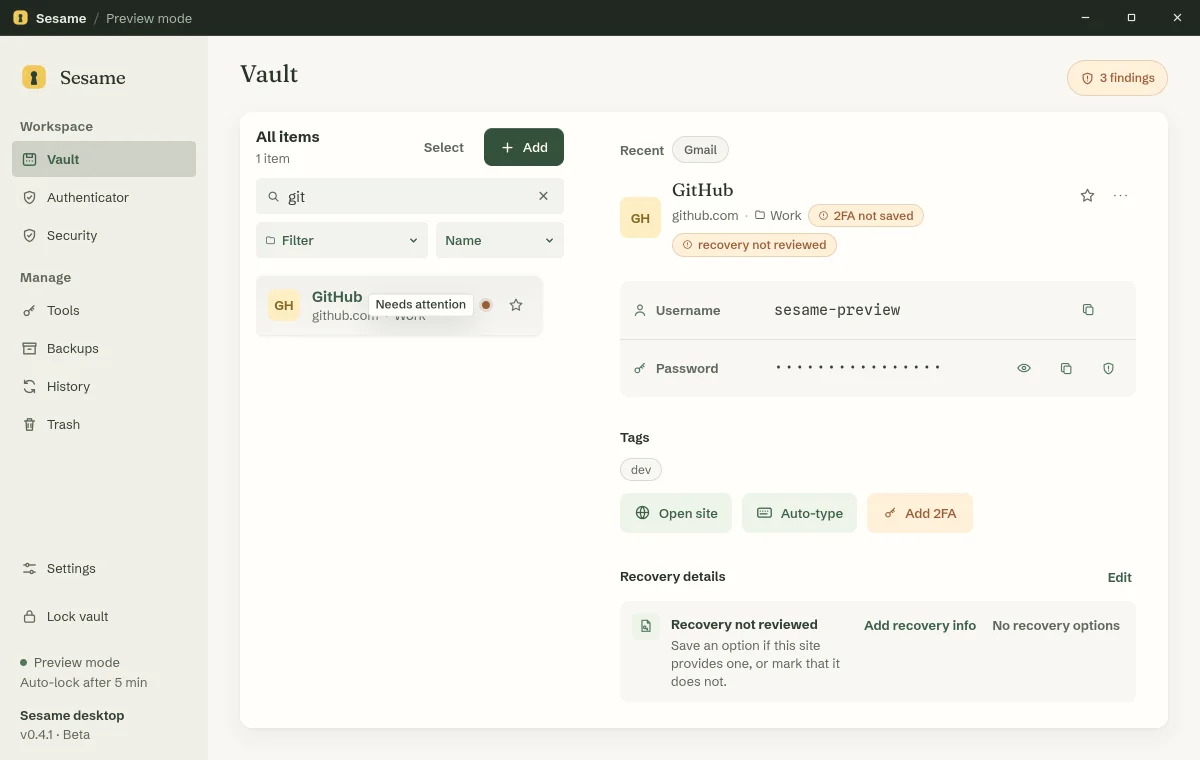
- One-time codes and unlocked secure notes display without a password check, because the window has to show them.
Sync adds a post-quantum key exchange, ML-KEM-768 combined with X25519, but the project is careful to say this is not the same as being quantum safe. Device signatures, the pairing code exchange and the connection to your own server are not post-quantum.
On the Hacker News thread, the most common question was how this compares to Vaultwarden plus Bitwarden or to KeePassXC. The maintainer’s answer was that both are more mature, and that the difference is ownership of the whole stack rather than compatibility with someone else’s API. One commenter described the maintainer’s replies as AI-generated, which is not much of a recommendation for a security product. It is also a reminder that the independent review Sesame needs has not happened yet.
Source and Accuracy Notes
- Project page: https://usesesame.app/ and https://usesesame.app/security, verified via direct visit on 2026-10-30
- Source repositories: github.com/usesesame/sesame-desktop, sesame-server, sesame-browser-extension and sesame-website
- License: AGPL-3.0-or-later. A LICENSE file is present in all four repositories, including sesame-server, whose absence was called out in the HN thread
- HN launch thread: https://news.ycombinator.com/item?id=49483038, 66 points and 85 comments on 2026-08-28
Related Posts
dev-tools
CodexPlusPlus Setup and Risk Guide
Evaluate CodexPlusPlus for Codex launcher enhancements, API relay mode, provider sync, local state handling, update flow, and rollback planning.
5/28/2026
dev-tools
RMUX Terminal Multiplexer Guide
Set up RMUX for detachable agent terminals, tmux-like sessions, Rust SDK control, diagnostics, migration checks, and terminal automation.
5/28/2026
dev-tools
AgentMesh – Define AI Agent Teams in YAML
Define multi-agent AI workflows in YAML and run them locally with one command. AgentMesh brings Docker Compose patterns to AI agent orchestration.
5/28/2026