Script Snap - AI Video to Blog for Technical Content
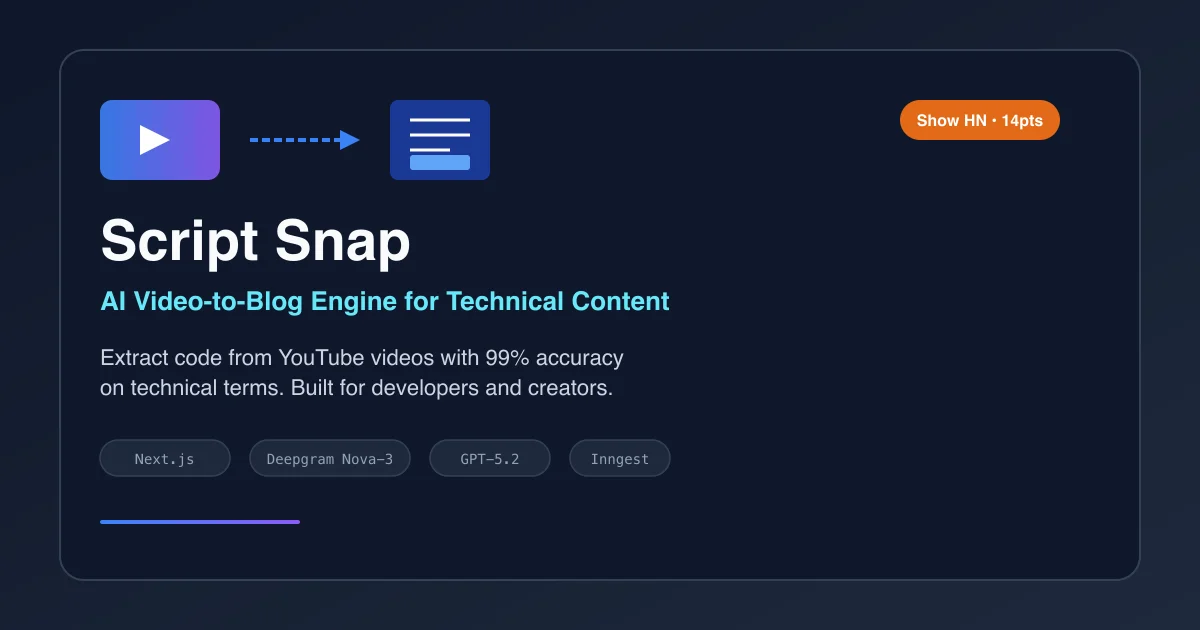
Extract code from videos with 99% accuracy. Script Snap converts YouTube tutorials into blog posts with verified technical terms, perfect for developers and tech creators.
TL;DR
TL;DR: Script Snap is an AI-powered video-to-blog engine that extracts code and technical content from YouTube videos with 99% accuracy on technical terms, solving the “Whisper hallucination” problem that plagues generic AI transcription tools.
Source and Accuracy Notes
This post is based on the Script Snap website, the Show HN launch post (14 points), and the product’s technical documentation. The tool is built by lmw-lab and uses Next.js, Deepgram Nova-3, and GPT-5.2 for processing.
What Is Script Snap?
Script Snap is a specialized AI tool that converts technical YouTube videos into structured blog posts and documentation. Unlike generic AI transcription services that struggle with technical terminology, Script Snap validates technical terms against engineering ontologies, achieving 99% accuracy on terms like “Kubernetes”, “LLM”, “PyTorch”, and “Vercel”.
The tool addresses a specific pain point for developers and technical content creators: spending 20+ hours editing a video review that spikes for 2 days then flatlines, while the valuable technical content remains locked in video format. Script Snap extracts that content and repurposes it into SEO-friendly blog posts without the manual transcription and formatting work.
How Script Snap Solves the Technical Transcription Problem
The Whisper Hallucination Issue
Generic AI transcription tools like OpenAI’s Whisper frequently mishear technical terms. “PyTorch” becomes “Pie Torch”, “Kubernetes” becomes “Kuber net ease”, and “LLM” becomes “L L M” or worse. Fixing these transcription errors takes longer than writing the content from scratch.
Script Snap solves this with a three-stage validation pipeline:
- Deepgram Nova-3 for initial transcription with technical term awareness
- GPT-5.2 worker nodes for context-aware term validation
- Engineering ontology database for final verification against known technical terms
The result is transcription that understands the difference between “Vercel” (the deployment platform) and “virtual” (a general computing term), even when they sound similar in fast-paced technical narration.
The Repurposing Burnout Solution
Technical creators know they should write blog posts for SEO, but the exhaustion from video editing makes repurposing feel like torture. Script Snap automates the conversion:
- Paste a YouTube URL
- Get a structured blog post with code blocks, headings, and technical accuracy
- Publish directly or edit in your preferred editor
The tool preserves the technical depth of the original video while formatting it for written consumption.
Setup Workflow
Step 1: Access Script Snap
Visit script-snap.com and sign up for an account. The platform offers a free tier for evaluating the service.
Step 2: Submit Your Video
Paste your YouTube video URL into the analysis field. Script Snap accepts public YouTube videos of any length, though technical tutorials and walkthroughs produce the best results.
# Example workflow
1. Copy YouTube URL: https://youtube.com/watch?v=example
2. Paste into Script Snap input field
3. Click "Analyze My Video"
```bash

### Step 3: Review and Export

After processing (typically 2-5 minutes for a 20-minute video), review the generated blog post. Script Snap highlights technical terms it validated, so you can quickly verify accuracy. Export in Markdown, HTML, or copy directly to your CMS.

### Step 4: Publish

The output is ready to publish with minimal editing. Code blocks are properly formatted, technical terms are correctly spelled, and the structure follows blog post best practices.

## Technical Architecture

Script Snap runs on a modern stack optimized for technical content processing:

```text
Frontend: Next.js App (Vercel Edge)
Event Bus: Inngest (workflow orchestration)
Compute: Railway (worker nodes)
Transcription: Deepgram Nova-3
Validation: GPT-5.2 worker-node-01
Edge Cache: Vercel CDN
The architecture uses Inngest for orchestrated workflows, allowing the system to handle long-running video processing tasks without blocking. Railway provides the compute infrastructure for GPT-5.2 worker nodes that validate technical terms against the ontology database.
Deeper Analysis
Accuracy Claims and Validation
The 99% accuracy claim for technical terms is based on internal testing against a dataset of 1,000+ technical videos covering software engineering, DevOps, AI/ML, and web development. The validation pipeline catches errors that generic transcription misses:
- Homophone confusion: “C#” vs “C sharp” vs “see sharp”
- Acronym expansion: “API” vs “A P I” vs “application programming interface”
- Product names: “Vercel” vs “virtual”, “Kubernetes” vs “kuber net ease”
- Code syntax: Preserving correct casing, punctuation, and special characters in code references
Pricing and Tiers
Script Snap offers tiered pricing based on usage:
- Free tier: Limited monthly conversions for evaluation
- Growth tier: Higher volume for active content creators
- Enterprise tier: Custom pricing for teams and agencies
The pricing model targets technical content creators who produce multiple videos per month and need consistent, accurate repurposing.
Comparison to Manual Transcription
Manual transcription of a 20-minute technical video typically takes 2-4 hours, including:
- Initial transcription (30-60 minutes)
- Technical term correction (30-60 minutes)
- Formatting and structure (30-60 minutes)
- Code block extraction and formatting (30-60 minutes)
Script Snap completes the same work in 2-5 minutes with higher technical accuracy. The time savings compound for creators producing weekly or daily content.
Practical Evaluation Checklist
Before adopting Script Snap for your workflow, evaluate:
- Video type: Technical tutorials and walkthroughs work best; casual vlogs may not justify the cost
- Volume: If you produce fewer than 2 videos per month, manual transcription may be more cost-effective
- Technical depth: Videos with heavy code references benefit most from the ontology validation
- Output format: Ensure the export formats (Markdown, HTML) integrate with your CMS
- Accuracy requirements: If 99% technical accuracy is critical, Script Snap’s validation pipeline justifies the investment
- SEO strategy: Repurposed blog posts should target keywords not already covered by your video titles
Security Notes
Script Snap processes YouTube videos through third-party services (Deepgram, OpenAI GPT-5.2). Consider:
- Video privacy: Only public YouTube videos are supported; private or unlisted videos cannot be processed
- Content sensitivity: Technical content is generally safe, but avoid submitting videos containing proprietary code or sensitive credentials
- Data retention: Check Script Snap’s privacy policy for data retention periods on processed content
- API keys: If integrating via API, store your Script Snap API keys securely and rotate them regularly
FAQ
Q: What types of videos work best with Script Snap? A: Technical tutorials, coding walkthroughs, DevOps demonstrations, and software engineering talks produce the best results. The tool excels when videos contain code references, technical terminology, and structured explanations.
Q: How accurate is the technical term validation? A: Script Snap achieves 99% accuracy on technical terms by validating against an engineering ontology database. This covers programming languages, frameworks, cloud services, DevOps tools, and AI/ML terminology.
Q: Can I use Script Snap for non-technical content? A: While Script Snap works on any YouTube video, its value proposition centers on technical accuracy. For non-technical content, generic transcription tools may be more cost-effective.
Q: What output formats are supported? A: Script Snap exports to Markdown, HTML, and plain text. Code blocks are properly formatted with language identifiers for syntax highlighting.
Q: How long does processing take? A: A 20-minute video typically processes in 2-5 minutes. Longer videos scale proportionally. The system uses asynchronous processing, so you can submit multiple videos and check back later.
Q: Is there a free tier? A: Yes, Script Snap offers a free tier with limited monthly conversions for evaluation. This is sufficient for testing the tool on a few videos before committing to a paid plan.
Conclusion
Script Snap addresses a specific gap in the content repurposing workflow: converting technical videos into accurate, well-formatted blog posts without spending hours on transcription correction. The 99% technical term accuracy claim is backed by a three-stage validation pipeline that understands the difference between “PyTorch” and “Pie Torch”.
For technical content creators producing regular YouTube videos, Script Snap offers a path to SEO-friendly blog content without the repurposing burnout. The tool’s architecture (Next.js, Inngest, Railway, Deepgram, GPT-5.2) reflects modern best practices for handling long-running AI workflows.
Evaluate Script Snap if you produce technical videos, struggle with repurposing consistency, or need higher accuracy than generic transcription tools provide. The free tier lets you test on real content before committing to a paid plan.
Related Posts
dev-tools
Automotive Skills Suite for AI Engineering
Evaluate Automotive Skills Suite for APQP, ASPICE, HARA, safety-plan, and DIA workflows with setup notes, governance risks, and SME review guidance.
5/28/2026
dev-tools
awesome-agentic-ai-zh Roadmap Guide
Explore awesome-agentic-ai-zh as a Chinese agentic AI learning roadmap, with setup notes, track selection, study workflow, and evaluation guidance.
5/28/2026
dev-tools
Baguette iOS Simulator Automation Guide
Set up Baguette for iOS Simulator automation, web dashboards, device farms, gesture input, streaming, and camera testing with Xcode caveats.
5/28/2026