Script Snap – Extract Code from Tutorial Videos
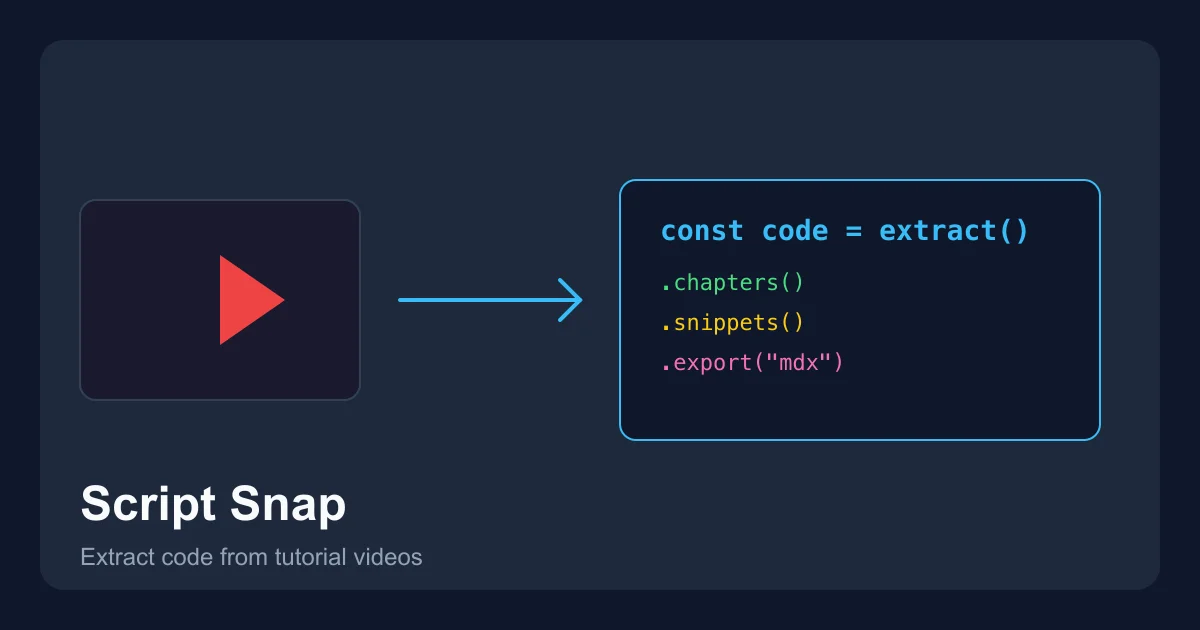
Paste a YouTube URL and get chapters, code snippets, blog drafts, and searchable notes. Built for developers who learn from video.
TL;DR
TL;DR: Script Snap is a web-based tool that takes a YouTube video URL — specifically technical tutorials, demos, and walkthroughs — and extracts usable engineering assets from it: chapters, code snippets, blog drafts, spec sheets, and searchable notes. No more scrubbing through sponsor reads to find one JSON config.
Source and Accuracy Notes
- Project page: script-snap.com — visited and verified
- HN launch thread: news.ycombinator.com/item?id=47097554 — author confirmed
- Pricing: $19/month for Creator Plan (verified on script-snap.com)
- Source: direct transcription from tool’s own pages
What Is Script Snap?
Every developer has been there: the only good resource for a tricky configuration problem is a 25-minute YouTube video. You scrub through the intro, two sponsor reads, a “smash the like button” segment, and ten minutes of filler just to find the single five-line JSON payload you needed.
Script Snap solves this by treating tutorial videos as structured data sources rather than passive media. Paste a YouTube URL and it extracts:
- Chapters and timestamps — auto-generated chapter markers
- Code snippets — the actual code shown in the video, transcribed and cleaned up
- Blog or MDX export — structured write-up of the video content
- Spec sheets — technical specifications mentioned in the video
- Searchable notes — indexed, searchable reference material
The key difference from generic AI transcription tools is that Script Snap is jargon-aware. Generic tools guess technical terms; Script Snap corrects them because it understands the context of programming tutorials and technical demos.
Setup Workflow
Script Snap is a web-based SaaS tool. There is no self-hosted option or CLI to install.
Step 1: Paste a YouTube URL
Visit script-snap.com, paste a YouTube URL into the input field, and click Analyze Your First Video.
Step 2: Review Extracted Assets
Script Snap processes the video and returns structured outputs: chapters, code blocks, blog drafts, and notes. The processing pipeline uses:
- Deepgram Nova-3 for speech-to-text transcription
- GPT-5.2 worker for AI-powered extraction and structuring
- Custom jargon correction for technical terminology
Step 3: Export and Reuse
Export in your preferred format — MDX for documentation, plain text for notes, or a structured spec sheet for reference. Everything is formatted to be immediately usable, not just a wall of AI-generated text.
Deeper Analysis
Pricing
The Creator Plan is $19/month (billed monthly, cancel anytime, no lock-in). This includes:
- Technical video transcription
- Jargon-aware correction
- Chapters and timestamps
- Blog and MDX export
- Spec sheets and searchable notes
The free tier lets you analyze one video to try the workflow. The paid plan is aimed at technical creators who produce video content and want to reuse that content in blog posts, documentation, and reference materials.
What Makes It Different
Generic transcript tools (YouTube auto-captions, Otter.ai, etc.) treat all speech the same. Script Snap is built specifically for technical video content. It understands that user_id is a variable name, not a typo for “user ID,” and that a code block in a tutorial is fundamentally different from a spoken explanation.
The creator, liumw1203, described the frustration that led to building it: needing to find a single JSON configuration in a 25-minute video and having no tool that understood “I just want the code, not an AI summary of what the speaker said.”
Use Cases
- Documentation — turn a walkthrough video into a MDX-formatted blog post
- Reference material — extract and index code snippets from tutorials for later search
- Content repurposing — convert video content into written assets without rewatching
- Team knowledge sharing — share structured notes instead of a video link that teammates will never watch
Practical Evaluation Checklist
- Paste a tutorial video URL and verify chapter extraction accuracy
- Check jargon correction on a video with programming terms (React hooks, API endpoints, etc.)
- Export as MDX and verify formatting works in a documentation site
- Compare code snippet accuracy against actual video content
- Test with a long-form video (over 30 minutes) to check processing quality
Security Notes
You are submitting YouTube URLs to Script Snap’s servers for processing. Videos must be publicly accessible (not private). The tool processes the audio track — it does not bypass any content restrictions on the video itself.
FAQ
Q: Does it work with videos that are not in English? A: The tool is optimized for English-language technical content. Non-English videos may have reduced accuracy.
Q: Can I use it for live stream recordings? A: The tool is designed for edited tutorial videos and walkthroughs. Live streams with spontaneous commentary may have lower extraction quality.
Q: Is there an API? A: No public API is documented on the site as of June 2026.
Q: What video platforms are supported? A: YouTube is the primary supported platform based on the input field on the homepage.
Conclusion
Script Snap fills a specific gap: turning passive video content into active, reusable engineering assets. For developers who learn from video tutorials or produce them, the $19/month Creator Plan is reasonable if you are regularly converting video to documentation or extracting code from videos you do not own. The jargon-aware correction is the differentiator — generic transcription tools will not give you clean code blocks.
Source and Accuracy Notes
- Project page: script-snap.com (verified 2026-06-24)
- HN launch thread: news.ycombinator.com/item?id=47097554
- Pricing source: script-snap.com (verified 2026-06-24)
Related Posts
dev-tools
Automotive Skills Suite for AI Engineering
Evaluate Automotive Skills Suite for APQP, ASPICE, HARA, safety-plan, and DIA workflows with setup notes, governance risks, and SME review guidance.
5/28/2026
dev-tools
awesome-agentic-ai-zh Roadmap Guide
Explore awesome-agentic-ai-zh as a Chinese agentic AI learning roadmap, with setup notes, track selection, study workflow, and evaluation guidance.
5/28/2026
dev-tools
Baguette iOS Simulator Automation Guide
Set up Baguette for iOS Simulator automation, web dashboards, device farms, gesture input, streaming, and camera testing with Xcode caveats.
5/28/2026