Resend – Email API Built for Developer Experience
Resend is a modern email API platform built for developers who want React-based email templates, great DX, and competitive pricing. Here's how it works.
TL;DR
TL;DR: Resend is a developer-first email API that brings React component patterns to email templates, with a clean SDK, webhooks, and a generous free tier for side projects.
Source and Accuracy Notes
- Official site: resend.com
- Documentation: resend.com/docs
- GitHub: none (product-first, not open-source)
- HN Launch post: 432 points (YC W23)
What Is Resend?
Resend is an email sending API founded in 2023 by Zeno Rocha (YC W23) with a specific focus: building the best developer experience for email. Where incumbents like SendGrid, Mailgun, and Postmark were all founded around 2009-2010 and have since been acquired, Resend comes at the problem with modern tooling in mind.
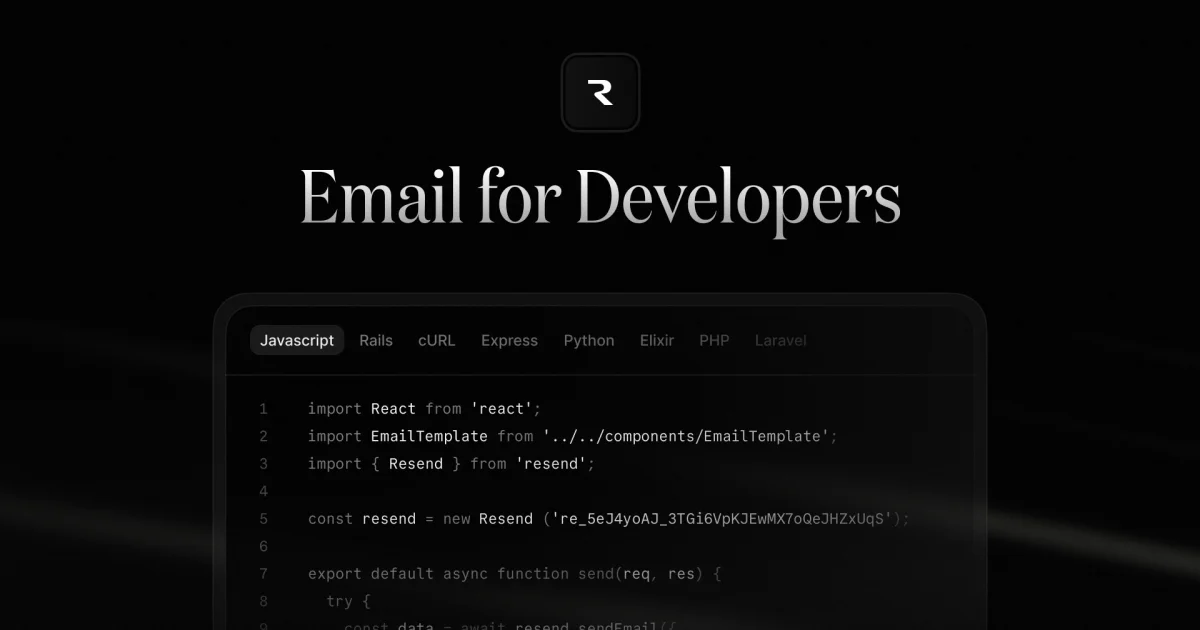
The core differentiator is treating email as a React component problem rather than a raw HTML/mime problem. If you can write a React component, you can write a Resend email:
import { Resend } from 'resend';

const resend = new Resend('re_xxxxxxx');

await resend.emails.send({
  from: '[email protected]',
  to: '[email protected]',
  subject: 'Welcome to YourApp',
  react: EmailTemplate({ username: 'Alice' }),
});
```bash

This approach replaces the old model of拼接 raw HTML strings with composable React components that are easier to test, preview, and maintain.

## Setup Workflow

### Step 1: Create a Resend Account

Sign up at [resend.com](https://resend.com) and get your API key from the dashboard. The free tier includes 3,000 emails per month with a single domain, which is enough for most side projects and early-stage products.

### Step 2: Add Your Domain

Resend requires domain verification before sending emails. Add your sending domain in the dashboard and add the DNS records it instructs you to configure. Resend supports custom SMTP as well if you already have a mail server.

### Step 3: Install the SDK

```bash
npm install resend
```bash

### Step 4: Send Your First Email

```typescript
import { Resend } from 'resend';

const resend = new Resend('re_xxxxxxx');

const { data, error } = await resend.emails.send({
  from: 'Acme <[email protected]>',
  to: ['[email protected]'],
  subject: 'Hello from Acme',
  html: '<p>Welcome! This is your first email sent via Resend.</p>',
});

// Error handling
if (error) {
  console.error(error);
}
```bash

### Step 5: Use React Email Components

Resend ships `@react-email/components` for building professional email templates with standard React patterns:

```bash
npm install @react-email/components
```bash

```typescript
import { Button, Head, Html, Text } from '@react-email/components';

const EmailTemplate = ({ username }: { username: string }) => (
  <Html>
    <Head />
    <Text>Hi {username}, welcome aboard!</Text>
    <Button href="https://yourapp.com/dashboard">Go to Dashboard</Button>
  </Html>
);
Deeper Analysis
Developer Experience
The most immediately noticeable thing about Resend is how clean the API surface is. The SDK is minimal and focused — no verbose configuration objects, no multiple-step initialization. You create a client with your API key and you’re ready to send.
The React Email integration is the standout feature. Rather than wrestling with inline styles and table-based layouts the old way, you write components that feel like regular React code. Components like Button, Heading, Text, and Column map cleanly to email client requirements.
Deliverability
Resend handles DKIM, SPF, and DMARC automatically for verified domains. Their infrastructure is built on top of React Email’s well-tested rendering engine, which produces emails that render correctly across Gmail, Outlook, Apple Mail, and other major clients.
The dashboard shows delivery rates, bounce rates, and open tracking — the standard metrics you’d expect from any transactional email provider.
Webhooks and Events
Resend supports webhook events for email lifecycle tracking:
email.sentemail.deliveredemail.bouncedemail.complained(spam reports)email.opened
This lets you build retry logic, notification systems, and track engagement without relying on third-party analytics.
Pricing
| Tier | Price | Emails/month |
|---|---|---|
| Free | $0 | 3,000 |
| Pay-as-you-go | $2 per 1,000 | Unlimited |
The free tier is genuinely generous — most developers can run a substantial side project or early-stage SaaS without paying anything.
Practical Evaluation Checklist
- Account creation and API key setup in under 5 minutes
- Domain verification with DNS records works on first attempt
- SDK installs cleanly in any Node.js project
- First test email delivers within 30 seconds
- React component emails render correctly in Gmail and Apple Mail
- Webhook delivery is reliable and fast
- Dashboard provides clear analytics on delivery and engagement
Security Notes
- API keys are scoped to individual domains
- Webhook payloads include a signature header for verification
- All traffic is HTTPS
- No third-party tracking pixels embedded in emails by default
FAQ
Q: Is Resend suitable for marketing emails, or only transactional?
A: Resend is optimized for transactional email (onboarding, password reset, notifications) but can send marketing content too. For high-volume marketing campaigns, dedicated platforms like Mailchimp or Klaviyo offer more list management features.
Q: Does Resend support attachments?
A: Yes. Pass an array of attachments in the attachments field when calling emails.send(). Each attachment can be an inline image or a file attachment.
Q: How does Resend compare to SendGrid on pricing?
A: Resend’s free tier (3,000 emails/month) is comparable to SendGrid’s tier, but Resend’s paid pricing is simpler — flat $2 per 1,000 emails with no tier-based pricing tiers to navigate.
Q: Can I preview emails before sending?
A: Yes. The @react-email/components package includes a render function that returns the HTML output, so you can preview in a browser or write tests against the output.
Q: Does Resend support email templates stored in the dashboard?
A: Resend’s API is code-first — templates are React components in your codebase, not stored in the dashboard. This makes templates version-controllable and testable like regular code.
Conclusion
Resend fills a clear gap in the transactional email market. The incumbents (SendGrid, Mailgun, Postmark) all predated the modern JavaScript ecosystem and show their age in API design. Resend’s React-first approach and clean SDK make it significantly more pleasant to work with for teams already comfortable with React and TypeScript.
The generous free tier and simple pricing model lower the barrier to entry — you can get a production email system running in an afternoon without negotiating an enterprise contract.
If you need to send email from a modern application and care about developer experience, Resend is worth evaluating. The combination of React Email components, clean SDK, and reasonable pricing makes it a strong choice for startups and indie developers.
Related Posts
ai-setup
Recall – Persistent Memory for Claude Code via MCP Hooks
Recall gives Claude Code a permanent memory store that survives session restarts and context compaction. Four hooks capture and restore context automatically — with cloud SaaS or self-hosted options.
2/28/2026
dev-tools
Automotive Skills Suite for AI Engineering
Evaluate Automotive Skills Suite for APQP, ASPICE, HARA, safety-plan, and DIA workflows with setup notes, governance risks, and SME review guidance.
5/28/2026
dev-tools
awesome-agentic-ai-zh Roadmap Guide
Explore awesome-agentic-ai-zh as a Chinese agentic AI learning roadmap, with setup notes, track selection, study workflow, and evaluation guidance.
5/28/2026