PenPeeper - Open Source Pentesting Engagement Manager
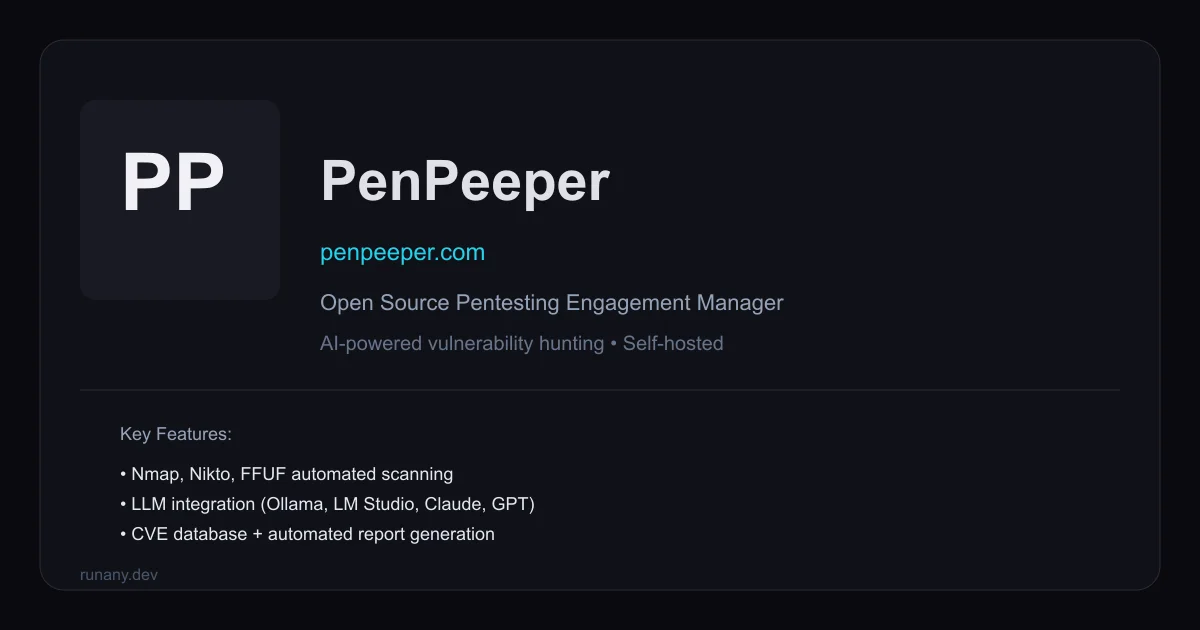
PenPeeper is a free, open-source pentesting engagement manager that combines AI-powered vulnerability analysis with Nmap, Nikto, and FFUF scanning, CVE lookup, and professional report generation.
TL;DR
TL;DR: PenPeeper is a free, open-source, self-hosted pentesting engagement manager that brings AI-powered vulnerability analysis, automated tool scanning (Nmap, Nikto, FFUF), CVE lookup, and professional reporting into a single workflow.
Source and Accuracy Notes
- Project page: penpeeper.com
- Source repository: github.com/chetstriker/PenPeeper
- License: Proprietary (NOASSERTION - see LICENSE file in repo) — free to use, source available
- HN launch thread: news.ycombinator.com/item?id=46780918
What Is PenPeeper?
PenPeeper is an open-source pentesting engagement management system built for security professionals. The author, posting on Hacker News as chetstriker, described the motivation simply:
“Most pentesting tools I’ve used fall into one of two buckets: absurdly expensive enterprise SaaS, or open-source tools that don’t help once scanning is done. PenPeeper is my attempt to fix that.”
The tool is organized around a logical four-stage workflow that mirrors the natural lifecycle of a pentest:
Gather → Search → Findings → Report
This covers everything from adding target networks and running reconnaissance scans, through vulnerability hunting, to generating the final deliverable — all in one self-hosted application.
Setup Workflow
Prerequisites
- Windows (with WSL integration), macOS, or Linux
- Python 3.x for running the application
- Optional: local LLM providers (Ollama, LM Studio) for AI features
Step 1: Clone and Install
git clone https://github.com/chetstriker/PenPeeper.git
cd PenPeeper
```bash

The repository contains the main application code. Check the repo's installation instructions for your specific platform.

### Step 2: Configure Tool Integrations

PenPeeper integrates with standard security tools. Ensure they are installed and in your PATH:

```bash
# Verify nmap is available
nmap --version

# Verify nikto is available
nikto -Version

# For web fuzzing
ffuf --version
```bash

### Step 3: Connect an LLM Provider (Optional)

AI features work with local or cloud providers. To enable AI-powered vulnerability analysis:

1. Navigate to **Settings** → **LLM Configuration**
2. Choose your provider: **Ollama**, **LM Studio**, **OpenRouter**, **Claude**, **Gemini**, or **ChatGPT**
3. Enter your endpoint and API key (for cloud providers)

Local providers like Ollama require no API key:

```bash
# Start Ollama locally
ollama serve
ollama pull codellama
Step 4: Start a New Engagement
- Click New Engagement in the dashboard
- Define scope: add target networks, IP ranges, or specific hosts
- Tag assets by type (e.g., Server, Camera, DMZ) to keep things organized
Deeper Analysis
The Four Tabs
PenPeeper’s interface is organized into four tabs matching the pentest lifecycle:
Gather — Add networks and devices, run scans, import evidence, tag assets by category. Supports importing external scan results, screenshots, and notes.
Search — Hunt for vulnerabilities by service, port, protocol, vendor, banner, or custom tags. PenPeeper automatically parses scan output and matches findings against its knowledge base.
Findings — Review confirmed vulnerabilities, attach evidence, assign severity and confidence levels. AI can examine device information and scan results to surface potential issues.
Report — Generate professional pentest reports with customizable templates. AI can produce executive summaries based on all confirmed findings, saving significant documentation time.
Built-in Tool Integration
PenPeeper automates several standard security tools:
| Tool | Purpose |
|---|---|
| Nmap | Network discovery and port scanning |
| Nikto | Web server scanning |
| FFUF | Web fuzzing and directory discovery |
| WhatWeb | Web technology identification |
| Enum4Linux | SMB enumeration |
| SearchSploit | Exploit database lookup |
| SNMP | SNMP device scanning |
Running the “Magic Button” executes all built-in scans against selected targets automatically.
CVE Integration
PenPeeper connects to the National Vulnerability Database (NVD) to automatically pull CVE information. When a vulnerability is detected, relevant CVEs are populated with descriptions, severity scores, and remediation guidance.
Practical Evaluation Checklist
- Runs locally without internet dependency for core scanning
- Supports both self-hosted (Ollama, LM Studio) and cloud AI providers
- Automated scan parsing eliminates manual XML/JSON wrestling
- Multi-project management with tagging and filtering
- Professional report output suitable for client delivery
- Windows WSL integration for hybrid environments
Security Notes
- All data stays on your infrastructure — no cloud dependency for core functionality
- Cloud AI providers (OpenAI, Anthropic) require API keys and transmit data externally
- Local LLM deployment (Ollama, LM Studio) keeps vulnerability data fully private
- Source code available for audit on GitHub
FAQ
Q: Is PenPeeper free to use? A: Yes, it is free and open source. The license is proprietary with source available — check the LICENSE file in the repository for exact terms.
Q: Do I need AI for it to work? A: No. AI features are optional. PenPeeper works as a engagement manager and scanner aggregator without any LLM integration.
Q: Can I use my own scanning tools? A: Yes. You can import scan results from external tools, screenshots, and notes alongside PenPeeper’s built-in automation.
Q: What is the “Magic Button”? A: The Magic Button automatically discovers devices on a target network and runs all built-in scans against them with a single click, covering Nmap, Nikto, WhatWeb, and more.
Conclusion
PenPeeper fills a gap between expensive enterprise SaaS pentesting platforms and bare-bones open-source scanners. By bringing automated scanning, AI-powered analysis, CVE lookup, and professional reporting into one self-hosted tool, it reduces the friction between finding vulnerabilities and delivering the final report. It is free, runs on your infrastructure, and the source is available for audit on GitHub.
If you are doing penetration testing work and want a single pane of glass for the full workflow, PenPeeper is worth evaluating.
Related Posts
dev-tools
AgentMesh – Define AI Agent Teams in YAML
Define multi-agent AI workflows in YAML and run them locally with one command. AgentMesh brings Docker Compose patterns to AI agent orchestration.
5/28/2026
ai-setup
IonRouter – Fast Low-Cost AI Inference API
IonRouter is a YC W26 inference API routing open-source and fine-tuned models via an OpenAI-compatible endpoint, built on a C++ runtime optimized for GH200.
5/28/2026
dev-tools
Cicada – FOSS CI/CD That Replaces YAML With a Real Language
Cicada replaces GitHub Actions and GitLab CI YAML configs with a custom functional DSL, letting you write pipelines using variables, functions, and shell.
5/29/2026