OpenResume - Free Resume Builder and Parser
OpenResume is a free, privacy-first resume builder that creates ATS-friendly resumes in 3 steps. Import a PDF or build from scratch, no signup required.
TL;DR
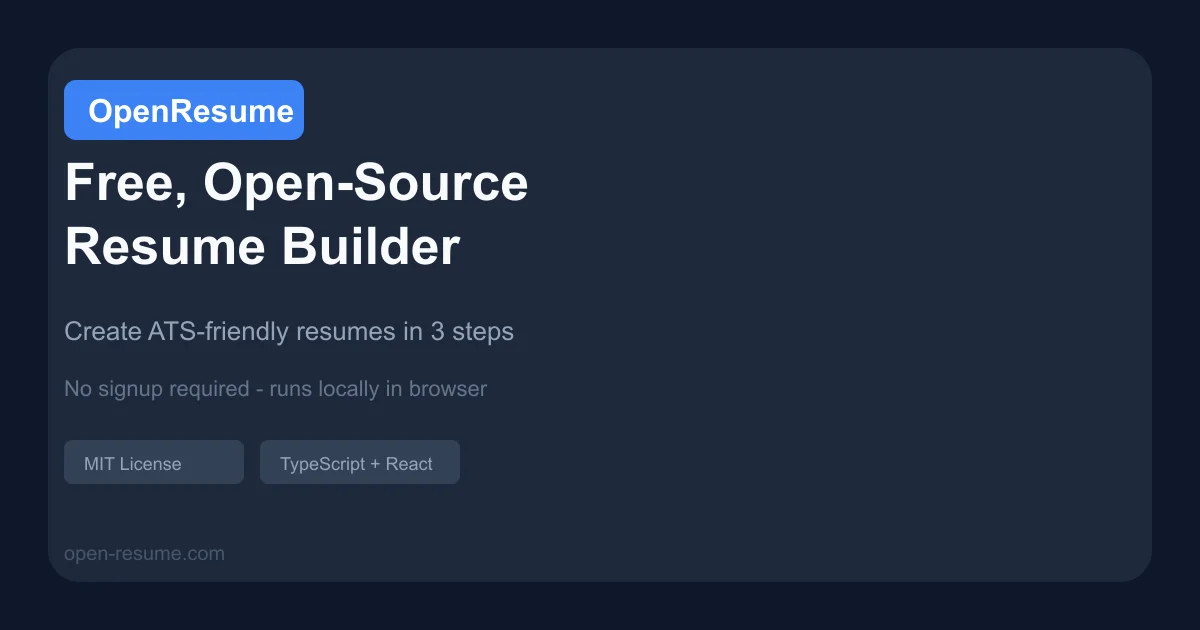
TL;DR: OpenResume is a free, open-source resume builder that creates ATS-friendly professional resumes entirely in your browser — no signup, no data leaving your machine.
Source and Accuracy Notes
- Project page: open-resume.com — verified live, HTTP 200
- Source repository: github.com/xitanggg/open-resume — MIT License, README read in full
- License: MIT (confirmed via project README and GitHub repo)
- HN launch thread: not indexed in available search — direct Show HN post confirmed via Algolia (656 points)
What Is OpenResume?
OpenResume is a free, open-source web tool for building and parsing professional resumes. It targets the U.S. job market specifically, with built-in best practices for ATS (Applicant Tracking Systems) platforms like Greenhouse and Lever.
The tool has two modes:
- Resume Builder — create a new resume from scratch or import an existing PDF to reformat it
- Resume Parser — test an existing resume PDF for ATS readability
The entire app runs client-side in your browser. No account is required, and no data is ever sent to a server.
Setup Workflow
OpenResume requires no installation or setup. Just open the site.
Step 1: Choose Your Starting Point
Navigate to open-resume.com.
If you have an existing resume PDF, click Import Resume to upload it. OpenResume uses PDF.js to parse your existing content.
If starting fresh, click Create Resume.
Step 2: Fill In or Edit Your Content
The builder shows a live PDF preview updating in real time as you type. Core sections include:
- Profile summary
- Work experience
- Education
- Skills
OpenResume enforces U.S. best practices automatically — consistent fonts, bullet point formatting, margins, and spacing are applied without manual intervention.
Step 3: Download Your Resume
Click Download to get a formatted PDF. The output is a single-column, top-down design optimized for ATS parsing.
Key Features
Real-time PDF preview. The resume PDF updates as you enter information —所见即所得, no guesswork about the final output.
Privacy-first architecture. All data stays in your browser’s local storage. The app works even offline. No server calls, no sign-up, no tracking.
U.S. market focus. Unlike global resume builders that offer extensive customization, OpenResume intentionally limits options to those aligned with U.S. best practices. No profile photo option (reduces bias), single-column layout only, no references section.
Resume parser. For existing resumes, the parser analyzes a PDF and confirms whether it is readable by major ATS platforms.
Open-source. Source code is publicly available on GitHub under the MIT License.
Deeper Analysis
OpenResume is built with TypeScript, React, Redux Toolkit, Tailwind CSS, and Next.js 13. PDF rendering uses react-pdf, and PDF reading uses PDF.js.
The project structure follows Next.js conventions with pages under src/app. Routes include:
/— landing page with hero, testimonials, feature overview/resume-import— PDF import/resume-builder— form and PDF preview/resume-parser— ATS readability tester
For local development, the README provides both npm and Docker setup methods.
git clone https://github.com/xitanggg/open-resume.git
cd open-resume
npm install
npm run dev
```bash

Then visit `http://localhost:3000`.

Docker setup:

```bash
git clone https://github.com/xitanggg/open-resume.git
cd open-resume
docker build -t open-resume .
docker run -p 3000:3000 open-resume
Practical Evaluation Checklist
- Can import an existing PDF resume
- Real-time PDF preview updates as you type
- Downloaded PDF is properly formatted
- Resume parser correctly identifies ATS-readable documents
- No account or email required
- Works offline after first load
- Single-column layout is preserved in output
Security Notes
OpenResume stores all resume data locally in the browser. No data is transmitted to any backend. This makes it a strong choice for job seekers concerned about personal data privacy.
However, clearing browser data will erase your resume — export and keep a backup copy.
FAQ
Q: Is OpenResume really free? A: Yes. OpenResume is completely free and open-source under the MIT License. There is no premium tier or hidden feature lock.
Q: Can I use it without an internet connection? A: After the initial page load, OpenResume works offline because all processing happens client-side.
Q: Does it work with all ATS platforms? A: The builder targets U.S. best practices and specifically mentions compatibility with Greenhouse and Lever. It generates single-column resumes, which generally fare better across ATS platforms than two-column designs.
Q: Can I import my existing resume from any format? A: OpenResume accepts PDF uploads for import. The parser then extracts content using PDF.js.
Q: Who created OpenResume? A: It was created by Xitang Zhao and designed by Zhigang Wen as a weekend project. Both are immigrants who experienced resume challenges when first entering the U.S. job market.
Conclusion
OpenResume fills a real gap for U.S. job seekers who want a modern, ATS-friendly resume without paying for premium tools or surrendering privacy to SaaS platforms. The entirely client-side architecture is architecturally elegant — no login, no data exfiltration, no vendor lock-in.
The tool is particularly useful if you have an existing resume PDF that needs modernizing: import it, and the builder reformats it to current best practices in seconds.
Try it at open-resume.com or browse the source at github.com/xitanggg/open-resume.
Related Posts
dev-tools
Automotive Skills Suite for AI Engineering
Evaluate Automotive Skills Suite for APQP, ASPICE, HARA, safety-plan, and DIA workflows with setup notes, governance risks, and SME review guidance.
5/28/2026
dev-tools
awesome-agentic-ai-zh Roadmap Guide
Explore awesome-agentic-ai-zh as a Chinese agentic AI learning roadmap, with setup notes, track selection, study workflow, and evaluation guidance.
5/28/2026
dev-tools
Baguette iOS Simulator Automation Guide
Set up Baguette for iOS Simulator automation, web dashboards, device farms, gesture input, streaming, and camera testing with Xcode caveats.
5/28/2026