OpenLess – Open Source Voice Input with AI Text Polishing
OpenLess is an open-source voice input tool for macOS and Windows. Hold a hotkey, speak, and AI-polished text streams to your cursor.
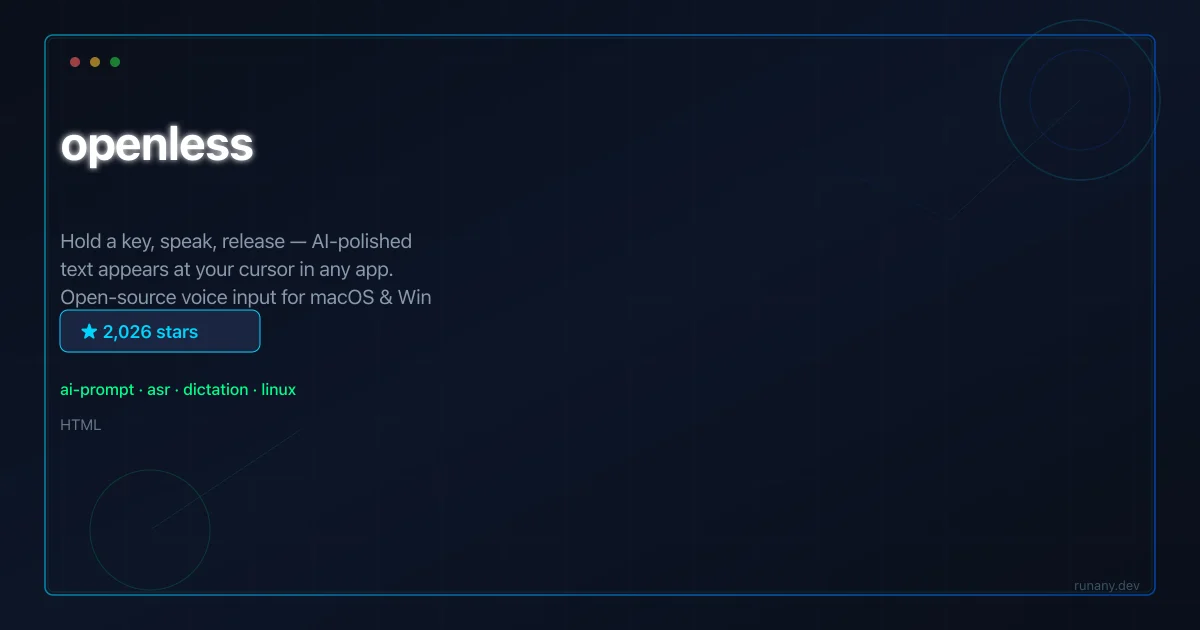
TL;DR
TL;DR: OpenLess is an open-source alternative to Wispr Flow and Typeless. Hold a global hotkey, speak naturally, and AI-polished text appears at your cursor in any app — email, IDE, Notion, or terminal. Style packs let you customize tone per context, and it supports local LLMs for privacy.
Source and Accuracy Notes
- Repository: open-less/openless (2,000+ stars, MIT license)
- Tech stack: Rust, Tauri 2, Whisper for speech-to-text
- Supported platforms: macOS 12+ and Windows 10+
What Is OpenLess?
OpenLess is a cross-platform voice input app that does more than transcribe. While most tools give you a word-for-word transcript, OpenLess’s headline mode applies AI polishing — you ramble, and it structures your words into a coherent prompt, email, or message in your chosen writing style.
The workflow is simple: put your cursor anywhere (ChatGPT, Claude, Cursor, Notion, an email draft), hold a global hotkey, talk, release, and the AI-polished text streams directly to the cursor. If text insertion is blocked by the target app, it copies to clipboard as a fallback.
Repo-Specific Setup Workflow
Step 1: Install
Download from the releases page. macOS and Windows binaries available.
Step 2: Configure LLM
Open settings and add your API provider:
Provider: OpenAI / Anthropic / Ollama / OpenAI-compatible
API Key: <your-key>
Model: gpt-4.1-mini / claude-haiku / llama3
Base URL: (for Ollama: http://localhost:11434)
```bash

### Step 3: Configure Hotkey

Set a global hotkey — defaults vary by platform. Choose a key combination you can reach quickly without conflicting with other shortcuts.

### Step 4: Choose a Style Pack

Style packs define how OpenLess polishes your speech. Pick from built-in styles or install community packs:

```text
- "Prompt Engineer" — adds structure and constraints for AI prompts
- "Email Pro" — professional email tone with greeting and sign-off
- "Commit Message" — conventional commit format
- Community packs available via the marketplace
Step 5: Use It
Put your cursor in any text field, hold the hotkey, speak, and release.
Deeper Analysis
The Tauri 2 + Rust architecture is what makes OpenLess viable as a voice input tool. Tauri’s native shell integration gives low-latency access to the microphone, global hotkey registration, and text insertion APIs that Electron apps struggle with. The binary size is orders of magnitude smaller than an Electron equivalent.
The style pack system is the differentiator. Instead of a single “polish” mode, you create or install packs with custom system prompts. Switching between styles is one hotkey away — no config file editing. Community packs are installable in one click from an in-app marketplace.
Speech-to-text uses Whisper models, with options for cloud (OpenAI) or local (Whisper.cpp) processing. The local option means zero audio data leaves the machine — critical for confidential conversations.
Practical Evaluation Checklist
- Works in any text field — no app-specific integration needed
- Style packs with one-click community install
- Local Whisper option for privacy
- Tauri 2 native performance
- Clipboard fallback when text insertion is blocked
- MIT license
Security Notes
In local Whisper mode, audio never leaves the device. In cloud mode, audio is sent to the configured API provider — review that provider’s data policy. Style pack system prompts are sent to the LLM alongside your transcribed text. The app stores API keys in local config; they’re only sent to the configured API endpoint. Global hotkey and clipboard access require OS-level permissions — grant only what’s needed.
FAQ
Q: How does it compare to Mac’s built-in dictation? A: macOS dictation transcribes word-for-word. OpenLess transcribes AND polishes — it restructures rambling speech into coherent text in the style you choose.
Q: Can I use it completely offline? A: Yes — configure a local Whisper model for transcription and Ollama for text polishing. Zero network calls.
Q: What languages are supported? A: Whisper supports 99+ languages for transcription. The polishing step uses whatever language the LLM model supports.
Q: How do style packs work technically? A: Each pack is a system prompt with temperature and tone settings. The transcribed text is sent to the LLM with the pack’s prompt, and the polished result is inserted.
The style pack marketplace uses a community-driven packaging format. Each pack contains a manifest.json with metadata (name, description, author, tags) and a system_prompt.txt with the polishing instructions. When you install a pack, OpenLess downloads it to a local directory and adds it to your style rotation. Switching between styles is done with a configurable hotkey — you can assign different key combinations to different style packs, or cycle through them with a single shortcut.
The Whisper integration supports multiple backends. The cloud option uses OpenAI’s Whisper API with streaming transcription — audio is sent in chunks as you speak, and the transcript updates in real time in a small overlay window. The local option uses whisper.cpp via a bundled Rust binary that runs the model on your GPU or CPU. Local models are downloaded on demand and cached, with sizes ranging from 75MB (tiny) to 1.5GB (large). The tiny model is surprisingly accurate for clear speech and runs in under 100ms latency on Apple Silicon.
The text insertion mechanism uses OS-level accessibility APIs — CGEventPost on macOS for simulating keystrokes and SendInput on Windows. This means it works in any text field, including apps that block programmatic text insertion (like some terminal emulators and Electron apps). If the insertion API fails (e.g., the target app is not focused), OpenLess falls back to clipboard copy with a system notification, so your words are never lost. The clipboard content is restored after insertion, so your previous clipboard item isn’t overwritten.
For privacy-conscious users, OpenLess includes an offline mode toggle. When enabled, all processing — transcription via local Whisper and polishing via local Ollama — stays on-device. No audio or text leaves the machine. The offline mode requires at least 8GB RAM for the medium Whisper model and an Ollama instance with a capable model, but the setup is one-time and documented in the README.
Conclusion
OpenLess addresses a real friction point — getting thoughts into any app quickly without fussing over grammar and structure. The style pack system makes it adaptable to different contexts, and the local mode keeps sensitive conversations private. For developers and writers who spend their day in text fields, it’s a well-implemented productivity multiplier.
Related Posts
ai-setup
Recall – Persistent Memory for Claude Code via MCP Hooks
Recall gives Claude Code a permanent memory store that survives session restarts and context compaction. Four hooks capture and restore context automatically — with cloud SaaS or self-hosted options.
2/28/2026
dev-tools
Automotive Skills Suite for AI Engineering
Evaluate Automotive Skills Suite for APQP, ASPICE, HARA, safety-plan, and DIA workflows with setup notes, governance risks, and SME review guidance.
5/28/2026
dev-tools
awesome-agentic-ai-zh Roadmap Guide
Explore awesome-agentic-ai-zh as a Chinese agentic AI learning roadmap, with setup notes, track selection, study workflow, and evaluation guidance.
5/28/2026