Open Archiver – Self-Hosted Email Archiving
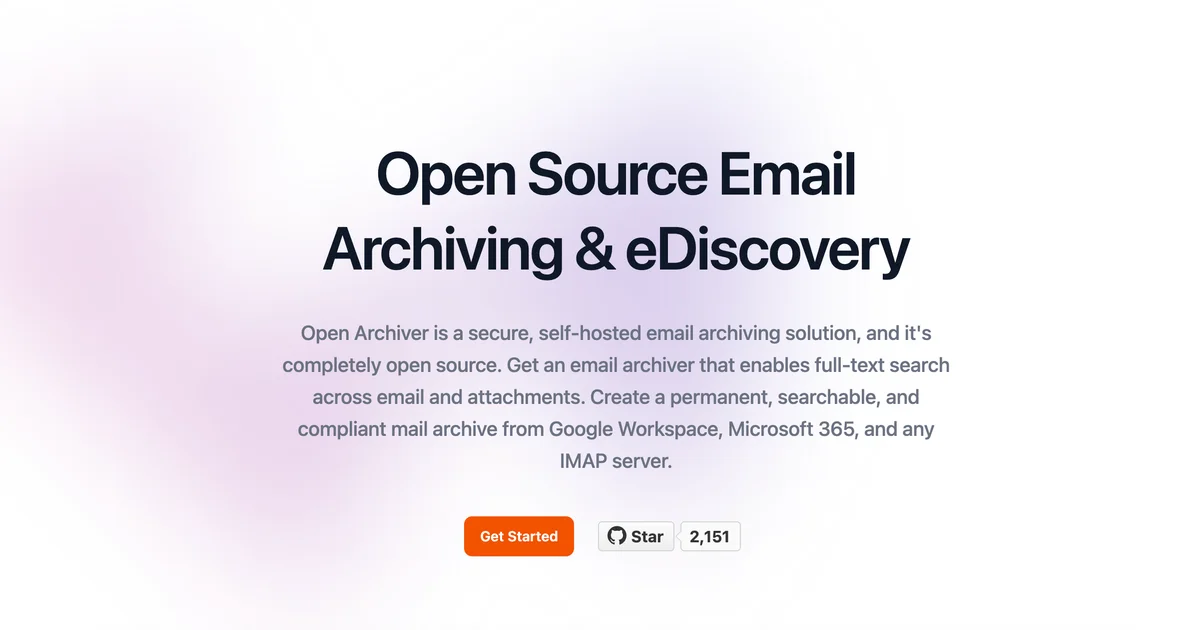
Open Archiver is a self-hosted email archiving platform that stores, indexes, and searches emails from Gmail, Microsoft 365, IMAP, and PST files with full-text search.
TL;DR
TL;DR: Open Archiver is an open-source, self-hosted email archiving platform that ingests from Gmail, Microsoft 365, IMAP, and PST files; deduplicates and encrypts them; indexes full-text search via Meilisearch; and exposes compliance features like audit logs and integrity hashing.
What Is Open Archiver?
Open Archiver is a secure, sovereign, self-hosted email archiving platform built by LogicLabs-OU. It connects to Gmail, Microsoft 365, generic IMAP servers, and PST/MBOX files to create a permanent, tamper-proof record of your email history with full-text search across emails and attachments.
The project positions itself as a GDPR-compliant alternative to hosted email archiving services — no vendor lock-in, data stays on your own infrastructure.
Source and Accuracy Notes
- Project page: openarchiver.com
- Source repository: github.com/LogicLabs-OU/OpenArchiver
- License: GNU Affero General Public License v3 (verified via
LICENSEfile onmainbranch) - Live demo: demo.openarchiver.com —
[email protected]/openarchiver_demo - HN launch thread: news.ycombinator.com/item?id=42918654
Supported Email Sources
Open Archiver supports ingesting from multiple email platforms:
- Google Workspace (Gmail) via OAuth
- Microsoft 365 (Exchange Online)
- Generic IMAP servers
- PST files (Outlook data files)
- MBOX files and zipped
.emlfiles
Synchronization can be one-time bulk import or continuous real-time sync. Deduplication runs on ingest to avoid storing duplicate emails.
Setup Workflow
Prerequisites
- Docker and Docker Compose
- A server with at least 4 GB RAM (2 GB if using external Postgres, Redis/Valkey, and Meilisearch instances)
Step 1: Clone and Configure
git clone https://github.com/LogicLabs-OU/OpenArchiver.git
cd OpenArchiver
cp .env.example .env
# Edit .env: set admin passwords and secret keys
```bash

### Step 2: Start Services

```bash
docker compose up -d
All services — frontend (SvelteKit), backend (Node.js/Express/TypeScript), PostgreSQL, Redis/Valkey, and Meilisearch — start in the background.
Step 3: Access the UI and Configure an Ingestion Source
Navigate to http://localhost:3000. From the dashboard, add an ingestion source:
- For Google Workspace: follow the Google Workspace guide
- For Microsoft 365: follow the M365 guide
- For generic IMAP: follow the IMAP guide
Key Features
Storage format: Emails are stored as standard .eml files. The system deduplicates and compresses them, and all files are encrypted at rest. You can use local filesystem storage or any S3-compatible backend (AWS S3, MinIO, etc.).
Full-text search: Meilisearch indexes the full text of emails and attachments (PDF, DOCX). Search results are fast and relevance-ranked.
Compliance tooling:
- Per-email “Integrity Report” — stored SHA-256 hash lets you detect any file alteration after ingest
- Immutable audit trail logging every system access
- Granular retention policies per mailbox
- Legal hold support (TBD at time of writing)
Thread discovery: The system groups emails into conversations, so searching for a topic surfaces the full thread.
Architecture
The stack, confirmed from the README:
| Component | Technology |
|---|---|
| Frontend | SvelteKit with Svelte 5 |
| Backend | Node.js, Express.js, TypeScript |
| Job Queue | BullMQ on Redis/Valkey |
| Search | Meilisearch |
| Database | PostgreSQL (metadata, audit logs, user management) |
| Deployment | Docker Compose |
Security Notes
- Files encrypted at rest
- SHA-256 hash stored for integrity verification
- Immutable audit log tracks all access
- OAuth2 integration for Google Workspace and Microsoft 365 — credentials are not stored locally
- Self-hosted means data never leaves your infrastructure
FAQ
Q: Does this replace my mail server? A: No. Open Archiver is a read-only archive. It ingests copies of emails from your existing mail server but does not handle sending or receiving.
Q: How does it handle attachment search? A: Meilisearch indexes the text content of PDF and DOCX attachments alongside the email body. Plain text and HTML emails are indexed natively.
Q: Is there a managed/hosted version? A: No. Open Archiver is fully self-hosted. There is no official hosted offering.
Q: What happens to attachments during deduplication? A: If the same attachment appears in multiple emails, only one copy is stored and referenced by each email record. This reduces storage without losing data.
Q: Can I export archived emails?
A: Yes. Archived emails are standard .eml files on disk (or in S3), so they can be extracted directly from storage without needing the Open Archiver application.
Conclusion
Open Archiver fills a specific niche: teams that need email archiving sovereignty — legal compliance, tamper-proof storage, full-text search — without paying per-mailbox fees to a vendor. The Docker Compose setup is straightforward, the stack is modern (SvelteKit, TypeScript, Meilisearch), and the AGPLv3 license means you can inspect and modify everything.
If you are a law firm, regulated business, or anyone who needs long-term email preservation with e-discovery capability, it is worth a look. The live demo at demo.openarchiver.com lets you try the UI before committing to a self-hosted deployment.
Related Posts
dev-tools
AgentMesh – Define AI Agent Teams in YAML
Define multi-agent AI workflows in YAML and run them locally with one command. AgentMesh brings Docker Compose patterns to AI agent orchestration.
5/28/2026
dev-tools
Cicada – FOSS CI/CD That Replaces YAML With a Real Language
Cicada replaces GitHub Actions and GitLab CI YAML configs with a custom functional DSL, letting you write pipelines using variables, functions, and shell.
5/29/2026
dev-tools
Stacktape – Deploy to AWS Without DevOps Knowledge
Stacktape is a DevOps-free cloud framework that cuts AWS deployment config by 98%. Supports serverless and containers, 20+ infra components built-in, and a.
5/29/2026