Oblien - Agent Runtime with a Built-In REST API
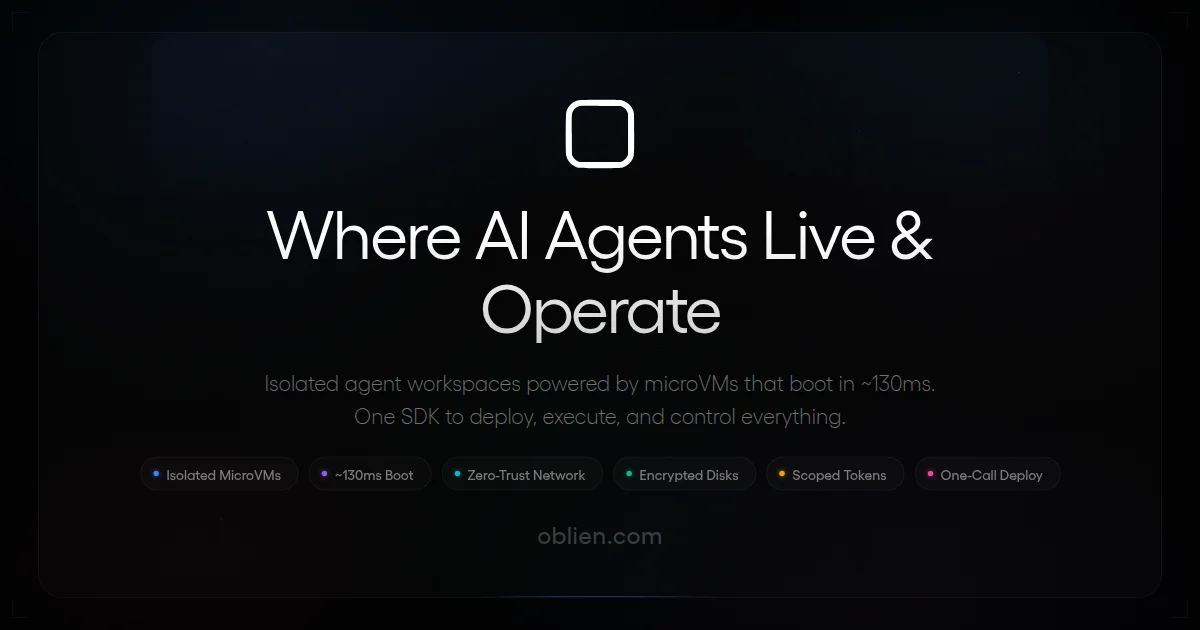
Deploy AI agents into secure cloud VMs with a full REST runtime API. File ops, terminal, exec, and search — controlled entirely from your agent code.
TL;DR
TL;DR: Oblien gives your AI agent its own cloud VM with a built-in REST runtime — file system access, terminal sessions, command execution, and search, all controllable from agent code.
Source and Accuracy Notes
- Project page: oblien.com — verified
- Source repository: github.com/oblien — verified
- SDK documentation: oblien.com/docs/workspace/sdk-setup — verified
- Runtime API docs: oblien.com/docs/runtime-api — verified
- HN launch thread: news.ycombinator.com/item?id=47346751 — verified
- Pricing: Free 500 credits, pay-as-you-go, enterprise (verified from landing page schema)
What Is Oblien?
Oblien is a cloud platform that lets you deploy autonomous AI agents into secure, persistent or on-demand workspaces — each workspace is a full Linux VM your agent controls via a typed SDK or raw REST API. The core differentiator is the Runtime API: a direct REST interface inside each workspace that exposes file operations, interactive terminal sessions, command execution, and content search — all from inside the agent’s own execution context.
Instead of your agent making API calls out to external services to manipulate files or run commands, Oblien opens a network path directly into the workspace. Your agent calls rt.files.list(), rt.terminal.create(), or rt.exec.run() from its own code, in the same environment where the work happens.
The platform is built for developers integrating with LangChain, CrewAI, AutoGPT, or any custom agent framework. MCP (Model Context Protocol) is also supported as a first-class concept.
Setup Workflow
Step 1: Create an account and claim free credits
Sign up at oblien.com. New accounts receive 500 free credits with no credit card required. The dashboard lets you launch workspaces immediately.
Step 2: Install the SDK
npm install @oblien/sdk
```bash

The SDK is available on npm and provides a typed client for the full Oblien API, including workspace lifecycle and the Runtime API.

### Step 3: Create a workspace

```javascript
import { createClient } from '@oblien/sdk';

const client = createClient({
  clientId: process.env.OBLIEN_CLIENT_ID,
  clientSecret: process.env.OBLIEN_CLIENT_SECRET,
});

// Create a workspace
const workspace = await client.workspaces.create({
  name: 'my-agent-workspace',
  region: 'us-east-1',
  resources: {
    cpu: 2,
    memoryGb: 4,
    diskGb: 20,
  },
});

console.log('Workspace ID:', workspace.id);
```bash

### Step 4: Connect the Runtime API

Once your workspace is running, fetch a runtime handle and your agent can directly manipulate files, spawn terminals, and run commands:

```javascript
// Get a runtime connection (auto-fetches JWT)
const rt = await client.workspaces.runtime(workspace.id);

// List files in the workspace
const files = await rt.files.list({ dirPath: '/app' });

// Read a file
const content = await rt.files.read({ filePath: '/app/index.js' });

// Run a command
const result = await rt.exec.run(['node', '-e', 'console.log("hello")']);

// Create an interactive terminal session
const term = await rt.terminal.create({ shell: '/bin/bash' });
Deeper Analysis
Two API layers: Oblien API vs. Runtime API
Oblien exposes two distinct interfaces:
Oblien API (api.oblien.com) — workspace lifecycle management. Create, start, stop, delete workspaces. Authenticated with X-Client-ID + X-Client-Secret API keys. All your workspaces are managed through this layer.
Workspace Runtime API (workspace.oblien.com or 10.x.x.x:9990 inside each workspace) — file operations, exec, terminal, and search. Authenticated via gateway JWT or raw connection token. Scoped to a single workspace. Lower latency since it runs inside the workspace itself.
Supported frameworks
The docs explicitly call out LangChain, CrewAI, AutoGPT, and MCP as first-class integrations. The SDK is framework-agnostic — if your agent can make HTTP calls or use an async JavaScript SDK, it works.
Pricing
From the landing page schema (verified):
- Free: 500 credits, no credit card required
- Pay-as-you-go: per-credit pricing
- Enterprise: custom pricing
Compute is the primary cost driver — you’re paying for the VM resources your workspace consumes.
Practical Evaluation Checklist
- Has a typed SDK (
@oblien/sdkon npm) - Runtime API with file ops, exec, terminal, search — all controllable from agent code
- Supports both persistent and on-demand ephemeral workspaces
- Framework integrations: LangChain, CrewAI, AutoGPT, MCP
- Free tier with 500 credits
- CLI available alongside SDK
- Workspace networking with outbound IP control
- SSH access to workspaces
- Self-hosted option (not mentioned — cloud-only)
Security Notes
- Raw capture never leaves the workspace without explicit user consent
- E2E encryption for workspace-to-workspace communication
- Gateway JWT or raw connection token for Runtime API auth
- Per-workspace scoping — Runtime API keys are scoped to a single workspace
FAQ
Q: How does this differ from a regular cloud VM? A: A regular VM gives you SSH access. Oblien gives your AI agent an SDK-level handle to the same VM — file reads/writes, command execution, and interactive terminal sessions are all callable from code without going through an SSH layer. The agent doesn’t need to parse stdout from an SSH stream; it calls a typed async method and gets a structured result.
Q: Can I use this with a self-hosted model? A: The workspace runs a Linux VM in Oblien’s cloud. Whether your agent connects to a local model or an API-hosted model (OpenAI, Anthropic, etc.) is up to your agent code. The workspace is just the execution environment for your agent.
Q: What happens when the workspace is stopped? A: Workspaces can be persistent (keep running) or on-demand (spin up when needed). Persistent workspaces maintain state between sessions. You can also snapshot workspaces for later restoration.
Q: Is there an MCP server? A: Yes. The docs list MCP as a first-class supported integration under the Runtime API reference.
Q: What does the Runtime API cost? A: The compute cost is based on the VM resources you choose (CPU, RAM, disk). The 500 free credits cover initial experimentation. Beyond that, it’s pay-as-you-go.
Conclusion
Oblien targets a specific pain point in agent development: when your agent needs to actually manipulate files, run scripts, or interact with a shell, most platforms force you to orchestrate external tooling or SSH. Oblien’s Runtime API brings the VM environment into the agent’s control plane directly. For developers building agents that do real development work — not just API calls — this is a meaningful shift. Worth evaluating if you’re building anything beyond prompt-and-response workflows.
Related Posts
ai-setup
Recall – Persistent Memory for Claude Code via MCP Hooks
Recall gives Claude Code a permanent memory store that survives session restarts and context compaction. Four hooks capture and restore context automatically — with cloud SaaS or self-hosted options.
2/28/2026
dev-tools
Automotive Skills Suite for AI Engineering
Evaluate Automotive Skills Suite for APQP, ASPICE, HARA, safety-plan, and DIA workflows with setup notes, governance risks, and SME review guidance.
5/28/2026
dev-tools
awesome-agentic-ai-zh Roadmap Guide
Explore awesome-agentic-ai-zh as a Chinese agentic AI learning roadmap, with setup notes, track selection, study workflow, and evaluation guidance.
5/28/2026