GrowthBook – Open-Source Feature Flags & A/B
Self-host GrowthBook for feature flags, A/B experiments, and product analytics. Warehouse-native, 24 SDKs, MIT-licensed. Full guide.
TL;DR
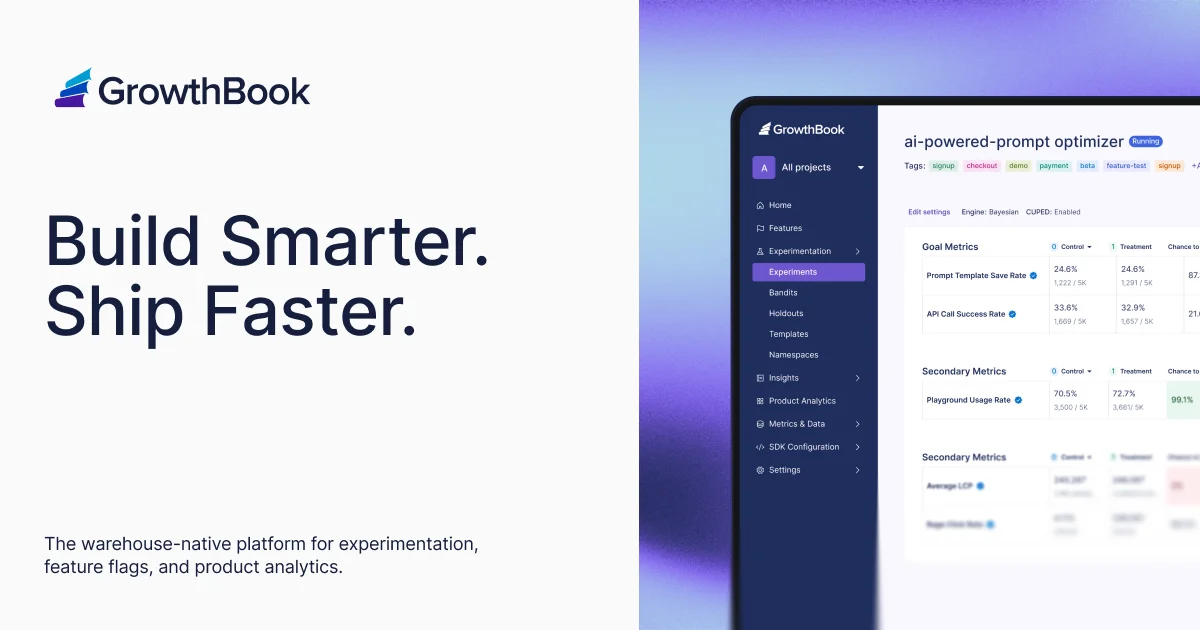
TL;DR: GrowthBook is an open-core experimentation platform combining feature flags, A/B testing, and product analytics with a warehouse-native architecture. Self-host it with Docker in minutes, or use the managed cloud.
Source and Accuracy Notes
- Project page: growthbook.io ← visited and verified
- Source repository: github.com/growthbook/growthbook ← README read end-to-end
- License: MIT (core) / GrowthBook Enterprise License (some enterprise directories, per README
LICENSEfile) - HN launch thread: news.ycombinator.com/item?id=30515940 (YC W22)
What Is GrowthBook?
GrowthBook is an open-source platform for feature flags, A/B experimentation, and product analytics. Unlike traditional A/B testing tools that run their own tracking infrastructure, GrowthBook is warehouse-native — it queries your existing data warehouse (BigQuery, Snowflake, Databricks, etc.) directly, acting as a metadata and statistics layer on top of your data.
The project’s own description:
“Open Source Feature Flags, Experimentation, and Product Analytics”
With 7.9k stars on GitHub and backing from Y Combinator (W22), GrowthBook is used in production by over 3,000 companies according to its website.
Key capabilities at a glance:
- Feature flags with targeting rules, gradual rollouts, and experiment overrides
- 24 SDKs — React, Python, Kotlin, Swift, Go, Ruby, PHP, Java, and more
- Experiment statistics — CUPED, Sequential, Bayesian, Post-Stratification, Bandits, SRM checks
- Warehouse-native — 11 data source connectors including BigQuery, Snowflake, Redshift, Databricks
- Built-in analytics — dashboards and chart-building without leaving the product
- MCP server — control GrowthBook via AI agents using the Model Context Protocol
- REST API + webhooks — for custom integrations and CI/CD-driven workflows
Prerequisites
- Docker and Docker Compose installed
- A data warehouse (optional but recommended for full functionality) — BigQuery, Snowflake, Redshift, Databricks, ClickHouse, or Postgres
- Node.js 18+ if running without Docker
Setup Workflow
Step 1: Clone and Start
git clone https://github.com/growthbook/growthbook.git
cd growthbook
docker compose up -d
```bash

Then visit [http://localhost:3000](http://localhost:3000). The first visitor is automatically granted admin access.

### Step 2: Create Your First Feature Flag

After logging in:

1. Navigate to **Features** → **Create Feature**
2. Give it a key such as `new-checkout-flow`
3. Set the default value (e.g., `false` for a toggle, or a string for a value)
4. Add targeting rules — for example, roll out to 20% of users, or enable for specific attribute values

### Step 3: Connect a Data Source

For experiment analysis, connect your warehouse:

1. Go to **Settings** → **Data Sources** → **Add Data Source**
2. Select your warehouse type (BigQuery, Snowflake, etc.)
3. Provide credentials and a dataset prefix
4. GrowthBook validates the connection by running a test query

Once connected, you define **metrics** using SQL — GrowthBook runs the experiment analysis queries against your warehouse directly, keeping your data in your own infrastructure.

### Step 4: Run Your First Experiment

1. Create an experiment under **Experiments**
2. Assign a tracking key and select the feature flag from Step 2
3. Configure the metric(s) to track — conversion rate, revenue per user, etc.
4. Choose the statistics engine (frequentist or Bayesian)
5. Start the experiment and monitor the results dashboard

### Step 5: Integrate via SDK

```javascript
// Example: React SDK
import { useFeature } from "@growthbook/growthbook-react";

function CheckoutButton() {
  const { value } = useFeature("new-checkout-flow");
  return value === true ? (
    <NewCheckoutButton />
  ) : (
    <OldCheckoutButton />
  );
}
```bash

The [SDK documentation](https://docs.growthbook.io/lib) covers Python, Go, Ruby, PHP, Java, Kotlin, Swift, and server-side JavaScript in addition to React.

## Deeper Analysis

### Why Warehouse-Native Matters

Traditional A/B testing tools (Optimizely, VWO, etc.) require you to install their JavaScript snippet, send all experiment impressions through their pipeline, and trust their data processing. GrowthBook inverts this model — you already pay for BigQuery or Snowflake. Why duplicate the analytics pipeline?

With GrowthBook, experiment assignments are written to your warehouse (via SDK or proxy), and GrowthBook reads from the same tables your data team already uses. The analysis queries run in your warehouse, not in GrowthBook's infrastructure.

Benefits:
- **No data duplication** — your warehouse is the source of truth
- **Familiar SQL** — data engineers can audit every metric query
- **Scalable** — warehouse compute handles millions of events cheaply
- **Compliance-friendly** — data never leaves your infrastructure

### MCP Server for AI Agents

GrowthBook ships an MCP server that lets AI assistants (Claude, Cursor, etc.) manage feature flags and experiments programmatically:

```bash
npx @growthbook/mcp-server
Or connect it directly to the Model Context Protocol registry to use GrowthBook as a tool inside AI coding assistants.
Security Notes
- Credentials for data sources are encrypted at rest
- The self-hosted deployment keeps all experiment and analytics data on your own infrastructure
- Role-based access control (RBAC) is available in the enterprise tier
- The MIT license covers the core platform; evaluate the enterprise license terms for RBAC and advanced features
Practical Evaluation Checklist
- Self-hosted with Docker: works on a single VPS with 2GB RAM
- Feature flag evaluation is local to each SDK (no network round-trip per flag check in most SDKs)
- Metrics defined in SQL — any warehouse queryable data can become a metric
- Supports both frequentist (classic p-value) and Bayesian statistics
- SDKs are open-source under the MIT license
- No forced SaaS lock-in — the self-hosted version has no artificial limitations on seats or experiments
FAQ
Q: What is the licensing model? A: The core platform is MIT licensed. Several directories in the repo are governed by a separate commercial GrowthBook Enterprise License. The self-hosted version is free to use with no seat limits on the MIT-licensed portions. GrowthBook Cloud is a managed SaaS with a free tier for small teams.
Q: Does GrowthBook require a data warehouse? A: No — GrowthBook can run without a connected warehouse, but its full experiment analysis capabilities require one. Without a warehouse, you can still use feature flags and track basic conversion events via their proxy. The warehouse-native approach is what sets it apart for serious experimentation work.
Q: How does it compare to LaunchDarkly or Optimizely? A: GrowthBook is open-source and self-hostable (reducing cost dramatically at scale), warehouse-native (sharing your existing data infrastructure), and has built-in experiment statistics rather than treating analysis as a separate concern. LaunchDarkly and Optimizely are SaaS-first, own their own event pipelines, and charge per-seat. GrowthBook’s trade-off is higher technical setup cost but lower long-term cost and greater flexibility for data-mature teams.
Q: Can I use GrowthBook for release flags without running experiments? A: Yes — feature flags work independently of experiments. You can use gradual rollouts, kill switches, and percentage-based rollouts without configuring any experiment analysis.
Conclusion
GrowthBook is a strong fit for data-engineering teams that already run a modern data warehouse and want to build an in-house experimentation practice without the cost and lock-in of commercial tools. The MIT-licensed core covers most needs, the warehouse-native design is architecturally sound, and the breadth of SDKs makes it practical for most tech stacks.
If you are evaluating self-hosted experimentation tools in 2026, GrowthBook deserves serious consideration alongside options like Argo Rollouts (for progressive delivery) or custom-built flag systems.
Docs: docs.growthbook.io | GitHub: growthbook/growthbook
Related Posts
dev-tools
Automotive Skills Suite for AI Engineering
Evaluate Automotive Skills Suite for APQP, ASPICE, HARA, safety-plan, and DIA workflows with setup notes, governance risks, and SME review guidance.
5/28/2026
dev-tools
awesome-agentic-ai-zh Roadmap Guide
Explore awesome-agentic-ai-zh as a Chinese agentic AI learning roadmap, with setup notes, track selection, study workflow, and evaluation guidance.
5/28/2026
dev-tools
Baguette iOS Simulator Automation Guide
Set up Baguette for iOS Simulator automation, web dashboards, device farms, gesture input, streaming, and camera testing with Xcode caveats.
5/28/2026