Drop in – Add Custom Features to Any Web App via Prompts
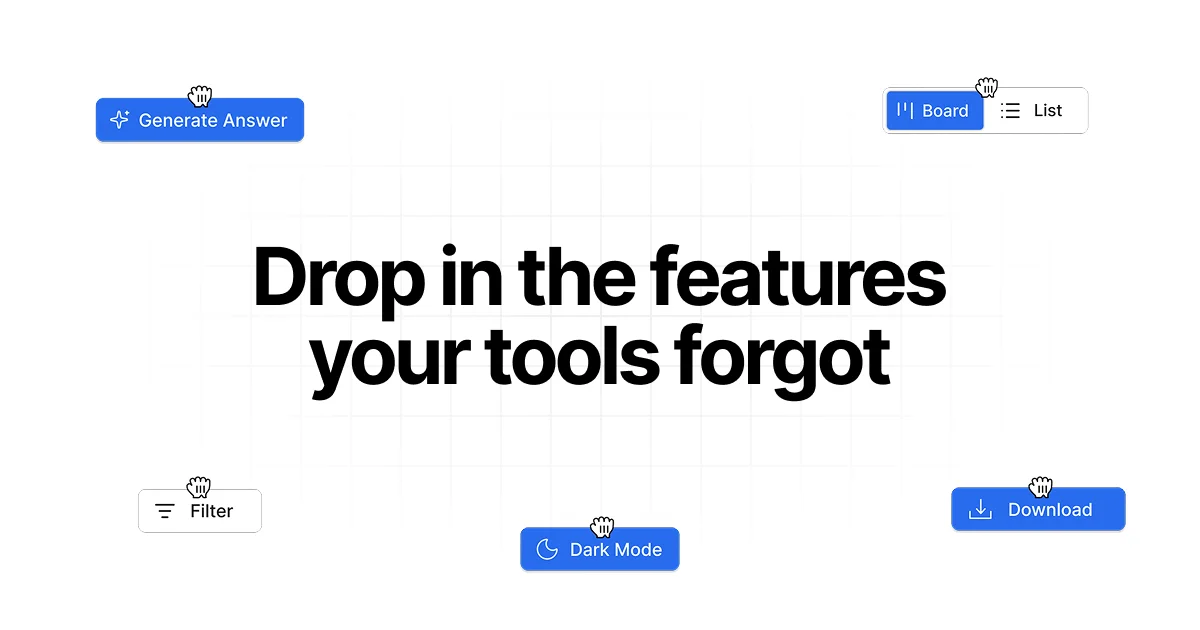
Drop in is a Chrome extension that lets you describe custom buttons, panels, and workflows in plain English and adds them to any web app, no code required.
TL;DR
TL;DR: Drop in is a Chrome extension that adds custom buttons, panels, and workflows to any web app — you describe what you want in plain English, and it builds it inline without writing code.
What Is Drop in?
Drop in is a Chrome extension built by Fluid Software Labs that lets you add custom features to any web application using plain English prompts. Instead of installing a native app or requesting a feature from a vendor, you describe the workflow you need — a button to copy data, a panel to display summaries, a way to automate a repetitive click sequence — and Drop in builds it directly into the page’s UI.
“Drop in adds custom features, smart workflows, and integrations to any web app via a Chrome extension. No code needed.”
The extension integrates with ChatGPT, LinkedIn, YouTube, and other popular web apps out of the box, and can extend virtually any site that renders a standard HTML interface.
How It Works
Drop in uses a prompt-based interface to generate UI elements. You describe what you want in natural language, and the extension creates functional buttons, panels, or workflows that live inside the target web app. The generated elements are persistent and work across sessions.
Key capabilities:
- Custom buttons — add one-click actions to any page (e.g., a button to export chat history, copy a formatted response, or trigger a workflow)
- Panels — inject sidebars or overlay panels that display data, summaries, or controls
- Workflows — chain multiple actions together (e.g., “when I click this button, copy the selected text, open a new tab, and paste it into the form”)
- Site-wide integrations — the extension recognizes patterns across sessions and can reapply custom features on repeated visits
Use Cases
For power users: Automate repetitive browser tasks without writing scripts. Create a button that formats and copies data from a table, or a panel that summarizes long pages.
For teams: Add missing features to internal tools or legacy web apps where no API or customization option exists. Instead of filing a feature request, build it yourself with Drop in.
For developers: Prototype UI interactions directly in a browser without spinning up a full application. The extension can serve as a quick mock-and-iterate layer on top of existing sites.
Setup
Install the Extension
- Open the Drop in Chrome Web Store page
- Click Add to Chrome
- Grant the required permissions (access to all websites for the extension to inject UI elements)
Create Your First Feature
- Navigate to any web app (e.g., ChatGPT, LinkedIn, YouTube)
- Click the Drop in icon in the Chrome toolbar
- Type a plain English description of what you want — for example: “Add a button next to each comment that copies the text and opens a reply draft”
- Drop in generates the button or panel and places it inline
- The feature persists across sessions on that site
Example Prompt Ideas
- “Add a button to export this table as CSV”
- “Show a side panel with a summary of all the links on this page”
- “Add a quick-copy button for the current price on this product page”
- “Create a panel that translates the selected text to Spanish”
Deeper Analysis
How the Prompt-to-UI Generation Works
Drop in generates UI elements by analyzing the DOM structure of the target page and injecting custom HTML/CSS at appropriate anchor points. The extension maps your natural language request to specific DOM elements and interaction patterns. Because it works at the rendering layer rather than through an API, it can extend virtually any web app regardless of whether it has an extensibility model.
Privacy Considerations
Since Drop in runs as a Chrome extension with permission to read and modify page content on all websites, it has broad access. Users should review what data the extension can read before granting permissions, especially in work environments where browser extensions may be subject to IT policy.
Comparison to Alternatives
| Feature | Drop in | Tampermonkey | Browser DevTools |
|---|---|---|---|
| No-code UI building | Yes | No | No |
| Plain English prompts | Yes | No | No |
| Persistent across sessions | Yes | Yes | No |
| Works on any site | Yes | Yes | Manual only |
| Free to start | Yes | Free | Free |
Security Notes
- Review extension permissions before installing — Drop in requires access to all websites to inject UI elements
- The extension processes prompts locally; review the privacy policy for details on what data, if any, is sent to Drop in’s servers
- Be cautious when adding features to pages that handle sensitive data (banking, medical records, credentials)
FAQ
Q: Does Drop in work on mobile browsers? A: Currently, Drop in is a Chrome extension and works on desktop Chrome and Chromium-based browsers. Mobile support is not available.
Q: Are the generated features permanent? A: Yes. Once you create a feature for a specific site, it persists across browser sessions and page reloads until you remove it.
Q: Can I share features I built with others? A: Drop in has an integrations library where users can browse and install features built by the community. You can also export your own features for sharing.
Q: Is there a paid plan? A: The Chrome Web Store listing shows a price of $0 (free to start). Check the Drop in pricing page on their website for paid tier details.
Source and Accuracy Notes
- Project page: usedropin.com
- Chrome Web Store listing: Drop in – Add features to any web app
- HN launch thread: news.ycombinator.com/item?id=47037538
- License: Proprietary (Fluid Software Labs)
Related Posts
dev-tools
Automotive Skills Suite for AI Engineering
Evaluate Automotive Skills Suite for APQP, ASPICE, HARA, safety-plan, and DIA workflows with setup notes, governance risks, and SME review guidance.
5/28/2026
dev-tools
awesome-agentic-ai-zh Roadmap Guide
Explore awesome-agentic-ai-zh as a Chinese agentic AI learning roadmap, with setup notes, track selection, study workflow, and evaluation guidance.
5/28/2026
dev-tools
Baguette iOS Simulator Automation Guide
Set up Baguette for iOS Simulator automation, web dashboards, device farms, gesture input, streaming, and camera testing with Xcode caveats.
5/28/2026