Dashwave - AI Cloud Platform for Mobile App Development
Build, test, and deploy Android and iOS apps in the cloud. Dashwave offers remote builds, live emulation, Figma-to-code, and AI-assisted development.
TL;DR
TL;DR: Dashwave is a cloud platform that lets mobile developers build, emulate, and ship Android and iOS apps without local build bottlenecks, featuring AI-assisted coding, Figma-to-code conversion, and browser-based device emulation.
Source and Accuracy Notes
This post is based on the Dashwave launch post on Hacker News (41 points), the official website, and the founder’s public description of the platform. Dashwave is in public beta and actively evolving. Feature availability may change as the product develops.
What Is Dashwave?
Dashwave is a cloud-native platform built specifically for mobile app development. It addresses a pain point that Android and iOS developers know well: local builds are slow, emulators eat RAM, and sharing work-in-progress builds with teammates or stakeholders requires a clumsy dance of APK files and screenshot links.
The platform moves the entire build-emulate-test cycle to the cloud. You push your code, Dashwave compiles it on cloud nodes, streams a live emulator to your browser, and lets you share that emulator session as a clickable link. No local Gradle daemon, no Android Studio emulator hogging 8 GB of RAM, no “let me export the APK and send it over Slack.”
The platform supports all major mobile frameworks: Kotlin, Java, React Native, Flutter, and native iOS.
How Dashwave Works
Step 1: Connect Your Project
Dashwave integrates with your existing codebase through its CLI tool (dw cli). You link your local repository to a Dashwave project, and the CLI handles syncing your code to the cloud build engine. The integration works with popular IDEs and editors, so you can trigger cloud builds without leaving your development environment.
# Install the Dashwave CLI
npm install -g @dashwave/cli

# Login to your Dashwave account
dw login

# Link your current project
dw init
```bash

### Step 2: Cloud Builds with Remote Caching

When you trigger a build, Dashwave compiles your project on cloud nodes with fresh environments. No dependency conflicts, no stale caches from three weeks ago. The platform uses Gradle Enterprise-grade distributed caching, which means if your project (or a similar dependency tree) was built before on Dashwave, subsequent builds hit the cache and finish significantly faster.

```bash
# Trigger a cloud build
dw build --platform android

# Build for multiple targets
dw build --platform android,ios
```bash

Build analytics give you visibility into what is slow: cache utilization metrics, per-task build times, and ROI stats that show where your build pipeline spends its time.

### Step 3: Browser-Based Emulation

Once a build completes, Dashwave spins up a cloud emulator and streams it to your browser. You interact with the emulated device as if it were running locally: touch input, rotation, network throttling, and logcat output all work through the browser interface.

You can also connect a physical device to Dashwave Cloud for real-device previews, which matters when you need to test hardware-specific behavior like camera access or biometric authentication.

### Step 4: Share and Collaborate

Every emulation session generates a shareable link. Send it to a product manager, a client, or a QA tester. They open the link in their browser and interact with your app. Comments are contextual: reviewers can pin notes to specific screenshots with attached logs, so you know exactly what state the app was in when the issue appeared.

### Step 5: Figma-to-Code and AI Assist

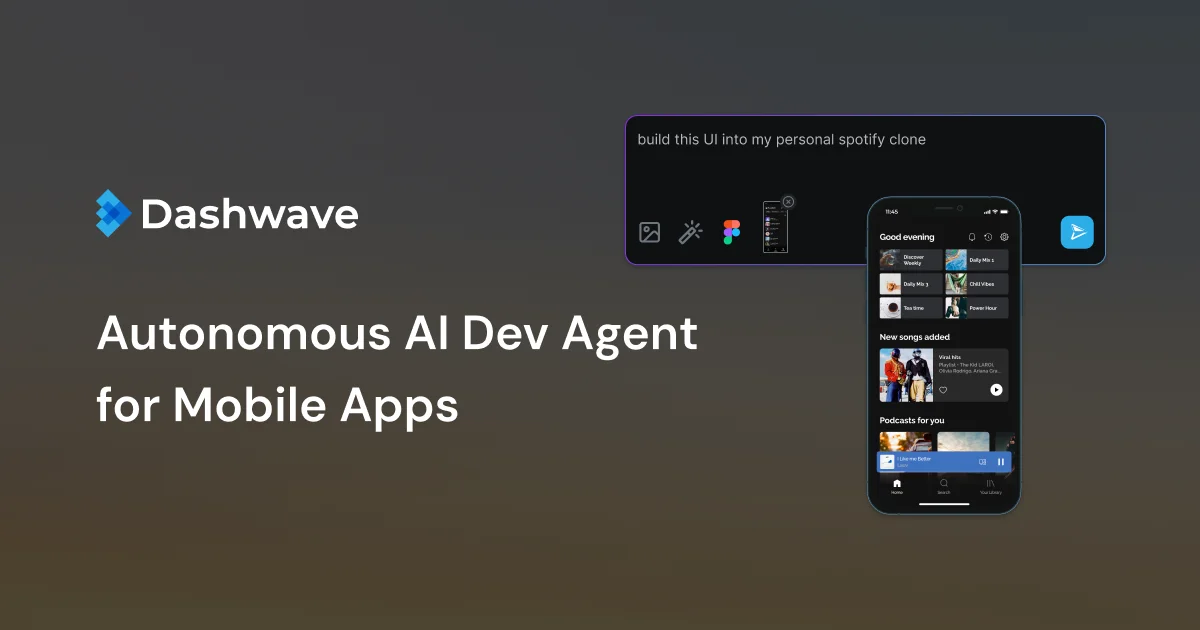
Dashwave includes a Figma-to-code pipeline that converts design components into production-ready mobile code. The AI-assisted development feature lets you describe UI components or entire screens in natural language, and the platform generates the corresponding Kotlin, Swift, or React Native code.

```text
# Example AI prompt workflow
1. Describe the screen: "A login screen with email/password fields and OAuth buttons"
2. Dashwave generates the component code
3. Review and iterate in the cloud emulator
4. Commit the generated code to your repository
```bash

## Deeper Analysis

### What Problem It Actually Solves

The mobile development workflow has a structural inefficiency: build times scale with project complexity, but feedback cycles need to be fast. A large Android project can take 5 to 15 minutes for a clean build. If you are iterating on UI or debugging a layout issue, that wait time kills momentum.

Dashwave addresses this at multiple levels:

- **Remote caching** eliminates redundant work across builds
- **Cloud nodes** provide more compute than a typical laptop
- **Shared build state** means the entire team benefits from one person's build cache
- **Browser emulation** removes the need for powerful local hardware

The collaboration angle is equally important. In most mobile teams, sharing a WIP build means building an APK, uploading it to a distribution service, waiting for the reviewer to install it, and then trying to reproduce the context they were looking at. Dashwave collapses this into a link.

### Where It Fits in the Toolchain

Dashwave is not a replacement for Android Studio or Xcode. You still write code in your editor, use version control, and run unit tests locally. Dashwave occupies the space between "code is written" and "build is tested and shared":

```bash
Local Editor → dw build → Cloud Compile → Cloud Emulate → Share Link
     ↑                                              |
     └──────────── Edit, Iterate ───────────────────┘
It also plugs into CI/CD pipelines. If a build works on Dashwave’s cloud, it will work in your CI environment, since both use the same build engine. This eliminates the classic “works on my machine” problem for mobile builds.
Pricing and Access
Dashwave is currently in public beta. The console is available at console.dashwave.io. Pricing details are on the official website. The free tier should be sufficient for individual developers evaluating the platform.
Practical Evaluation Checklist
Use this checklist to decide if Dashwave fits your workflow:
- Your team builds Android or iOS apps with Kotlin, Java, React Native, or Flutter
- Local build times exceed 3 minutes regularly
- You frequently share WIP builds with non-developers (PMs, designers, clients)
- Your CI pipeline has mobile build issues that do not reproduce locally
- You want to reduce the hardware requirements for mobile development (no need for M-series Macs or 32 GB RAM laptops)
- Your team uses Figma and wants to reduce design-to-code handoff time
- You need real-device testing but lack a physical device lab
If most of these apply, Dashwave is worth a trial. If you build exclusively for web or desktop, or your builds are already fast (under 60 seconds), the value proposition is weaker.
Security Notes
Dashwave handles your source code and build artifacts in the cloud. Key security considerations:
- Code storage: Your code is stored on Dashwave’s cloud infrastructure during builds. Review their data handling policies if your project has compliance requirements.
- Build isolation: Each build runs in a fresh environment, which limits the blast radius of supply chain attacks compared to persistent local build caches.
- Sharing controls: Emulation links can be shared with anyone who has the URL. Be cautious with builds that contain sensitive data or unreleased features.
- Keystore management: Distribution pipelines handle signing keystores. Ensure you understand where keys are stored and who has access.
- Access control: Use team-based access controls rather than shared accounts. Dashwave supports workspace-level permissions.
FAQ
Q: Does Dashwave replace Android Studio or Xcode? A: No. Dashwave handles the build, emulate, and share stages of the workflow. You still write code in your preferred IDE and use platform-specific tools for profiling and debugging.
Q: What mobile frameworks does Dashwave support? A: Dashwave supports Kotlin, Java, React Native, Flutter, and native iOS development. The cloud build engine handles Gradle-based Android builds and Xcode-based iOS builds.
Q: How does the remote caching work? A: Dashwave uses Gradle Enterprise-grade distributed caching. When a build completes, cacheable outputs are stored. Future builds with the same inputs (dependencies, source hashes) hit the cache instead of recompiling. This works across team members, so one developer’s build speeds up everyone’s.
Q: Can I use my own CI/CD pipeline with Dashwave? A: Yes. Dashwave provides CLI tools and APIs that integrate with existing CI/CD systems. The same build engine powers both interactive development builds and CI pipeline builds.
Q: Is there a free tier available? A: Dashwave is currently in public beta with free access available through console.dashwave.io. Check the pricing page for current limits and future paid plans.
Q: How does browser-based emulation compare to local emulators? A: The cloud emulator streams to your browser with low latency. It supports touch input, device rotation, and log output. For most development and review workflows, it is comparable to a local emulator. For hardware-specific testing (camera, NFC, biometrics), you can connect a physical device to Dashwave Cloud instead.
Conclusion
Dashwave tackles a real bottleneck in mobile development: the gap between writing code and getting a build in front of stakeholders. By moving builds, emulation, and sharing to the cloud, it eliminates local hardware constraints and makes collaboration as simple as sharing a link.
The platform is still in beta and actively evolving. The AI-assisted development features and Figma-to-code pipeline are recent additions that signal the direction of the product. If your team struggles with slow mobile builds or clumsy WIP sharing workflows, Dashwave is worth evaluating.
Visit dashwave.io to get started with the public beta.
Related Posts
dev-tools
Automotive Skills Suite for AI Engineering
Evaluate Automotive Skills Suite for APQP, ASPICE, HARA, safety-plan, and DIA workflows with setup notes, governance risks, and SME review guidance.
5/28/2026
dev-tools
awesome-agentic-ai-zh Roadmap Guide
Explore awesome-agentic-ai-zh as a Chinese agentic AI learning roadmap, with setup notes, track selection, study workflow, and evaluation guidance.
5/28/2026
dev-tools
Baguette iOS Simulator Automation Guide
Set up Baguette for iOS Simulator automation, web dashboards, device farms, gesture input, streaming, and camera testing with Xcode caveats.
5/28/2026