CosmicJS Team Agents – AI That Joins Your Team From Day One
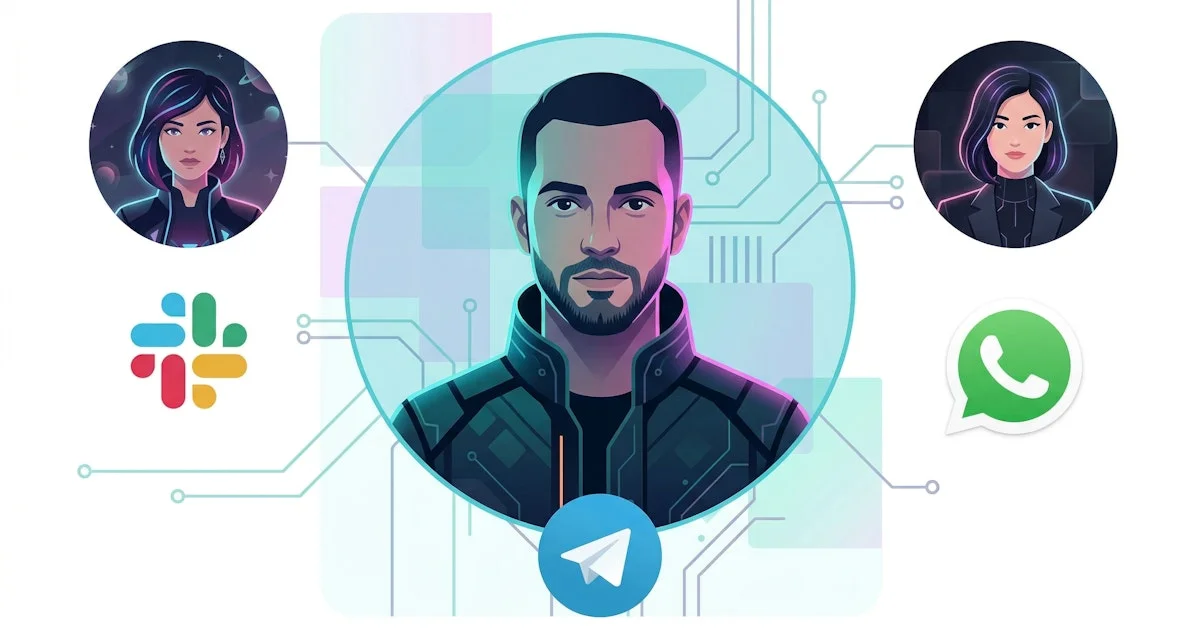
CosmicJS just shipped Team Agents – AI teammates that manage your CMS from Slack, WhatsApp, and Telegram. Here's how the integration works and what it means for content teams.
TL;DR
TL;DR: CosmicJS Team Agents brings AI teammates directly into Slack, WhatsApp, and Telegram — letting your whole team manage CMS content through natural conversation without touching a dashboard.
Source and Accuracy Notes
- Official launch post: cosmicjs.com/blog/introducing-team-agents-and-cosmic-agent
- CosmicJS documentation: cosmicjs.com/docs
- Product: cosmicjs.com
What Is CosmicJS Team Agents?
CosmicJS is a headless CMS platform. Its new Team Agents feature embeds AI agents into your existing communication tools — Slack, WhatsApp, and Telegram — so team members can manage content objects, media, and workflows through chat without logging into the CosmicJS dashboard.
The agent understands your CosmicJS bucket schema, so it can read, write, and organize content based on natural language requests. Multiple agents can run simultaneously, each with different permission levels.
Setup Workflow
Step 1: Create a CosmicJS Account and Bucket
If you do not already have a CosmicJS account:
# Visit cosmicjs.com and sign up with GitHub or email
# Create a new bucket and choose your content model
```bash

### Step 2: Add the Team Agent to Your Channel

From your CosmicJS dashboard:

1. Navigate to **Settings → Team Agents**
2. Click **Add Agent** and select your platform (Slack, WhatsApp, or Telegram)
3. Follow the OAuth flow to authorize the agent to access your channel
4. Configure agent permissions (read-only, editor, admin)

### Step 3: Define Content Scope

Set which object types and buckets the agent can access:

```json
{
  "agent_name": "Content Editor",
  "platform": "slack",
  "permissions": {
    "object_types": ["posts", "media", "authors"],
    "actions": ["read", "write", "publish"]
  }
}
```bash

### Step 4: Start Managing Content via Chat

Once connected, use natural language in your channel:

```text
@cosmic-agent create a new post titled "Q2 Launch Recap" with body text "Our Q2 results exceeded targets..."
@cosmic-agent upload the hero image from https://example.com/hero.jpg
@cosmic-agent list all unpublished posts
@cosmic-agent publish the post titled "Q2 Launch Recap"
Deeper Analysis
Architecture: The agent is powered by the Cosmic Agent API, which wraps your bucket’s REST/GraphQL API with LLM tool-calling. It uses function-calling to map chat intents to content operations — create, read, update, delete, and publish.
Multi-platform: The same agent logic works across Slack, WhatsApp, and Telegram. Platform-specific adapters handle message formatting, attachments, and pagination.
Multi-agent support: You can run several agents on the same bucket with different permission scopes. For example, a “SEO Agent” monitors content for keyword density while a “Media Agent” handles image optimization.
Security model: Agents respect bucket-level API keys and role-based access control. You can scope an agent to read-only or restrict it to specific object types.
Practical Evaluation Checklist
- Connect Slack workspace and send a content creation message
- Verify the agent respects read-only scope on restricted object types
- Test media upload via Telegram bot
- Confirm content appears in the CosmicJS dashboard after chat-based creation
- Check multi-agent concurrency — two agents editing simultaneously
Security Notes
- API keys generated per-agent, not per-user — rotate keys without disrupting users
- Agent actions are logged in the CosmicJS activity feed
- Platform OAuth tokens are stored encrypted at rest
- WhatsApp integration uses the official Meta Business API
FAQ
Q: Do team members need a CosmicJS account to interact with the agent? A: No. The agent works as a bot in your existing communication platform. Permissions are managed through the agent config, not individual CosmicJS accounts.
Q: Can the agent edit content across multiple buckets? A: Yes, if the agent is granted access to multiple buckets. You can configure cross-bucket agents for agency workflows.
Q: What happens if the agent makes an unwanted edit? A: All operations are reversible through the CosmicJS dashboard. The activity log records every agent action with a timestamp and actor ID.
Q: Does this work with custom object types? A: Yes. The agent reads your bucket schema at startup and can handle any custom object type you have defined.
Conclusion
CosmicJS Team Agents closes the gap between content management and the tools teams already live in. Rather than context-switching to a CMS dashboard, anyone on Slack, WhatsApp, or Telegram can create, edit, and publish content through conversation. For content-heavy teams, this removes a meaningful friction point.
If you are already a CosmicJS user, the Team Agents feature is a free upgrade. If you are evaluating headless CMS options, the chat-first workflow is a distinct differentiator worth testing.
Related Posts
ai-setup
Recall – Persistent Memory for Claude Code via MCP Hooks
Recall gives Claude Code a permanent memory store that survives session restarts and context compaction. Four hooks capture and restore context automatically — with cloud SaaS or self-hosted options.
2/28/2026
ai-setup
Sentrial – Catch AI Agent Failures Before Your Users Do
YC W26-backed AI agent observability platform. Trace sessions, detect silent regressions, and A/B test prompts in production before failures reach users.
5/28/2026
ai-setup
IonRouter – Fast Low-Cost AI Inference API
IonRouter is a YC W26 inference API routing open-source and fine-tuned models via an OpenAI-compatible endpoint, built on a C++ runtime optimized for GH200.
5/28/2026