TL;DR
TL;DR: Command Center is an AI coding environment that runs multiple agents (Claude, Codex, Cursor) in parallel, then feeds their output through a refactoring agent that catches deep maintainability issues before you ship.
Source and Accuracy Notes
- Project page: cc.dev
- HN launch thread: news.ycombinator.com/item?id=48453002
What Is Command Center?
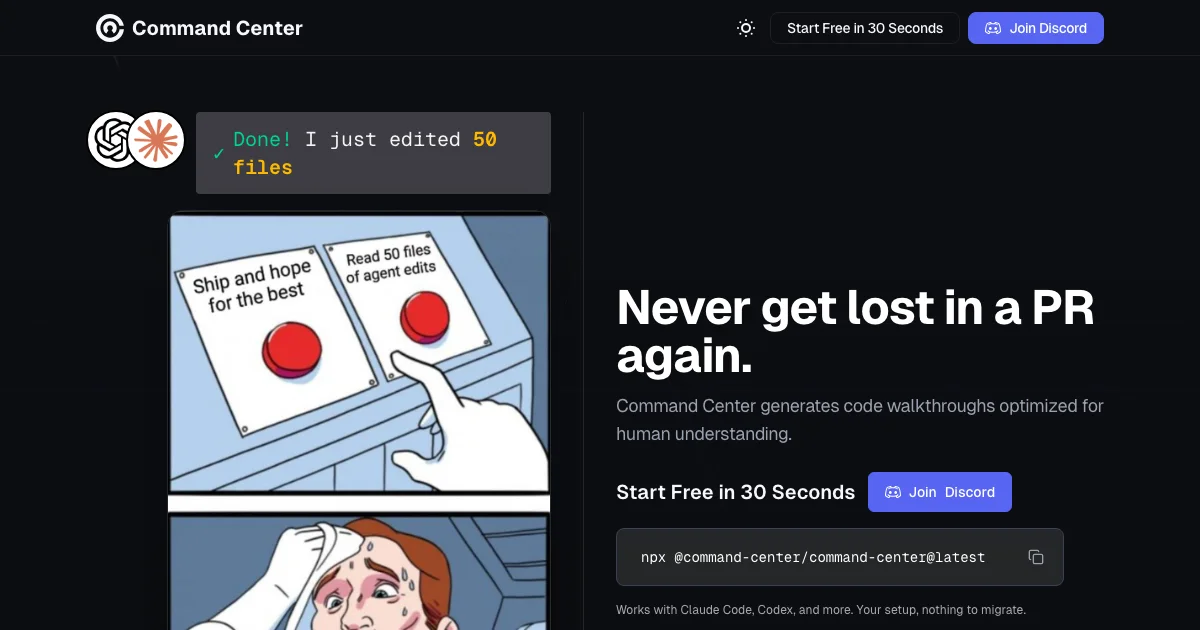
Command Center is a desktop AI coding environment built around a specific thesis: AI can write code 100x faster, but most teams aren’t shipping 100x faster because the review, refactoring, and integration work after generation is still manual and slow.
The product targets developers who use coding agents (Claude, Codex, Cursor) but struggle with the aftermath — large diffs full of AI-generated code that passes tests but is hard to maintain.
From the launch post:
If AI can write code 100x faster, then why aren’t you shipping 100x faster?
The core workflow runs your existing coding agents in parallel across a task, then pipes the output through a dedicated refactoring agent that catches issues a quick human review would miss: duplicate components, hard-coded API keys, host assumptions (e.g., assumes github.com, breaks on GitLab), null dereference race conditions, and long functions that need splitting.
Setup Workflow
Step 1: Download the app
Command Center is a desktop app. The website detects your platform on first load.
# macOS / Linux — download from https://www.cc.dev
# Windows — download from https://www.cc.dev
```bash

### Step 2: Connect your LLM providers

Command Center works with Claude, Codex, and Cursor. No single locked-in provider — you pick per-task.

```bash
# Configure in settings:
# Provider: Claude | Codex | Cursor
# API key: loaded from environment by default
Step 3: Start a task
- Enter a task prompt (same as you would in any coding agent)
- Command Center dispatches your chosen agents in parallel
- Review the aggregated diff in logical (not alphabetical) file order
- The refactoring agent surfaces maintainability issues — duplicate components, hard-coded configs, security issues
- Resolve comments and ship
Key Features
Parallel multi-agent execution
Run Claude, Codex, and Cursor simultaneously on the same task. Each agent works independently; Command Center aggregates the results. Switching between active projects is described as “a keystroke away.”
Refactoring agent
Distinct from the code-generation agents, this agent analyzes the generated diff and produces a comment thread of maintainability issues:
- Duplicate component extraction needed
- LLM provider hard-coded — move to config
- API key committed in source — pull from env
- Assumes github.com — breaks on GitLab / self-hosted git
- Long function needs splitting for human review
- Null dereference on token-refresh race
Each item is resolved individually before the PR is marked ready.
Diff walkthrough
Instead of reading a 2,000-line alphabetical diff, Command Center walks you through changes in logical dependency order. The example in the launch post shows 10,482 lines of generated code reviewed in a structured sequence.
Build + warning tracking
Tracks failed builds and compiler warnings across the full diff, so you don’t discover breakage at merge time.
Practical Evaluation Checklist
- Multi-agent parallel execution with Claude, Codex, Cursor
- Refactoring agent produces actionable comment thread on diff
- Logical diff walkthrough (not alphabetical)
- Build + warning tracking across full generated changeset
- Self-hosted / local option available
- No provider lock-in — use any LLM per task
Security Notes
The refactoring agent explicitly flags one pattern from the launch example: API keys committed in source. Command Center expects API keys to be loaded from environment variables (core/provider.ts pull-from-env pattern shown in the demo).
FAQ
Q: Is this open source? A: The launch post doesn’t specify an open-source license. Check the project page for current licensing terms.
Q: Does it work with self-hosted GitLab or other git hosts? A: Yes — one of the explicitly-cited refactoring checks is “Assumes github.com — breaks on GitLab / self-hosted git.”
Q: How does it compare to using Copilot or Cursor directly? A: Cursor and similar tools focus on single-agent generation. Command Center’s differentiation is the post-generation refactoring pass and the parallel multi-agent aggregation — trying the same task with Claude, Codex, and Cursor simultaneously and reconciling the outputs.
Q: Is there a local/offline option? A: The website lists “Run in local browser” as an option alongside “Use in my existing tool,” suggesting a self-hosted or local mode is available.
Conclusion
Command Center targets a real gap in the AI coding workflow: the mountain of review and refactoring work that follows fast code generation. By running a dedicated refactoring agent over the output of your coding agents, it shifts the bottleneck from “waiting for humans to review” to “agents resolving maintainability issues automatically.” If you spend more time reviewing AI-generated diffs than writing prompts, this is worth evaluating.
Related Posts
ai-setup
Recall – Persistent Memory for Claude Code via MCP Hooks
Recall gives Claude Code a permanent memory store that survives session restarts and context compaction. Four hooks capture and restore context automatically — with cloud SaaS or self-hosted options.
2/28/2026
dev-tools
Automotive Skills Suite for AI Engineering
Evaluate Automotive Skills Suite for APQP, ASPICE, HARA, safety-plan, and DIA workflows with setup notes, governance risks, and SME review guidance.
5/28/2026
dev-tools
awesome-agentic-ai-zh Roadmap Guide
Explore awesome-agentic-ai-zh as a Chinese agentic AI learning roadmap, with setup notes, track selection, study workflow, and evaluation guidance.
5/28/2026