TL;DR
TL;DR: Codebuff is a terminal-based AI coding agent that reads your codebase and modifies files based on natural language instructions — install with one npm command and start using it immediately.
Source and Accuracy Notes
- Official site: https://codebuff.com
- Install:
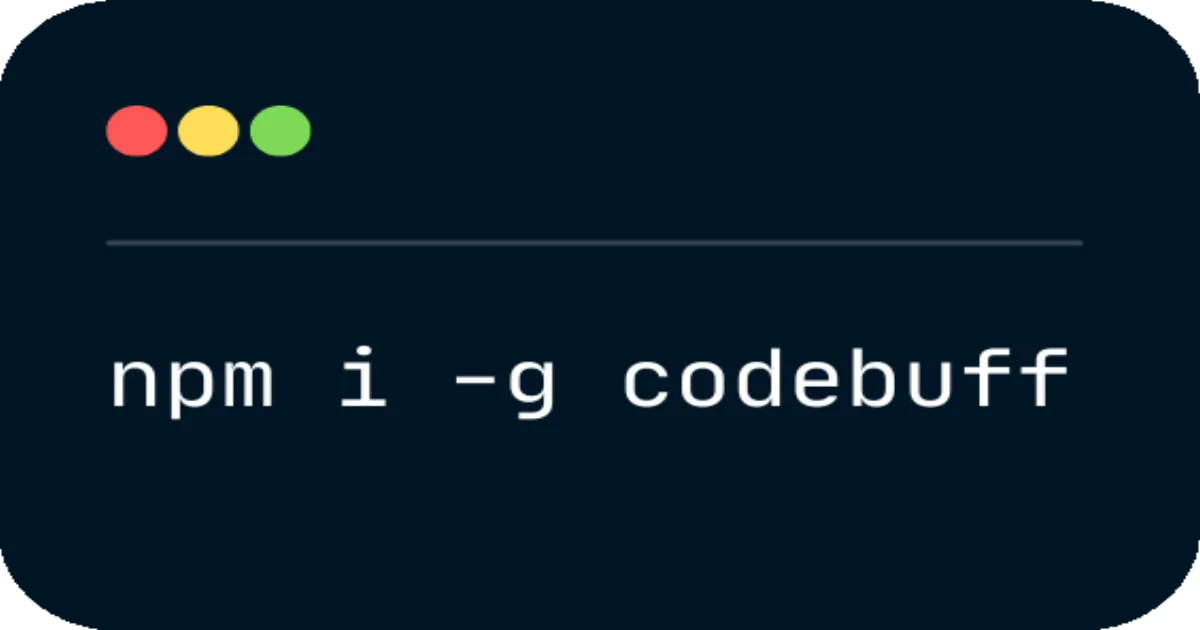
npm i -g codebuff - Launch HN: Launch HN: Codebuff (YC F24) – CLI tool that writes code for you
- No login required; up to $20 in free credits for new accounts
What Is Codebuff?
Codebuff is a command-line AI agent that bridges the gap between natural language intent and actual code changes. Unlike copilots that suggest code in an IDE, Codebuff directly modifies files in your repository based on what you describe. It works entirely in the terminal — no VS Code plugin, no browser-based editor, no GUI required.
The product comes from YC F24 and sits in the same space as Cursor Composer and GitHub Copilot’s workspace features, but with a terminal-first philosophy. You describe a change, and Codebuff reads your existing files, plans the modification, and applies it.
Example workflows:
# Refactor a function across multiple files
codebuff "rename the authenticate_user function to verify_identity and update all call sites"

# Add error handling to an entire module
codebuff "add try-catch blocks with proper error logging to all API handlers"

# Migrate a pattern
codebuff "replace all instances of callback-style async with promise chains"
```bash

Behind the scenes, Codebuff reads your codebase to understand context, generates the appropriate changes, and applies them. The $20 free credit covers a meaningful amount of work — significantly more generous than many comparable tools that gate you behind a login wall immediately.

## Setup Workflow

### Step 1: Install

```bash
npm i -g codebuff
```bash

Requires Node.js 18 or later. No other dependencies.

### Step 2: Run Without Login

```bash
codebuff "your instruction here"
```bash

Codebuff works without authentication for initial use. For persistent projects and context, creating an account gives you more credits and project history.

### Step 3: Connect Your Codebase

Codebuff automatically detects the language and framework by scanning your project structure. For better results, run the command from your project root:

```bash
cd /path/to/your/project
codebuff "explain the auth module and find potential security issues"
The agent reads .git, package.json, and other project files to understand structure before making changes.
Deeper Analysis
How It Compares to GitHub Copilot
Copilot works as a suggestion engine inside your editor — you accept or reject completions. Codebuff takes a more autonomous approach: it reads the full context of a change and applies it directly. For refactoring tasks that span multiple files, this end-to-end execution model is significantly faster.
Context Window and Project Understanding
Codebuff maintains context about your codebase between calls within a session. It doesn’t just look at the file you’re editing — it understands imports, dependencies, and usage patterns. This matters for large refactors where a naive find-and-replace would break things.
Credit System
The free tier ($20) is generous relative to what similar tools charge. A typical refactoring task costs somewhere between $0.10–$0.50 in credits depending on complexity. This means you can get meaningful work done before hitting a paywall.
Limitations
- No multi-player mode: Unlike Cursor, Codebuff is a solo tool. There’s no collaboration or code review integration.
- No persistent context across terminal sessions: Each new session starts fresh.
- Works best with structured codebases: Monorepos and highly modular projects are handled well; very spaghetti-style code may confuse the agent.
- 还不是 autonomous agent: Codebuff executes one instruction at a time rather than chaining multiple steps autonomously.
Practical Evaluation Checklist
- Terminal-based workflow without leaving your shell
- No login required to start using
- Handles multi-file refactoring across a codebase
- Reads project context (dependencies, imports, structure) before modifying
- Credit system with meaningful free tier
- Works with JavaScript, TypeScript, Python, Go, and Rust (primary support)
- No VS Code or IDE plugin required
Security Notes
Codebuff modifies files directly. For production codebases:
- Always review changes with
git diffbefore committing - Run tests after significant modifications
- The agent has full filesystem access within the project directory — use in trusted environments
- Consider using a dedicated service account if integrating into CI/CD pipelines
FAQ
Q: Does Codebuff require an internet connection? A: Yes. The AI model runs on Codebuff’s servers, so an internet connection is required for every operation.
Q: Can it handle non-JavaScript/TypeScript projects? A: JavaScript and TypeScript are primary targets. Python, Go, and Rust are supported to varying degrees. The quality of output depends on codebase complexity and how well-structured the project is.
Q: How does it handle merge conflicts? A: Codebuff doesn’t have built-in merge conflict resolution. If a file changes between the read and write operations, the write may fail and you’ll need to resolve the conflict manually.
Q: Is there an API or programmatic access? A: Codebuff is primarily a CLI tool. API access is available on paid plans for integrating into build pipelines or automation workflows.
Q: How does it compare to using git diff + patch manually?
A: Codebuff automates the entire change-understanding-and-application cycle. Manual patch workflows require you to understand every affected file yourself; Codebuff handles that discovery for you.
Conclusion
Codebuff fills a specific niche: developers who want AI-assisted code modification without switching to a full IDE-based AI environment. The terminal-first approach means it slots into existing shell workflows, and the no-login-free-tier makes it easy to try immediately.
The tool works best for solo developers doing refactoring, boilerplate generation, and pattern migration tasks. If you’re already invested in Cursor or Copilot for interactive coding, Codebuff complements rather than replaces those — it’s a different interaction model (autonomous file modification vs. inline suggestions).
For a quick test: install it, point it at a utility file, and ask it to add comprehensive JSDoc comments. That single command will tell you most of what you need to know about whether Codebuff fits your workflow.
Related Posts
ai-setup
Recall – Persistent Memory for Claude Code via MCP Hooks
Recall gives Claude Code a permanent memory store that survives session restarts and context compaction. Four hooks capture and restore context automatically — with cloud SaaS or self-hosted options.
2/28/2026
dev-tools
Automotive Skills Suite for AI Engineering
Evaluate Automotive Skills Suite for APQP, ASPICE, HARA, safety-plan, and DIA workflows with setup notes, governance risks, and SME review guidance.
5/28/2026
dev-tools
awesome-agentic-ai-zh Roadmap Guide
Explore awesome-agentic-ai-zh as a Chinese agentic AI learning roadmap, with setup notes, track selection, study workflow, and evaluation guidance.
5/28/2026