BuildShip - AI Visual Backend Builder
BuildShip is an AI-powered visual backend builder for creating APIs, CRON jobs, and cloud functions. No-code ease with full code access, built on Google Cloud.
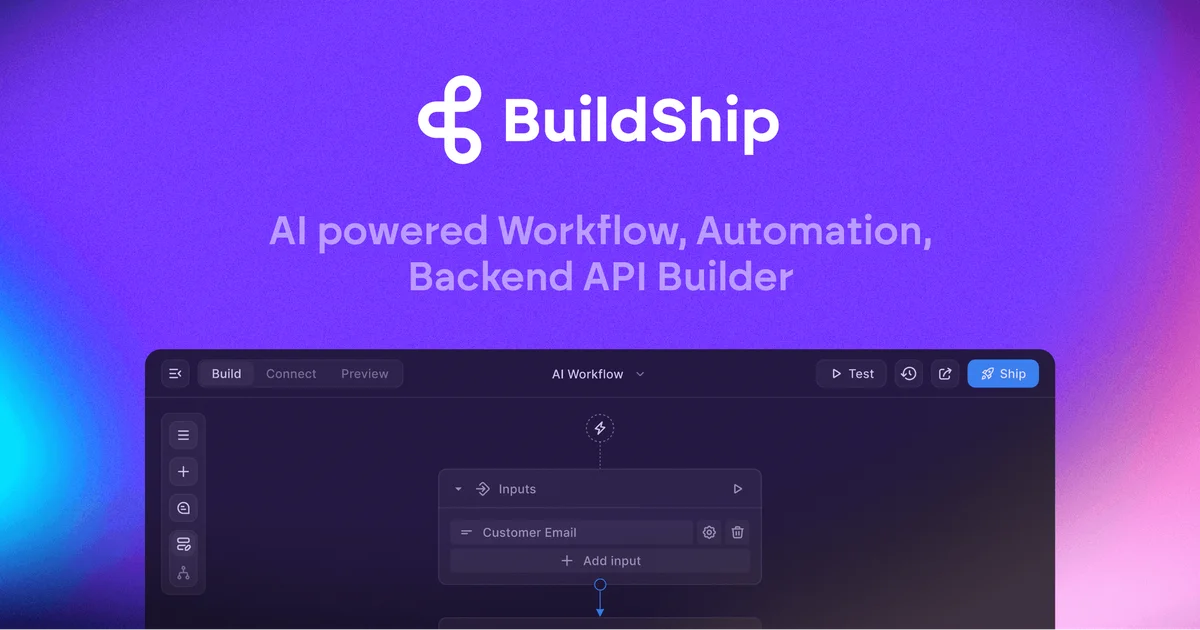
TL;DR
TL;DR: BuildShip is an AI-powered visual backend builder that lets you create scalable APIs, scheduled tasks, and cloud functions without writing boilerplate code, while keeping full JavaScript/TypeScript access when you need it.
Source and Accuracy Notes
- Project page: buildship.com
- Documentation: docs.buildship.com
- HN discussion: Show HN post (September 2023, 19 points)
What Is BuildShip?
BuildShip is a visual backend builder that runs on Google Cloud Platform. According to the official documentation:
BuildShip is an AI-powered visual backend builder that enables you to automate any complex workflow
The platform targets developers and no-code builders who need to create backend infrastructure without managing cloud deployments, DevOps pipelines, or server configuration.
You can build:
- Scalable APIs with HTTP triggers and webhooks
- Scheduled tasks and CRON jobs for recurring workflows
- Backend cloud functions that run on Google Cloud Run
- Database CRUD operations triggered by data changes
- Chatbots for WhatsApp, Telegram, Slack, and Discord
How BuildShip Works
Visual Workflow Builder
BuildShip uses a node-based visual editor where you connect triggers, actions, and logic blocks. Each node represents a step in your workflow, and you can drag-and-drop to build complex backend logic.
The visual interface is no-code friendly, but every node exposes its underlying JavaScript/TypeScript code. You can tweak the generated code or write custom logic when the visual blocks aren’t enough.
Google Cloud Run Infrastructure
BuildShip runs your workflows on Google Cloud Run, which provides:
- Serverless execution (no server management)
- Auto-scaling based on traffic
- Pay-per-use pricing
- Global deployment
According to the docs, BuildShip uses Cloud Run for code execution and supports EventArc-based triggers, HTTP triggers, webhook triggers, and data triggers.
AI-Powered Node Generation
One of BuildShip’s standout features is AI-generated workflow nodes. From the documentation:
If any integration is missing, don’t get stuck - use AI to generate your own workflow nodes
This means if you need a specific API integration that isn’t in the built-in library, you can describe what you need in natural language and BuildShip generates the node for you.
Integrations
BuildShip integrates with a wide range of services:
AI Models:
- OpenAI (GPT-4, DALL-E, etc.)
- Replicate
- Other AI providers via custom nodes
Databases:
- Firebase
- Supabase
- PostgreSQL
- MongoDB
Payment & Communication:
- Stripe
- SendGrid
- WhatsApp Business API
- Telegram Bot API
- Slack API
- Discord API
Productivity:
- Notion
- Google Workspace
Storage:
- Google Cloud Storage
- AWS S3
Search:
- Meilisearch
- Typesense
The platform also provides access to 1M+ NPM packages, so you can import any JavaScript library into your workflows.
Getting Started
Step 1: Create a Workflow
Log into the BuildShip dashboard and create a new workflow. Choose a trigger type:
- HTTP Trigger - Expose your workflow as an API endpoint
- Webhook Trigger - Listen for incoming webhooks from external services
- CRON Trigger - Run on a schedule (e.g., every hour, daily at 9am)
- Data Trigger - React to database changes
Step 2: Add Nodes
Drag nodes from the sidebar onto the canvas. Common node types:
- HTTP Request - Call external APIs
- Database Query - Read/write to connected databases
- AI Model - Send prompts to OpenAI, Replicate, etc.
- Conditional Logic - If/else branches
- Loop - Iterate over arrays
- Custom JavaScript - Write arbitrary code
Step 3: Connect Nodes
Connect the output of one node to the input of the next. Data flows from left to right. You can reference previous node outputs using template variables.
Step 4: Deploy
Click “Deploy” to push your workflow to Google Cloud Run. BuildShip handles:
- Containerization
- SSL certificates
- Domain routing
- Environment variables
Your workflow is now live and accessible via a unique URL.
Code Access and Customization
Every visual node in BuildShip generates JavaScript/TypeScript code. You can:
- View the code - Click any node to see its generated code
- Edit the code - Modify the generated logic directly
- Add custom code nodes - Write from scratch using the full Node.js runtime
- Import NPM packages - Use any of the 1M+ packages in the Node.js ecosystem
This hybrid approach means you’re never locked into the visual editor. Start with no-code blocks, then drop into code when you need more control.
Use Cases
1. API Backend for No-Code Apps
If you’re building a frontend with FlutterFlow, Webflow, Framer, or Bubble, you need a backend. BuildShip lets you create that backend visually, then deploy it to Google Cloud without managing infrastructure.
2. AI-Powered Chatbots
Connect WhatsApp, Telegram, or Slack to AI models like GPT-4. BuildShip handles the webhook routing, message formatting, and AI API calls. You can add database nodes to store conversation history.
3. Scheduled Data Processing
Set up CRON jobs to:
- Sync data between databases every hour
- Send daily email reports
- Clean up expired records
- Generate weekly analytics
4. Payment Webhooks
Listen for Stripe webhooks (payment succeeded, subscription canceled, etc.) and trigger workflows that update your database, send notifications, or provision access.
5. Content Automation
Monitor RSS feeds, scrape websites, or watch for new entries in a database. When new content appears, process it with AI (summarize, translate, extract entities) and push it to other services.
Pricing
BuildShip offers a free tier with limited workflow runs. Paid plans are based on:
- Number of workflow executions
- Compute time (seconds per execution)
- Number of active workflows
Check buildship.com for current pricing.
BuildShip vs Alternatives
BuildShip vs Zapier
Zapier is a general-purpose automation tool with 5000+ app integrations. It’s great for connecting SaaS tools but limited for custom backend logic.
BuildShip is more developer-focused. You get full code access, serverless cloud functions, and the ability to build custom APIs. BuildShip runs on Google Cloud Run, while Zapier runs on Zapier’s infrastructure.
Choose Zapier for simple SaaS-to-SaaS automation. Choose BuildShip when you need custom backend logic, APIs, or cloud functions.
BuildShip vs n8n
n8n is an open-source workflow automation tool you can self-host. It’s highly customizable but requires server management.
BuildShip is a managed service that runs on Google Cloud. You don’t manage servers, but you also don’t have full infrastructure control.
Choose n8n if you want self-hosted and open-source. Choose BuildShip if you want managed infrastructure and AI-powered node generation.
BuildShip vs Make (Integromat)
Make is similar to Zapier but with more visual programming features. It’s good for complex automations but still limited to pre-built integrations.
BuildShip gives you full JavaScript/TypeScript access and 1M+ NPM packages. You’re not limited to pre-built connectors.
Choose Make for no-code automation with many integrations. Choose BuildShip when you need code-level control and custom backend infrastructure.
Practical Evaluation Checklist
Before adopting BuildShip, verify:
- Infrastructure requirements - BuildShip runs on Google Cloud Run. Make sure this fits your compliance and data residency needs.
- Pricing at scale - Free tier is good for testing, but check per-execution costs for high-traffic workflows.
- Integration coverage - BuildShip has many built-in integrations, but verify your specific services are supported or can be added via custom HTTP nodes.
- Code export - If you need to migrate away, understand whether you can export your workflow code or if you’re locked into the platform.
- Team collaboration - Check if the plan you choose supports multiple team members and version control.
- Debugging tools - Visual workflows can be hard to debug. Test the logging and error handling features before committing.
Security Notes
BuildShip runs on Google Cloud Platform, which provides:
- Encryption at rest and in transit - All data is encrypted
- IAM integration - Control access to your Google Cloud resources
- Secret management - Store API keys and credentials securely
- Audit logs - Track who changed what and when
However, you’re responsible for:
- Securing your API keys and credentials
- Validating incoming webhook payloads
- Implementing authentication for your API endpoints
- Following OWASP best practices in custom code nodes
Always use environment variables for secrets, never hardcode API keys in workflow nodes.
FAQ
Q: Is BuildShip open-source?
A: No, BuildShip is a commercial SaaS platform. The documentation repo is open-source, but the platform itself is proprietary.
Q: Can I self-host BuildShip?
A: No. BuildShip is a managed service that runs on Google Cloud Platform. You cannot self-host it on your own infrastructure.
Q: What programming languages are supported?
A: BuildShip workflows use JavaScript and TypeScript. You can write custom code in any Node.js-compatible language.
Q: Does BuildShip support databases?
A: Yes. BuildShip integrates with Firebase, Supabase, PostgreSQL, MongoDB, and other databases. You can perform CRUD operations and listen for data change triggers.
Q: Can I use BuildShip for production workloads?
A: Yes. BuildShip runs on Google Cloud Run, which is designed for production workloads. However, check the pricing and rate limits for your expected traffic volume.
Q: How does BuildShip handle errors?
A: BuildShip provides error handling nodes that let you catch failures, retry operations, and send notifications when workflows fail. You can also add custom error handling logic in JavaScript.
Q: Is there a free tier?
A: Yes. BuildShip offers a free tier with limited workflow runs per month. This is good for testing and small projects. Paid plans are available for higher usage.
Conclusion
BuildShip fills a specific gap in the backend development workflow: it lets you build serverless APIs, scheduled tasks, and cloud functions using a visual interface, while keeping full code access when you need it.
The platform is best suited for:
- No-code app builders (FlutterFlow, Webflow, Bubble) who need a backend
- Developers who want to prototype backend logic quickly without managing infrastructure
- Teams building AI-powered chatbots or automation workflows
- Startups that need to ship backend features fast without hiring DevOps engineers
The trade-off is vendor lock-in. BuildShip runs on Google Cloud, and your workflows are tied to their platform. If you need full infrastructure control or self-hosting, consider n8n or building directly on Cloud Run.
For the right use case, BuildShip can cut backend development time from days to hours.
Related Posts
ai-setup
Recall – Persistent Memory for Claude Code via MCP Hooks
Recall gives Claude Code a permanent memory store that survives session restarts and context compaction. Four hooks capture and restore context automatically — with cloud SaaS or self-hosted options.
2/28/2026
dev-tools
Automotive Skills Suite for AI Engineering
Evaluate Automotive Skills Suite for APQP, ASPICE, HARA, safety-plan, and DIA workflows with setup notes, governance risks, and SME review guidance.
5/28/2026
dev-tools
awesome-agentic-ai-zh Roadmap Guide
Explore awesome-agentic-ai-zh as a Chinese agentic AI learning roadmap, with setup notes, track selection, study workflow, and evaluation guidance.
5/28/2026