TL;DR
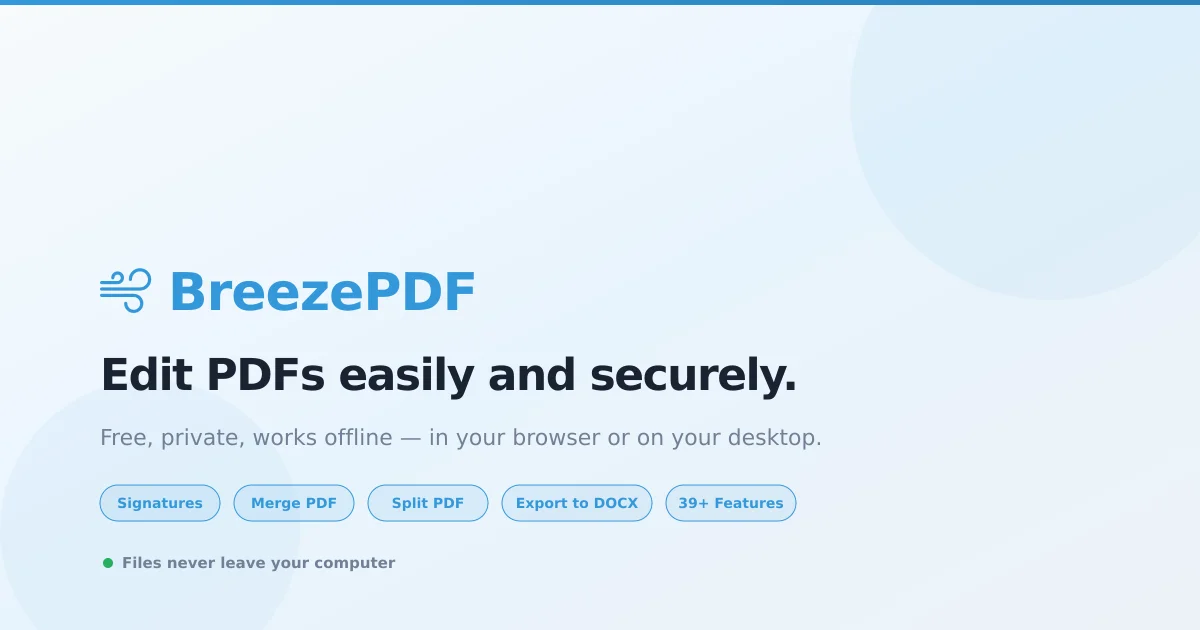
TL;DR: BreezePDF is a browser-based PDF editor with 39+ tools — edit text, merge files, add signatures, export to DOCX — all processed locally on your device, never touching any server.
Source and Accuracy Notes
- Project page: breezepdf.com ← visited and verified
- HN launch thread: news.ycombinator.com/item?id=47563103 ← verified via HN Algolia API
- License: Free tier (web editor) + paid Pro subscription. No open-source license advertised.
What Is BreezePDF?
BreezePDF is a privacy-first PDF editor that runs entirely in your browser using client-side JavaScript. It handles editing, merging, signing, converting, and more — without uploading your documents to any server.
The product positions itself around three pillars:
- Privacy — files never leave your device
- Features — 39+ tools covering editing, conversion, security, and automation
- Pricing — free tier with 3 downloads per month; Pro desktop app unlocks unlimited downloads, OCR, and CLI tools
Core Features
Editing Tools
- Add and edit text anywhere on a PDF page
- Insert images (JPG/PNG) with full positioning control
- Freehand drawing, shapes, lines, arrows
- Strikethrough, underline, text highlight
- Find and replace text across the document
- Watermarks, page numbers, crop, rotate
Conversion & Export
- Export PDF to editable DOCX (Word)
- Export tables to CSV
- OCR for scanned documents (desktop Pro only)
Organization & Security
- Merge multiple PDFs into one
- Split PDFs by page ranges or extract specific pages
- Reorder and delete pages with drag-and-drop
- Password protect PDFs with AES-256 encryption
- Redact and whiteout sensitive content
- Compress PDFs to reduce file size
Forms & Signatures
- Create fillable form fields (text inputs, checkboxes, radio buttons, dropdowns)
- Digital signatures — draw, type, or upload your signature
- Digital certificates support
Automation (Pro)
- Batch processing
- Mail merge
- CLI tools for terminal-based batch workflows
Setup Workflow
BreezePDF requires no installation for the web editor. The free tier works immediately in any modern browser.
Step 1: Open the Editor
Navigate to breezepdf.com and click Open Editor. No account or email required.
Step 2: Upload Your PDF
Click the upload area or drag-and-drop your PDF file. Because processing is client-side, your file stays in your browser tab throughout the session.
Step 3: Use Any of the 39+ Tools
Select a tool from the toolbar — text editing, signatures, merge, export, etc. Changes are applied in memory. Download when ready.
Step 4: Download or Go Pro
Free users get 3 downloads per month. The Pro subscription ($12/month) includes:
- Unlimited downloads
- Desktop app (macOS, Windows, Linux) — works offline after install
- CLI tools for batch automation
- OCR text recognition
Practical Evaluation Checklist
- Works entirely in-browser (verified on breezepdf.com)
- No account required for basic use (verified)
- Free tier available (3 downloads/month)
- DOCX export supported (listed in features)
- Digital signatures supported (listed in features)
- Merge and split PDFs (listed in features)
- Password protection (listed in features)
- Dark and light mode (verified in page content)
- Offline mode after initial load (stated on site)
- Desktop app available (Pro tier, macOS/Windows/Linux)
Security Notes
BreezePDF explicitly states that all processing happens locally in your browser. Files are never uploaded to their servers. No tracking, no analytics on documents, no third-party access.
For the free web tier, this claim is verifiable: the entire toolset runs as client-side JavaScript. The Pro desktop app installs locally and similarly processes files offline.
That said, if you handle highly sensitive legal or medical documents, consider running the desktop app on an air-gapped machine rather than relying on the browser version.
FAQ
Q: Is BreezePDF actually free? A: Yes. The web editor is free with a limit of 3 downloads per month. Beyond that, the Pro subscription ($12/month) adds unlimited downloads, a desktop app, CLI tools, and OCR.
Q: How is my privacy protected? A: The site explicitly states that files are processed locally in your browser via JavaScript. Nothing is uploaded to BreezePDF’s servers. The free tier has no server-side component for document processing.
Q: Can I use BreezePDF offline? A: The web editor requires an internet connection for the initial page load. After that, the page works offline (service worker caching). The Pro desktop app works fully offline.
Q: What file formats does it export to? A: PDF to DOCX (Word) and PDF to CSV are confirmed. The Pro tier also includes OCR text recognition for scanned documents.
Q: Does it support digital signatures? A: Yes — you can sign PDFs by drawing, typing, or uploading your signature. Digital certificates are also supported on the Pro plan.
Conclusion
BreezePDF fills a genuine gap: a capable, multi-tool PDF editor that respects your privacy by running entirely client-side. The free tier is practical for occasional use (3 downloads/month), and the Pro plan at $12/month adds real value for power users who need unlimited downloads, desktop offline access, and batch CLI automation.
The feature depth is unusual for a browser-only tool — 39+ functions covering editing, forms, signatures, conversion, and security. If you’ve been reaching for Adobe Acrobat for anything beyond basic viewing, BreezePDF is worth a try first.
Related Posts
review
Mosaic – Agentic Video Editing With a Node-Based Canvas
Mosaic lets you build and run multimodal AI video editing agents on a node-based canvas. Upload raw footage, design a workflow, and let AI handle the heavy.
5/28/2026
review
Kita – VLM-Powered Credit Review Automation
Kita uses vision-language models to automate document-based credit review for lenders in emerging markets, parsing 50+ document types from PDFs to photos.
5/29/2026
review
Karumi – AI Product Demos That Personalize at Scale
Karumi uses AI agents to deliver instant, personalized product demos to every visitor — zero humans, any language, fully automated. Here's how it works and.
5/29/2026