BetterWispr: open-source dictation for macOS
BetterWispr is a free, open-source macOS dictation app that transcribes speech on-device, strips filler words, and types into any app you use.
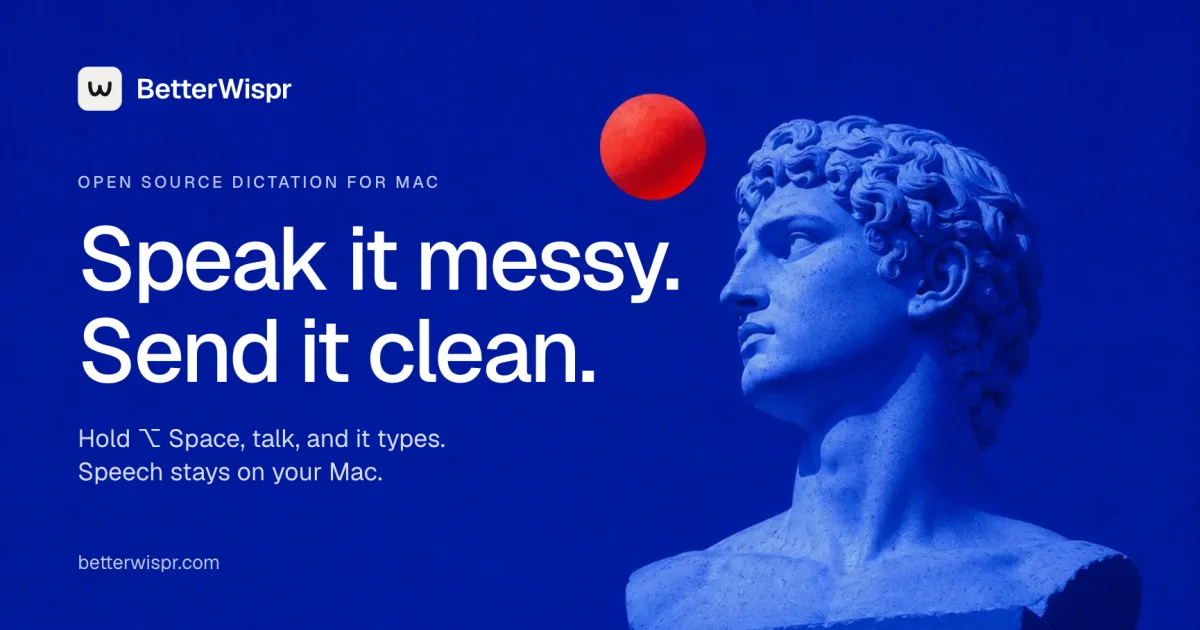
TL;DR: BetterWispr is a free, open-source dictation app for macOS that transcribes your speech locally and pastes cleaned-up text into whatever app you were already typing in. Hold Option and Space, speak, release. Models run on-device (Apple speech, Parakeet, Whisper), so audio stays on your Mac unless you deliberately point it at an API. The repo is Swift and Apache-2.0, and it is a credible open-source alternative to Wispr Flow.
What it is
BetterWispr is a menu-bar dictation app for macOS 14 and later. Hold Option and Space in any app, talk, and the text lands in the field you were already focused on, with filler words removed and your wording intact. You can switch it to press-to-toggle instead, record any shortcut with Command, Option or Control, or use a function key on its own.
Two layers sit under the hood. The first is on-device speech-to-text using Apple built-in speech recognition, NVIDIA Parakeet or Whisper large-v3 turbo through WhisperKit. The second is a cleanup pass that strips “ums”, repeats and false starts, applies a different tone per application, and learns the vocabulary you correct.
The code lives at github.com/opennookorg/betterwispr, written in Swift and SwiftUI under the Apache-2.0 license. It reached 418 stars and 32 forks in the two weeks after the Show HN launch, and the maintainer was still pushing commits on 2026-10-20.
Why it matters
Dictation on macOS has always forced a trade-off. Apple’s built-in engine is local and free, but it transcribes exactly what you said, filler words included. The polished third-party options are cloud services that bill monthly and ship your microphone audio to someone else’s servers.
BetterWispr sits in that gap. The default path needs no account and no API key. Your audio goes to a model running on your Mac, that model downloads once, and after that the app works with the network off. The Makefile even ships an offline-test target that transcribes a sample clip with networking denied, which is the kind of check you rarely see in a consumer app.
For developers the interesting part is the MCP server. BetterWispr can expose your meeting notes and transcripts to Claude Code, Claude Desktop, Cursor and anything else that speaks MCP. It is read-only, and it is off until you switch it on.
Getting it running
There is no Homebrew cask, so you pull the DMG from GitHub Releases. Separate builds exist for Apple Silicon and Intel.
# List what the latest release ships
curl -s https://api.github.com/repos/opennookorg/betterwispr/releases/latest \
  | python3 -c "import json,sys; r=json.load(sys.stdin); print(r['tag_name']); [print(a['name'], a['browser_download_url']) for a in r['assets']]"

# Apple Silicon build
curl -L -o ~/Downloads/BetterWispr-arm64.dmg \
  https://github.com/opennookorg/betterwispr/releases/latest/download/BetterWispr-arm64.dmg

# Mount, copy to Applications, unmount
hdiutil attach ~/Downloads/BetterWispr-arm64.dmg
VOL=$(ls -d /Volumes/BetterWispr* | head -1)
cp -R "$VOL/BetterWispr.app" /Applications/
hdiutil detach "$VOL"
On first launch the welcome guide walks you through the setup that matters:
- Pick a model under Models. Apple on-device needs no download; Parakeet and Whisper download once, then work offline.
- Grant Microphone access, and Accessibility access so BetterWispr can paste into the app you came from.
- Click into any text field, hold Option and Space, speak, and release.
- If paste stops working after an update, the README’s fix is to remove and re-add BetterWispr under System Settings, Privacy and Security, Accessibility.
If you would rather read the code than trust a binary, the repo builds with Swift on macOS:
git clone https://github.com/opennookorg/betterwispr.git
cd betterwispr
make dev      # runs the test suite, then launches the debug build
The cleanup layer
This is the part that separates BetterWispr from raw transcription. Three styles control how much editing happens.
| Style | What it does |
|---|---|
| None | Keeps every word you said |
| Light (default) | Drops English “ums”, repeats and false starts |
| Medium | Also edits for clarity, using your notes model |
Light is purely local and needs nothing else. Medium needs a notes model, which can be Apple Intelligence, a local Ollama install, or the built-in Qwen3.5 2B that BetterWispr offers to download (1.28 GB, about 1.5 GB of memory while it works, and it frees itself after five idle minutes).
Tones are set per application, so a personal chat can stay casual while email stays formal. Tones apply to English only.
Vocabulary is learned rather than configured once. You add names and jargon as spelling hints and phrase replacements, and when you fix a misheard word in History or right after a paste, the corrected spelling is used next time. The site walks through it with a line like “Shipping the export on Friday”, where a garbled “gres” becomes “Postgres”.
Voice commands cover the punctuation you would otherwise stop and type:
- “comma”, “question mark” and “new paragraph” insert punctuation while you talk.
- “scratch that” deletes the last sentence.
- “sorry, remove that” does the same thing as a slightly longer form of it.
Models you can point it at
| Model | Coverage | Needs a download |
|---|---|---|
| Apple on-device | Whatever your OS speech assets support | No |
| Parakeet v3 | 25 European languages | Once, then offline |
| Parakeet v2 | English | Once, then offline |
| Whisper large-v3 turbo | Broadest coverage | Once, then offline |
| Sarvam AI, Smallest AI, OpenAI-compatible | Depends on the endpoint | Your API key |
Keys are stored in the macOS Keychain. BetterWispr never silently falls back to a cloud provider: if a local model is selected, that is what runs.
Meeting notes, Ask, and MCP
The Notetaker records your microphone as “Me” and the other side as “Them”, then a notes model writes the summary, decisions and action items. It can read the event title and invitee list from Calendar, which also helps the speech model recognise names. Long recordings are cut at the quietest moment every 30 to 60 seconds, and the project measured 1,233 wrong words out of 12,592 on three TED talks that way, against 1,282 sending the whole file at once.
Ask lets you question a meeting and get answers that cite the transcript lines they came from, so you can jump straight to the moment in question.
Connected apps is the MCP integration, and it stays off until you enable it:
# The server that Claude Code and Cursor connect to
BetterWispr --mcp
Settings shows the exact line to run, plus a snippet for Claude Desktop and Cursor. Connected apps can only read your meetings, never change them. The boundary the README draws is worth repeating: BetterWispr itself sends nothing over the network, but an app you connect sends whatever it reads to its own AI provider.
What to watch for
The project is young. The repository was created on 2026-10-07, the newest published DMG is v0.1.5 from 2026-10-12, and the changelog already lists 0.1.6. Expect rough edges, and read the release notes before upgrading.
Settings, vocabulary and history live in ~/Library/Application Support/BetterWispr/workspace.json, and that file is not encrypted. Audio is written to temporary files and deleted after each recording, but history is a different matter, and it can be turned off.
Medium style, meeting summaries and Ask all depend on a notes model. Apple Intelligence means a recent Mac, and Ollama means installing and running a local server yourself. The built-in Qwen model is the path with the fewest moving parts, at the cost of a 1.28 GB download.
Media transcription pulls in yt-dlp. BetterWispr installs it only when you click Install and checks it against its published checksum first, but YouTube links work best with Deno present on the machine.
Source and Accuracy Notes
- Project page: https://betterwispr.com, verified by direct visit on 2026-10-23
- Source repository: https://github.com/opennookorg/betterwispr (Apache-2.0, Swift and SwiftUI)
- HN launch thread: https://news.ycombinator.com/item?id=50042333 (220 points, 128 comments)
- Star count, release version, model list and changelog entries were read from the GitHub API on 2026-10-23 and may have moved since
Related Posts
dev-tools
Automotive Skills Suite for AI Engineering
Evaluate Automotive Skills Suite for APQP, ASPICE, HARA, safety-plan, and DIA workflows with setup notes, governance risks, and SME review guidance.
5/28/2026
dev-tools
awesome-agentic-ai-zh Roadmap Guide
Explore awesome-agentic-ai-zh as a Chinese agentic AI learning roadmap, with setup notes, track selection, study workflow, and evaluation guidance.
5/28/2026
dev-tools
Baguette iOS Simulator Automation Guide
Set up Baguette for iOS Simulator automation, web dashboards, device farms, gesture input, streaming, and camera testing with Xcode caveats.
5/28/2026